Paramount Plus works through an activation step that links your streaming device to your account. Instead of typing your email and password on a TV remote, you install the app on your device, grab a short activation code from the screen, and enter it at paramountplus.com/activate on your phone or computer. The device connects to your account within seconds.

This guide covers the full activation process for Roku, Firestick, Samsung, LG, Sony Smart TVs, Apple TV, Xbox, and PlayStation. It also includes the 2026 subscription plan details, device compatibility, and fixes for the most common activation problems.
What You Need Before Activating Paramount Plus
Before you start, confirm you have all of the following:
- An active Paramount Plus subscription (Essential or Premium)
- A compatible streaming device with a stable internet connection
- The Paramount Plus app installed on that device
- A smartphone, tablet, or computer to open the activation page
If your internet connection is slow or unstable, the activation code may fail to load or expire before you can enter it. Fix your connection first, then proceed.
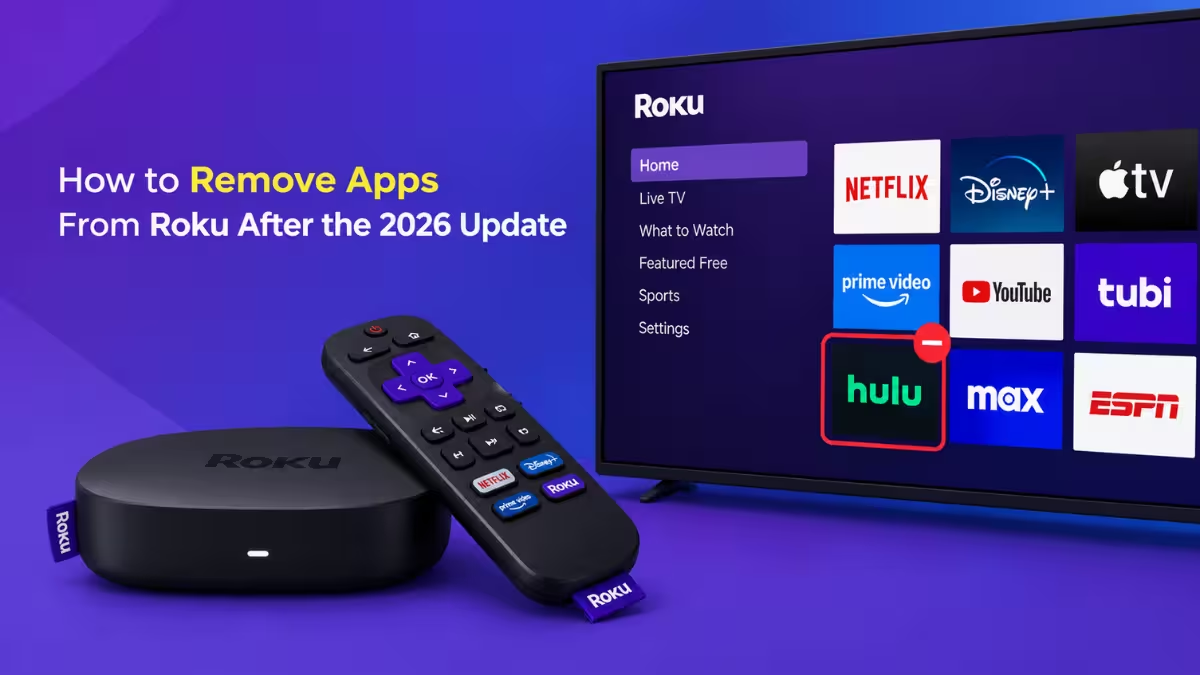
How to Activate Paramount Plus on Roku
Roku devices are among the most widely used platforms for streaming. The Paramount Plus app is available directly from the Roku Channel Store.
- Turn on your Roku device and go to the home screen.
- Open the Streaming Channels section and search for Paramount Plus.
- Select Add Channel and wait for the installation to complete.
- Launch the Paramount Plus app.
- Select Sign In and choose the Activate with Code option.
- Note the activation code displayed on your TV screen.
- On your phone or computer, go to paramountplus.com/activate/roku.
- Sign in to your Paramount Plus account.
- Enter the code and click Activate.
Your Roku device refreshes automatically and loads the Paramount Plus home screen. If the app does not refresh, close it and reopen it.
How to Activate Paramount Plus on Firestick
Amazon Firestick and Fire TV devices support Paramount Plus through the Amazon App Store.
- From the Firestick home screen, go to the Amazon App Store.
- Use the search bar to find Paramount Plus.
- Select the app and click Get to download and install it.
- Open the Paramount Plus app.
- Select Sign In.
- Copy the activation code shown on your screen.
- On another device, visit paramountplus.com/activate/firetv.
- Log in to your account, enter the activation code, and click Activate.
Your Firestick logs in automatically once the code is confirmed. If the screen does not update, restart the app.
How to Activate Paramount Plus on Samsung, LG, or Sony Smart TV
Most Samsung Smart TVs from 2017 and later (Tizen OS), LG TVs running webOS, and Sony TVs running Android TV support the Paramount Plus app. If your TV is older than 2017, use a Roku stick or Firestick instead.
- Open the app store on your Smart TV. This varies by brand:
- Samsung: Smart Hub or Samsung Apps
- LG: LG Content Store
- Sony/Android TV: Google Play Store
- Search for Paramount Plus and install the app.
- Launch the app from your TV.
- Select Sign In and choose the activation code option.
- Note the code on your screen.
- On your phone or computer, open your mobile browser and go to paramountplus.com/activate.
- Sign in, enter the code, and confirm.
The TV app refreshes and connects to your account. If you see an error, check that your TV's software is up to date and retry.
How to Activate Paramount Plus on Apple TV
Apple TV (3rd generation and later) supports Paramount Plus through the App Store.
- Power on your Apple TV and open the App Store.
- Search for Paramount Plus and select Get to install it.
- Launch the app.
- Select Sign In.
- Copy the activation code displayed on your Apple TV screen.
- On your phone or computer, go to paramountplus.com/activate/appletv.
- Log in to your account, type the code into the field, and click Activate.
Your Apple TV loads the Paramount Plus library automatically. If the activation code is not working, generate a new one by going back to the app's sign-in screen.
How to Activate Paramount Plus on Xbox
Paramount Plus is available on Xbox One, Xbox Series X, and Xbox Series S through the Microsoft Store.
- Turn on your Xbox and open the Microsoft Store.
- Search for Paramount Plus.
- Download and install the app.
- Launch the Paramount Plus app from your Xbox menu.
- Select Sign In and then choose Activate.
- Write down the activation code shown on your screen.
- On your phone or computer, go to paramountplus.com/activate/xbox.
- Sign in, enter the code, and click Activate.
Your Xbox connects to the service within seconds. If the Xbox app is not working after activation, restart the console and relaunch Paramount Plus.
How to Activate Paramount Plus on PlayStation
Paramount Plus supports PlayStation 4 and PlayStation 5 through the PlayStation Store.
- Go to the PlayStation Store on your console.
- Search for Paramount Plus and select Download.
- Wait for the installation to finish, then launch the app.
- If you do not have a Paramount Plus account yet, create one before proceeding.
- Select Sign In and copy the 5-digit activation code from your screen.
- On another device, open a browser such as Chrome or Firefox and go to paramountplus.com/activate/playstation.
- Enter the activation code in the blank fields.
- Click Activate and wait a few seconds for the page to refresh.
Your PlayStation is now connected. You can watch all available Paramount Plus content directly on your console.
Paramount Plus Subscription Plans (2026)
| Plan | Monthly Price | Ads | Key Features |
|---|---|---|---|
| Paramount+ Essential | $7.99/month | Ad-supported | 40,000+ episodes and movies, 3 simultaneous streams, NFL on CBS, UEFA Champions League, select Showtime series |
| Paramount+ Premium | $12.99/month | No ads (except live TV) | Everything in Essential, plus 4K UHD / Dolby Vision / HDR10, download for offline viewing, CBS live stream, full Showtime library |
Annual plans are available for both tiers at a reduced rate. The Premium plan is the better choice if you want to stream in 4K or watch CBS live.
Compatible Devices for Paramount Plus
| Platform | Supported Models |
|---|---|
| Roku | All Roku streaming sticks and Roku TVs |
| Amazon Fire TV | Fire TV Stick, Kindle Fire (Fire OS 4+, 2014 or later) |
| Android TV | Sony Bravia, Hisense, Xiaomi Mi Box, NVIDIA Shield, LeEco, Android 7.0+ phones and tablets |
| Apple TV | Apple TV 3rd generation and later, iPhone/iPad (iOS 14+) |
| Xbox | Xbox One, Xbox Series X, Xbox Series S |
| PlayStation | PlayStation 4, PlayStation 5 |
| Computers | Windows 10 or later, macOS X 10.10 or later |
Activation Code Not Working on Paramount Plus
The most common reason an activation code fails is that it expired. Paramount Plus activation codes are time-sensitive and expire after 15 minutes.
Steps to fix an expired or invalid activation code:
- Go back to the Paramount Plus app on your device.
- Return to the sign-in screen and select Activate with Code again.
- A new code generates immediately.
- Enter the new code at paramountplus.com/activate right away, without delay.
If the code shows as invalid but has not expired, double-check that you entered every digit correctly. Codes are case-sensitive on some devices.
Paramount Plus Activation Problems and How to Fix Them
1. Activation code not showing on TV
A slow internet connection or an outdated app version prevents the code from loading. Restart your TV and check for app updates in your device's app store. If the code still does not appear, uninstall the app, reinstall it, and try again.
2. Device not refreshing after activation
Close the Paramount Plus app completely and reopen it. If the screen still shows the activation prompt, restart your device.
3. Signing in with the wrong account
Make sure you sign in to paramountplus.com/activate with the same email address that holds your active subscription. Using a different account means the activation will link to an account without a plan.
4. Activation page showing a login loop in your browser
Clear your browser cache and cookies or switch to a private/incognito window. Use only the official activation URL and avoid third-party sites that mimic the Paramount Plus page.
5. Paramount Plus app crashing before the code appears
Uninstall and reinstall the app. If the problem persists on a Smart TV, check whether your TV model is on the compatible devices list above. Older Smart TV models may need a Roku or Firestick to run Paramount Plus.
6. Forgot your Paramount Plus password
Go to paramountplus.com/account/forgotpassword on a browser and enter the email address linked to your account. Paramount Plus sends a reset link to that address. Check both your inbox and spam folder. Reset links expire in 15 minutes, so open the email promptly. When creating a new password, use at least 19 characters with a mix of uppercase, lowercase, numbers, and symbols.
Frequently Asked Questions
What is paramountplus.com/activate?
It is the official page where you enter the activation code from your TV or streaming device to link it with your Paramount Plus account.
How many digits is the Paramount Plus activation code?
The code is either 5 digits or 8 digits depending on your device. Roku and Firestick typically show a 5-digit code. Apple TV commonly shows an 8-digit code.
Do I need a separate subscription for each device?
No. One active Paramount Plus subscription covers all your devices. Activation only links each device to the same account. The number of simultaneous streams depends on your plan.
Can I activate Paramount Plus on multiple devices?
Yes. You can activate as many devices as you want under one account. Simultaneous streaming limits apply per subscription tier.
Why does my activation code keep expiring?
Codes expire after 15 minutes for security reasons. If you are running into repeated expirations, open the activation website on your phone before you launch the app on your TV, then generate the code and enter it immediately.
Can I activate Paramount Plus if I subscribe through a cable provider like Xfinity or Spectrum?
Yes. On the Paramount Plus app, select Sign In and then choose With a TV Provider. Visit paramountplus.com/activate, select your provider, and log in using your cable credentials.
Is Paramount Plus available outside the United States?
Paramount Plus is available in select countries. If you are traveling, regional availability may vary. Always use the activation URL displayed on your device screen, as some regions use a country-specific version of the activation page.
Related Guides
- How to Fix Tubi Error RO-2-100-404 (Streaming Playback Fix Guide)
- How to Fix HBO Max Error Code 1400500 (Streaming Playback Error Guide)
- Quick Fix for Netflix TVQ-RND-100 Error on TV & Streaming Devices
- Roku Error 004: How to Fix Streaming Issues in 5 Minutes
- How to Fix Hulu Error Code P-TS207: 8 Proven Ways to Solve Streaming Issues Instantly