Windows 11 supports pen input, touch screens, and high resolution displays well, which makes it a solid platform for digital art. Picking the right app depends on whether the goal is comic art, vector illustration, realistic painting, or quick sketching.
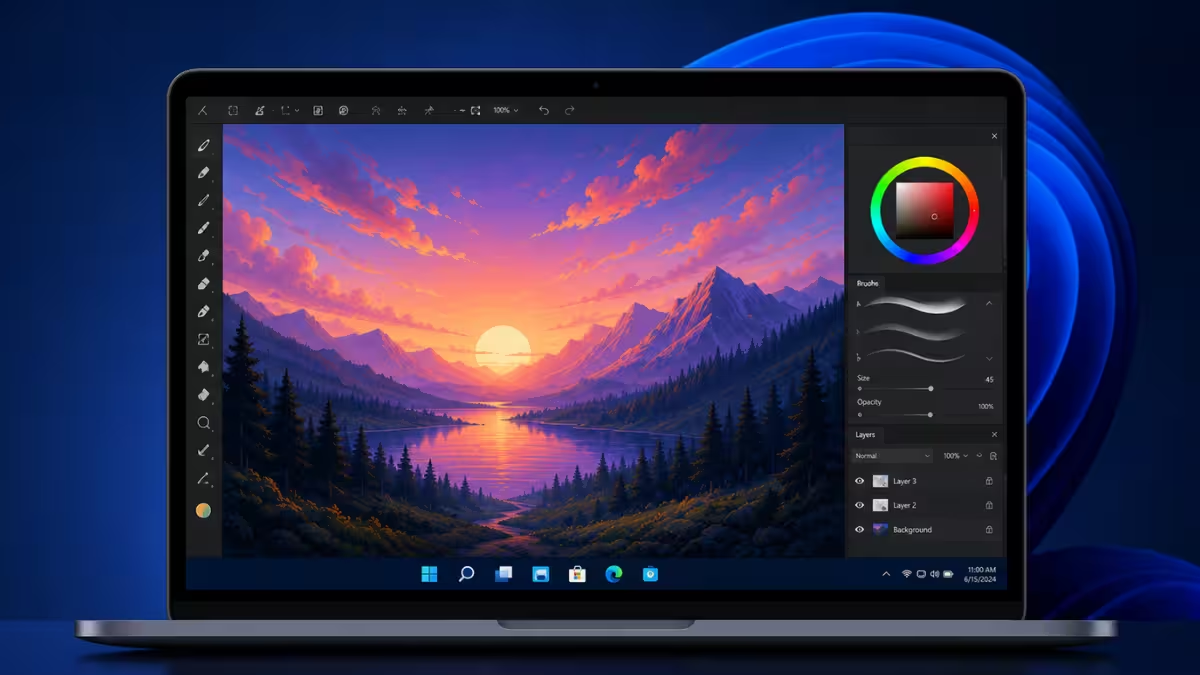
This list covers 7 drawing apps that work reliably on Windows 11, along with what each one does best, its standout features, and where it falls short.
Match the App to Your Art Style First
The right app depends on the type of art being created and the hardware being used.
Comic and manga artists need panel templates and screentone support. Illustrators working with logos or vector graphics need path based tools instead of raster brushes. Painters who want realistic blending need a large brush engine with pressure sensitivity, and animators benefit from apps that support basic frame by frame tools.
Budget also matters since some tools charge a recurring subscription while others use a single purchase or stay free permanently. System resources are worth checking too, since a few of these apps demand a fairly powerful machine to run smoothly. Anyone using a graphics tablet or a touchscreen laptop should also confirm pressure sensitivity support before committing to a paid app.
1. Adobe Photoshop
Adobe Photoshop is the most recognized name in digital art software, used by graphic designers, digital painters, and photo editors alike. Its brush engine covers everything from realistic paint textures to abstract effects, and it handles multiple layers without losing earlier work in the process.
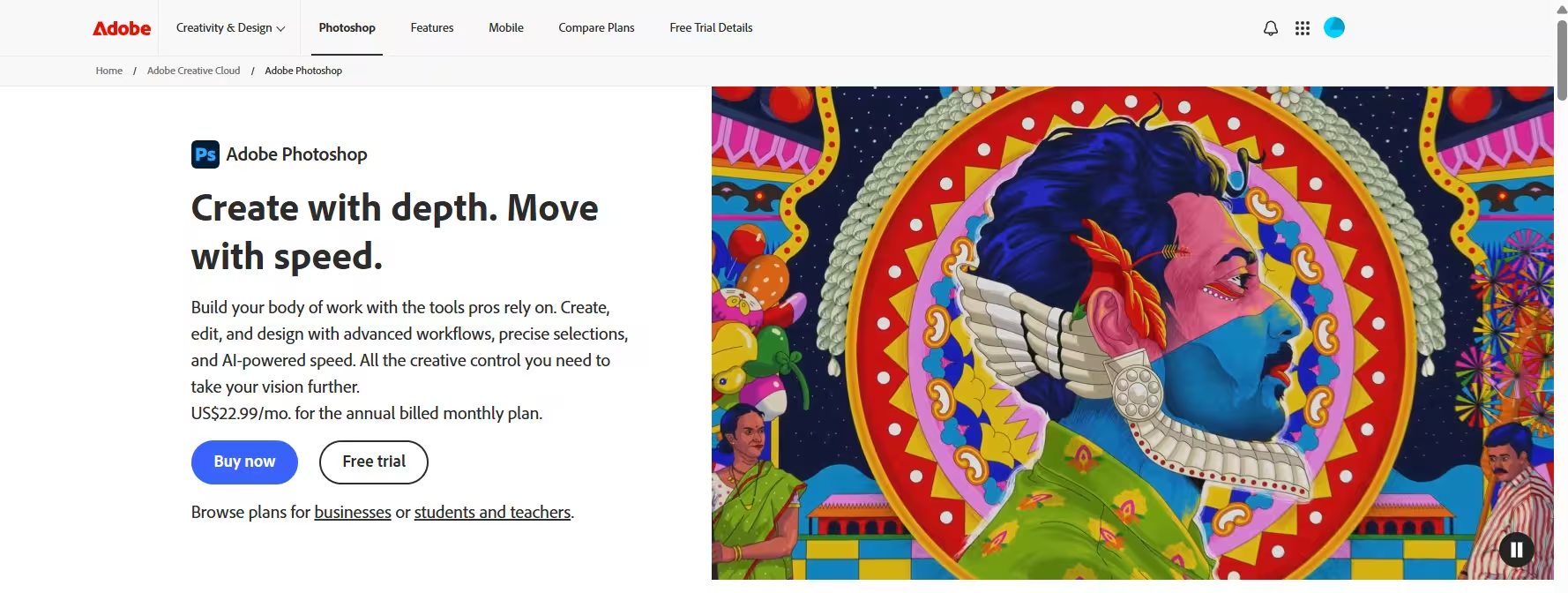
Photoshop also integrates text and vector tools directly into the canvas, so typography based designs do not need a separate app. High resolution canvas support makes it usable for print projects, not just screen based art.
Pros:
- Industry standard with a massive user community and extensive tutorials
- Regular updates add new tools and performance improvements
- Works seamlessly with other Adobe apps like Illustrator
Cons:
- Runs on a recurring subscription rather than a one time purchase
- Steep learning curve for artists new to the interface
2. Clip Studio Paint
Clip Studio Paint is built for comic, manga, and animation work. It switches between vector and raster layers on the same canvas, which helps when a project mixes clean line art with painted shading.
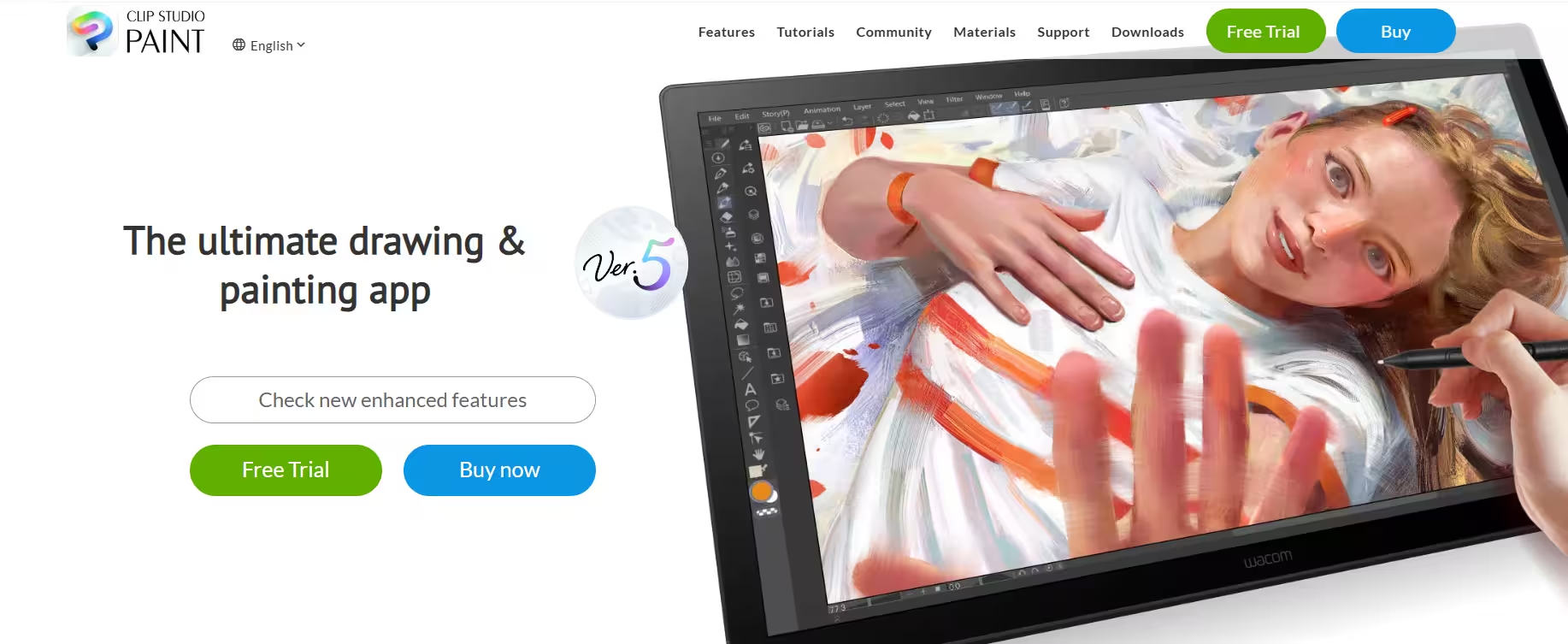
Basic animation tools let artists bring illustrations to life without needing separate animation software, and 3D model integration helps with posing figures and getting perspective right on complex scenes. It ships with panel templates and screentone patterns built specifically for sequential art, and new users get the full feature set through a 6 month free trial before deciding whether to buy.
Pros:
- One time purchase option instead of a subscription
- Frequent updates aimed specifically at artists
- Built in panel templates and screentones for comic pages
Cons:
- Limited photo editing tools compared to Photoshop
- Can lag on very large or layer heavy files
3. Corel Painter
Corel Painter focuses on natural media simulation, meaning brushes are built to mimic oil paint, watercolor, pastels, and charcoal as closely as possible. Brushes stay organized alphabetically with a filter search option, and custom palettes let artists save favorite brush combinations for faster access later.
Texture options add visual depth to finished pieces, which is part of why traditional painters moving into digital work tend to gravitate toward this app. Recent versions also run lighter on system resources compared to older releases.
Pros:
- Ideal for traditional artists transitioning to digital painting
- Supports a wide range of file formats for easy sharing
- Extensive online resources and tutorials available
Cons:
- Resource intensive, needing a fairly powerful machine
- Higher upfront cost than most alternatives on this list
4. Autodesk SketchBook
Autodesk SketchBook offers a minimalist, distraction free interface built for fast sketching and concept work rather than finished production pieces. The free version includes a full layering system, a wide color palette, and a customizable workspace layout that adapts to different workflows.
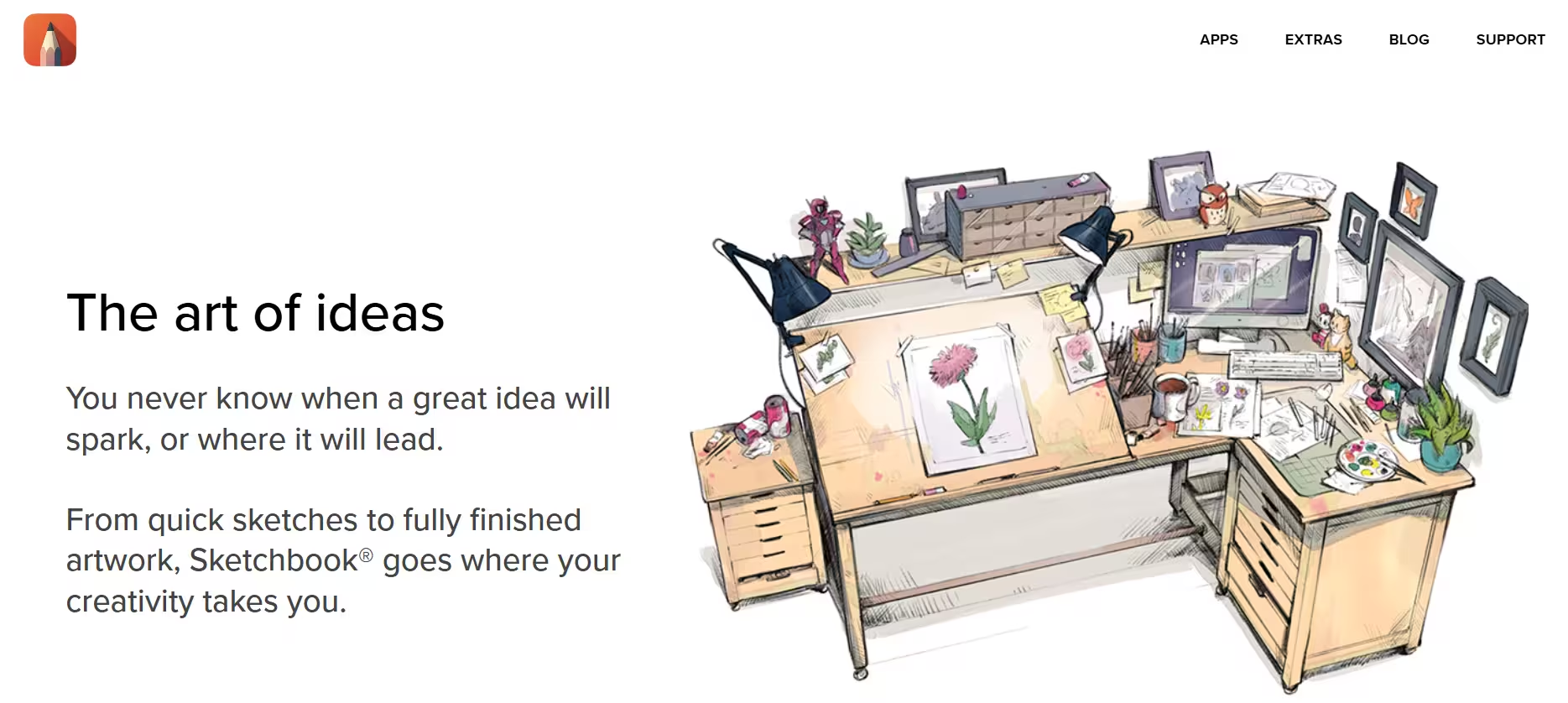
It syncs across devices, so a sketch started on a tablet can be picked up again on a Windows 11 desktop without exporting or emailing files back and forth.
Pros:
- Free version includes most core features
- Syncs across devices for a continuous workflow
- Minimal learning curve for new users
Cons:
- Lacks the depth of a full painting suite like Corel Painter
- Fewer advanced tools for finished, production level art
5. Krita
Krita is a free and open source painting program built for illustrators, concept artists, and comic creators, with a toolset that rivals several paid programs. It includes over 100 built in brushes with full customization, along with HDR painting support, layer transformation tools, and a Resource Manager that lets artists import brushes and textures created by other users.
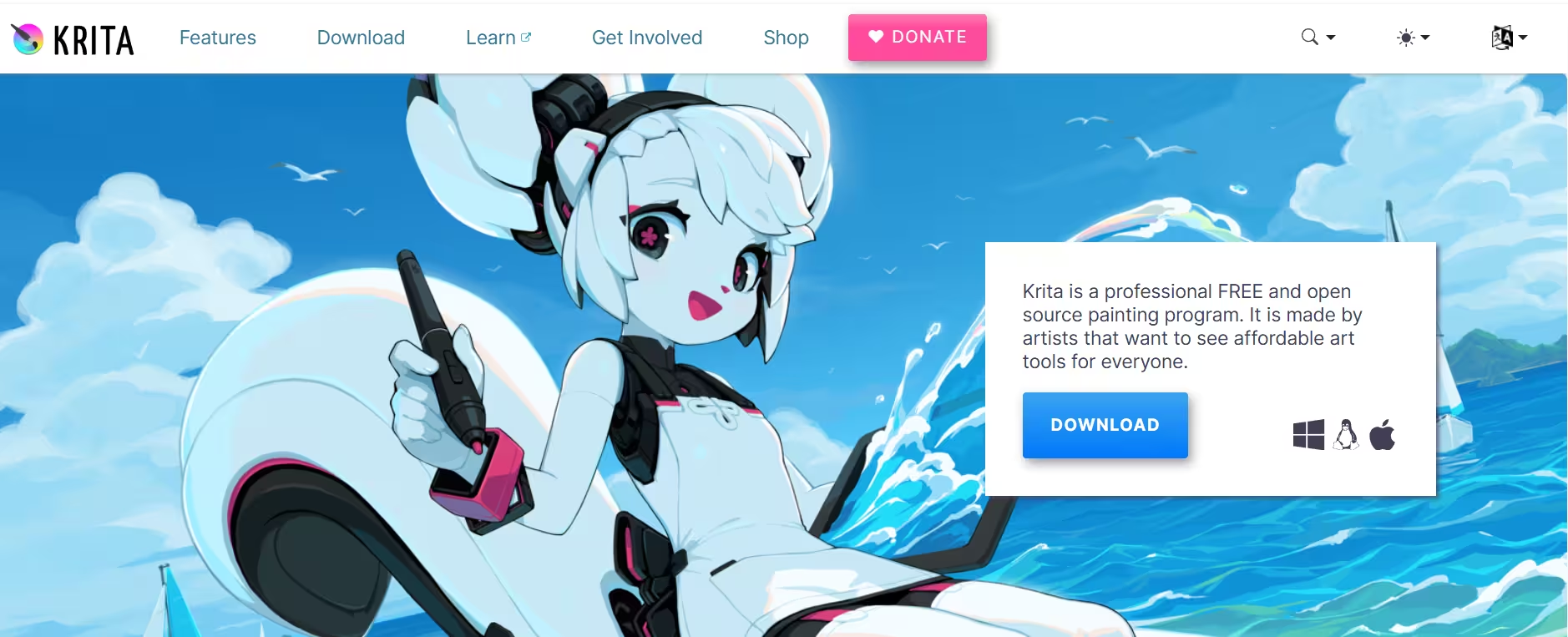
Basic animation support is also included, so simple animated sequences can be built without switching to a separate app. It also opens PSD files directly, which helps for artists switching over from Photoshop workflows, and it stays available to download for free for both hobbyists and professionals.
Pros:
- Completely free with no premium features locked behind a paywall
- Active community offering brushes, resources, and feedback
- Regular updates keep the toolset current
Cons:
- Interface feels less intuitive than commercial software
- Lighter graphic design and photo editing tools than dedicated apps
6. MediBang Paint
MediBang Paint is a free illustration tool built specifically with comic and manga artists in mind. It bundles free fonts, over 800 tones and filters, and multiple pre made backgrounds, all aimed at speeding up comic page production.
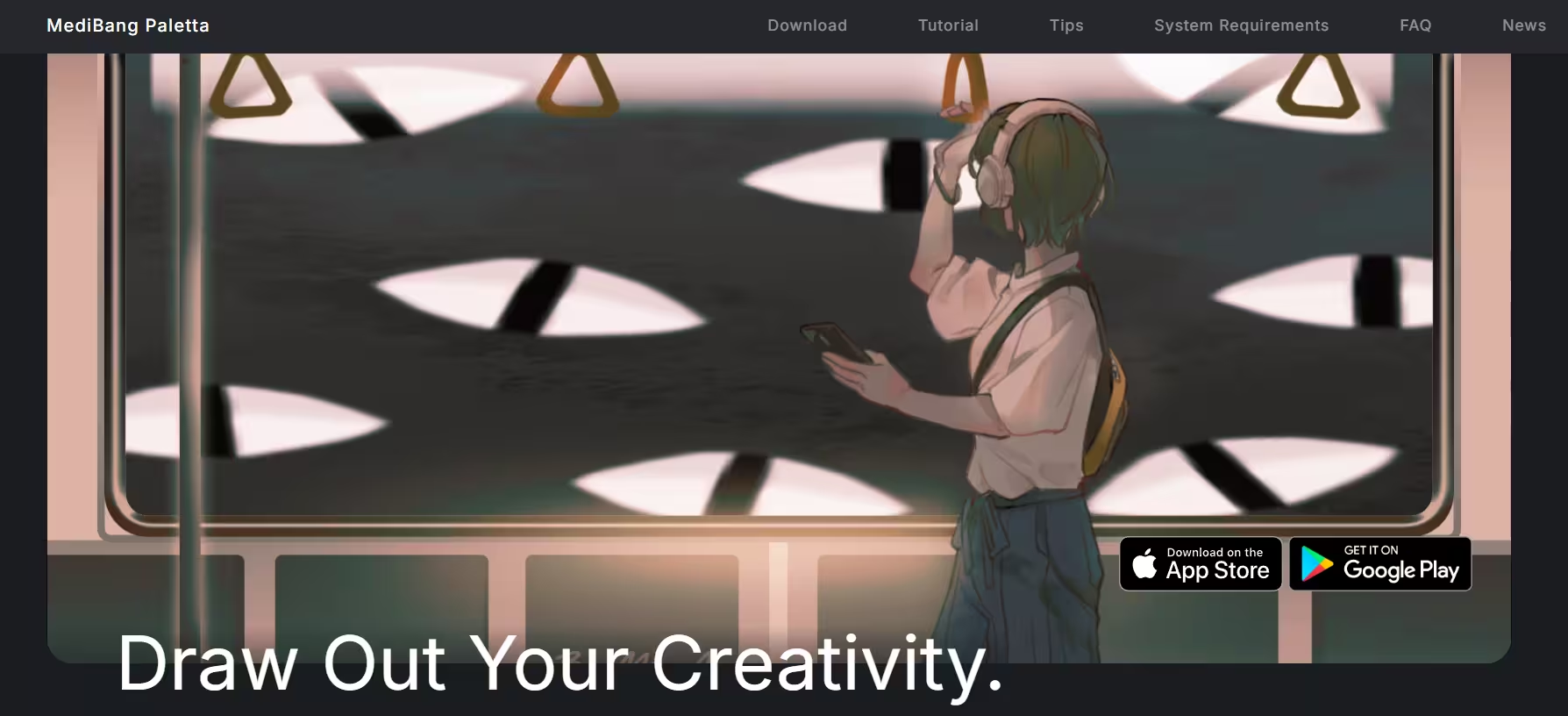
Cloud sync works across Windows, Mac, iPhone, and Android, so artwork can move between a Windows 11 desktop and a phone without manual file transfers. The small install size also makes it a practical pick for lower spec Windows 11 machines.
Pros:
- Free to use with optional cloud features
- Small install size, ideal for lower spec machines
- Strong community with shared templates and content
Cons:
- Some advanced features sit behind optional paid add ons
- Editing toolset is lighter than commercial software
7. Microsoft Paint
Microsoft Paint comes preinstalled on every Windows 11 machine, so no download or purchase is required to start using it. Microsoft has steadily added layers, transparency support, and basic background removal to the classic app in recent updates, making it usable for light editing and casual sketches.
Note that Paint 3D, the separate 3D modeling app Microsoft once bundled with Windows, was discontinued in August 2024 and pulled from the Microsoft Store shortly after, so it is no longer an official option on Windows 11.
Pros:
- Preinstalled on Windows 11, so no download is needed
- Simple interface suited for beginners and kids
- Now includes layers and transparency for basic editing
Cons:
- Not suited for detailed or professional illustration work
- Lacks advanced brushes and painting tools found in dedicated apps
Which Drawing App Should You Pick
Choose Adobe Photoshop or Corel Painter for professional grade illustration and painting work. Choose Clip Studio Paint for comic or manga panels with animation support. Choose Autodesk SketchBook for fast sketching and concept work. Choose Krita or MediBang Paint for a free option with a full feature set, and use Microsoft Paint only for quick, casual edits.
Related Tech How-Tos
- Best Video Editing Software for Windows 11
- How to Fix Windows 11 Display Scaling Issues
- Best Free Screen Recording Tools for Windows 11
Frequently Asked Questions
Is a graphics tablet necessary for digital drawing on Windows 11?
A tablet is not required, but it improves control significantly over a mouse. Pressure sensitive pens allow finer line variation and smoother shading, which matters most for illustration and painting work rather than quick sketches.
Which drawing app is best for beginners on Windows 11?
Krita and Autodesk SketchBook both offer free versions with interfaces that are easy to pick up without prior digital art experience. Microsoft Paint also works for absolute beginners since it comes preinstalled and needs no setup.
Can these drawing apps open PSD files?
Krita, Clip Studio Paint, and Corel Painter can open and work with PSD files, which makes switching between apps or collaborating with Photoshop users straightforward.
Is there a free alternative to Photoshop for digital drawing?
Krita comes closest to matching Photoshop's brush and layer depth without any cost, and MediBang Paint offers a lighter free option built specifically for comic and illustration work.
Do these drawing apps support touchscreen and stylus input on Windows 11?
Krita, Clip Studio Paint, Corel Painter, Autodesk SketchBook, and Adobe Photoshop all support pressure sensitive styluses and touchscreen input on Windows 11, though performance depends on the specific tablet or laptop hardware in use.
Read More