Final Fantasy VII players on Android are reporting a sudden launch failure inside Gamehub, where the game displays “CreateProcess returned an error – ERROR CODE: 2” and refuses to start. The issue appeared after recent runtime updates and affects users who previously launched the game without problems.
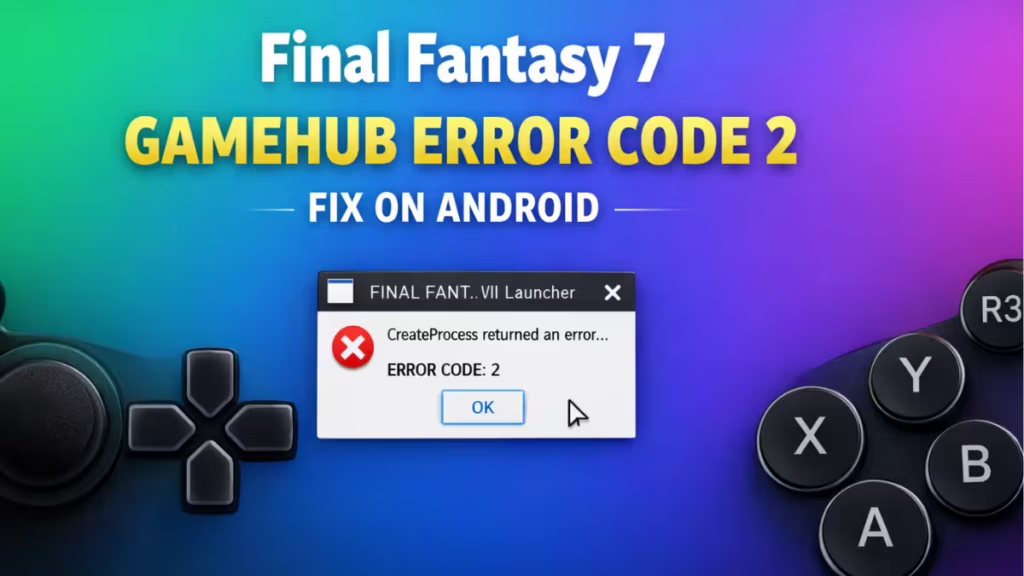
A growing thread on Reddit’s emulation community shows players running Gamehub 5.3.3 on flagship devices encountering the error after updating Proton builds and graphics drivers. One affected player confirmed the game worked normally the day before the error appeared, which points to a compatibility or cache conflict rather than corrupted game files.
How to Fix Final Fantasy 7 Gamehub Error Code 2 (Try in This Order)
Most users resolve Error Code 2 by following the steps below in sequence. The error usually occurs when Gamehub loses the executable path, corrupts its runtime cache, or encounters a Proton compatibility conflict.
Fix 1 — Verify the Game Path Inside Gamehub
Gamehub sometimes loses the correct executable reference after updates or restarts.
- Open Gamehub.
- Long-press Final Fantasy VII.
- Tap Edit / Settings.
- Check the Executable Path.
- Make sure it points directly to the main game file, such as:
ff7.exe
ff7_en.exe
Do not select the launcher executable only.
- If the path is blank or incorrect, manually reselect the correct EXE file.
- Restart Gamehub and test the launch.
Fix 2 — Clear Gamehub App Storage (Important)
This resets broken Wine prefixes and cached runtime data. This method works better than uninstalling alone.
- Open Android Settings → Apps → Gamehub.
- Open Storage.
- Tap:
- Clear Cache
- Clear Data
- Reopen Gamehub.
- Re-import the Final Fantasy VII folder.
- Reconfigure Proton and graphics driver settings.
- Launch the game again.
Many users fix Error Code 2 at this stage.
Fix 3 — Grant Storage Permissions Again
Android may revoke storage permissions automatically after system updates.
- Open Android Settings → Apps → Gamehub.
- Open Permissions.
- Enable:
- Files / Media
- Storage
- Set permissions to Allow all the time, not “Ask every time.”
- Restart the phone and test the game.
Fix 4 — Switch Proton Version (Highly Recommended)
Proton 10 introduces launcher compatibility issues for older games like Final Fantasy VII.
Inside Gamehub, change Proton from:
proton10.0-arm64x-2Try instead:
proton9.x
or
proton8.x
Restart Gamehub after switching versions and relaunch the game.
Many players report instant recovery after downgrading Proton.
Fix 5 — Temporarily Disable VKD3D
Some FF7 builds do not require VKD3D and may conflict with newer Vulkan layers.
- Disable VKD3D inside Gamehub settings
or - Downgrade VKD3D to version 2.10.
- Relaunch the game.
If the game launches successfully, VKD3D caused the conflict.
Fix 6 — Test a Lower Resolution
High resolution settings may trigger memory allocation failures on mobile GPUs.
Temporarily set resolution to:
960 × 540
or
800 × 600
Launch the game again and verify stability.
If the fixes restore normal launching, users should avoid updating Proton or Vulkan layers immediately until stability improves. If the error persists across multiple titles, reinstalling Gamehub and rebuilding the runtime environment may provide a clean recovery path.
FAQs
What is Final Fantasy 7 Gamehub Error Code 2?
Final Fantasy 7 Gamehub Error Code 2 means the launcher cannot find or execute the required game file inside the Proton environment.
Why does Final Fantasy 7 show Error Code 2 on Android?
The error usually appears after Proton updates, cache corruption, permission resets, or executable path conflicts inside Gamehub.
Does clearing Gamehub data fix Error Code 2?
Yes, clearing Gamehub cache and app data resets broken runtime files and fixes FF 7 Gamehub Error Code 2 in most cases.
Which Proton version works best for Final Fantasy 7 on Gamehub?
Proton 9 or Proton 8 provide better compatibility than Proton 10 for resolving Final Fantasy 7 Gamehub Error Code 2.
Can VKD3D cause Gamehub Error Code 2?
Yes, VKD3D conflicts can block the CreateProcess launch call and trigger Final Fantasy 7 Gamehub Error Code 2.
Does reinstalling Gamehub fix Error Code 2 permanently?
Reinstalling helps only if combined with clearing app data and resetting permissions to prevent cache conflicts.
Is Final Fantasy 7 Gamehub Error Code 2 a hardware problem?
No, the error relates to software compatibility and runtime configuration rather than device hardware limitations.
Can resolution settings trigger Error Code 2 on Android emulators?
Yes, high resolution can cause memory allocation failures that trigger Final Fantasy 7 Gamehub Error Code 2.
Fdaytalk will continue tracking compatibility changes across Gamehub releases and Proton updates to help Android players avoid unexpected downtime.

