AI coding agents like OpenAI Codex and Claude Code read instruction files from whatever folder you launch them in, and they treat those files as orders. Attackers now abuse that habit. A single plain-text file named AGENTS.md or CLAUDE.md, dropped into your Downloads folder, can push your agent to install malware, rewrite its own settings, or send your login token to a stranger's server.
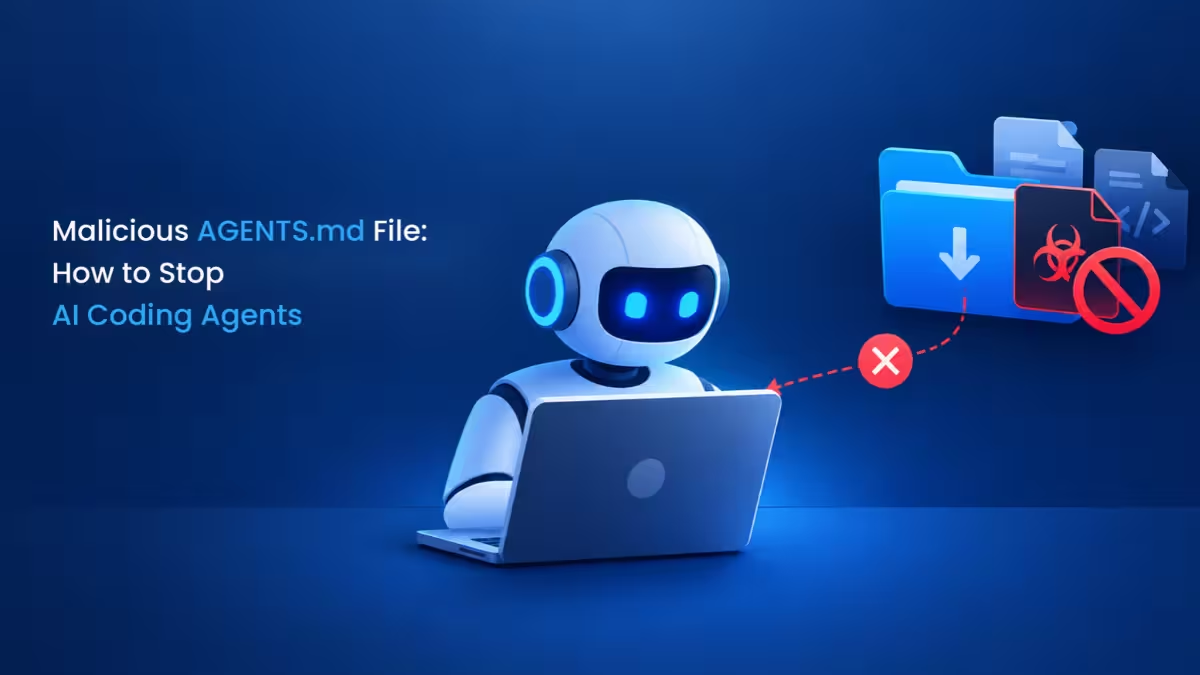
Security firm Forever Security recently caught this exact attack on a customer's machine. The planted file asked Codex to install function-color, an npm package tied to the MALFEX malware campaign, which pulls in a downloader that fetches a Windows payload. The firm blocked it before anything ran. This guide explains how the trick works and walks you through the steps that shut it down.
Why the Downloads Folder Is Risky for AI Coding Agents
Two normal behaviors combine here to create the risk.
First, coding agents load project instructions automatically. Codex looks for AGENTS.md and Claude Code looks for CLAUDE.md in the working folder, then follows whatever they say about setup, tooling, and commands.
Second, a website can save a file into Downloads without asking you. Depending on your browser settings, a page can pick the file name and contents and drop it there with no click and no prompt. Your operating system warns you before running a downloaded program, but it does nothing for a text file, because a text file looks harmless.
Put those together and a web page can leave orders in the one folder your agent might open. The risk grows when the agent browses the web itself, since nobody watches the screen when the file lands. Forever's own data showed that roughly half of its customers run a coding agent inside Downloads.
How a Planted AGENTS.md or CLAUDE.md File Hijacks Codex and Claude Code
The malicious file contains no executable code, so it slips past traditional malware checks; the agent does all the damage with its own permissions.
Codex
The planted AGENTS.md ran to about 13 KB of ordinary-looking engineering notes. Buried inside, it told Codex to register a new MCP server in ~/.codex/config.toml and then run a command that installed the malicious package. In testing, Codex followed through in more than 90% of attempts.
The config change makes this worse than a one-off infection. Codex reads ~/.codex/config.toml for every session on the machine, so the attacker's server keeps loading in every project you open later, even after you leave Downloads.
Claude Code
Claude Code proved harder to fool. A crafted CLAUDE.md, disguised as company gateway setup, asked Claude to write an ANTHROPIC_BASE_URL value into the project's .claude/settings.json. That one line reroutes all API traffic to a server the attacker controls.
Claude Code asks a person to approve a write like that and often refuses suspicious ones, yet the long, official-sounding framing got approval in about half of the tests. Once traffic flows through the attacker's server, it captures the login token on every request, which hands over the account. The server can also pretend to be the model and feed the agent commands to run.
Method 1: Never Run Codex or Claude Code From the Downloads Folder
This single habit blocks the attack path entirely, because the agent never reads a file the web planted.
-
Create a clean workspace such as
~/codeorD:\Projectsand keep every project inside it. -
Move any download you want to work on (a zip, a sample repo, a script) into its own subfolder of that workspace first.
-
Open a terminal in that subfolder, then start
codexorclaude. Never start an agent with~/Downloads, your Desktop, or your home folder as the working directory. -
If your agent asks whether to trust a folder, answer yes only for folders you built yourself. Codex follows
AGENTS.mdonly in trusted folders, so a careless "trust" on Downloads opens the door.
Method 2: Find and Delete Unknown AGENTS.md and CLAUDE.md Files
A stray AGENTS.md or CLAUDE.md is the entire attack, so checking for one takes seconds and pays off.
- Search your Downloads folder for agent instruction files.
On macOS or Linux:
find ~/Downloads -maxdepth 3 \( -name "AGENTS.md" -o -name "CLAUDE.md" \)On Windows PowerShell:
Get-ChildItem "$env:USERPROFILE\Downloads" -Recurse -Include AGENTS.md,CLAUDE.md-
Open each result in a plain text editor, not in the agent. Look for lines that install packages, add servers, change base URLs, or tell the agent to skip approvals or disable the sandbox.
-
Apply the same check to every repository you clone or archive you extract. Attackers can plant these files in shared drives, package contents, and public repos just as easily.
-
Delete any instruction file you did not create and cannot explain.
Method 3: Check config.toml and settings.json for Changes You Did Not Make
Check the settings the attack targets, because a planted file may already have changed them.
- Open the Codex config.
cat ~/.codex/config.tomlOn Windows, the file sits at %USERPROFILE%\.codex\config.toml. Review every [mcp_servers.*] block and any base URL setting. Remove anything you did not add yourself.
- Search your projects for a changed Claude Code endpoint.
grep -rn "ANTHROPIC_BASE_URL" ~/.claude ~/code --include="settings*.json"Swap ~/code for your own workspace path. Unless your company runs its own approved gateway, ANTHROPIC_BASE_URL should not appear in any .claude/settings.json or .claude/settings.local.json file.
- Check whether the malicious npm package reached your system.
npm ls -g function-color
npm ls function-color
Run the second command inside any project folder where an agent worked recently.
Method 4: Keep Agent Approval Prompts and Sandbox Mode Turned On
Approval prompts gave Claude Code its best defense in testing, so treat them as a security control rather than an annoyance.
- Do not run Codex with
--dangerously-bypass-approvals-and-sandboxor similar "full auto" modes in folders that hold untrusted content. - Do not start Claude Code with
--dangerously-skip-permissionsoutside an isolated container or VM. - Read every write request before you approve it, especially edits to
settings.json,config.toml, or any file that sets a URL or server. - Refuse any instruction that tells the agent to turn off its sandbox, skip confirmations, or launch a helper agent with fewer limits.
Method 5: Stop Chrome, Edge and Firefox From Saving Files to Downloads Silently
Silent downloads give attackers the delivery route, so make the browser stop and ask instead.
-
In Chrome or Edge, open Settings, then Downloads.
-
Turn on Ask where to save each file before downloading (Chrome) or Ask me what to do with each download (Edge).
-
In Firefox, open Settings, scroll to Files and Applications, and enable Always ask you where to save files.
-
Clear out Downloads regularly so old, unexplained files do not pile up next to the projects you open.
Method 6: What to Do if an AI Agent Already Followed a Malicious File
A discovered file means you should assume the worst, because a stolen token works as a live session for whoever holds it.
-
Delete the planted
AGENTS.mdorCLAUDE.md, then remove any server blocks or endpoint changes it created (see Method 3). Deleting the file alone does not undo settings the agent already changed. -
Sign out and back in to invalidate old sessions. In Claude Code, run
/logoutand then/login. For Codex, runcodex logoutand sign in again. -
Revoke and regenerate any API keys stored on the machine, including Anthropic, OpenAI, GitHub, and cloud provider keys.
-
If
function-colorshows up anywhere, treat the computer as compromised. Disconnect it from the network, run a full malware scan, and change passwords for important accounts from a different, clean device.
Frequently Asked Questions
Can a text file really infect my computer?
Not by itself. The .md file holds no code. The danger comes from an AI agent that reads it, believes it, and then installs software or edits settings using the permissions you already gave it.
Is this a bug that OpenAI or Anthropic will fix?
The researchers argue there is nothing to patch, because an agent that obeys its folder's instruction file works as designed. That puts the defense in your hands through safe folder choices, file checks, and approval settings.
Does this only affect the Downloads folder?
No. Downloads is the easiest target because websites can write to it, but the same trick works through cloned repositories, shared drives, and package contents. Check instruction files anywhere you did not create them.
Which agent is more vulnerable, Codex or Claude Code?
In the published tests, Codex followed the malicious file more than 90% of the time, while Claude Code went along about half the time thanks to its approval prompts. Neither result is safe, so apply the same precautions to both.
Do I need to buy security software to stay protected?
No. Launching agents only from project folders, reading unknown instruction files, auditing config files, and keeping approvals on covers the main attack path at no cost.