Microsoft Scout brings native shell integration to your development workflow. Unlike browser based or IDE locked AI assistants, Scout uses the Model Context Protocol (MCP) to talk directly to your local terminal. This lets developers run shell commands, manage Git repositories, and handle debugging tasks using plain text prompts instead of memorized command syntax. This article covers how Microsoft Scout automates Git and shell commands, what you need before installing it, and how the approval based safety model works.
What Microsoft Scout Actually Does
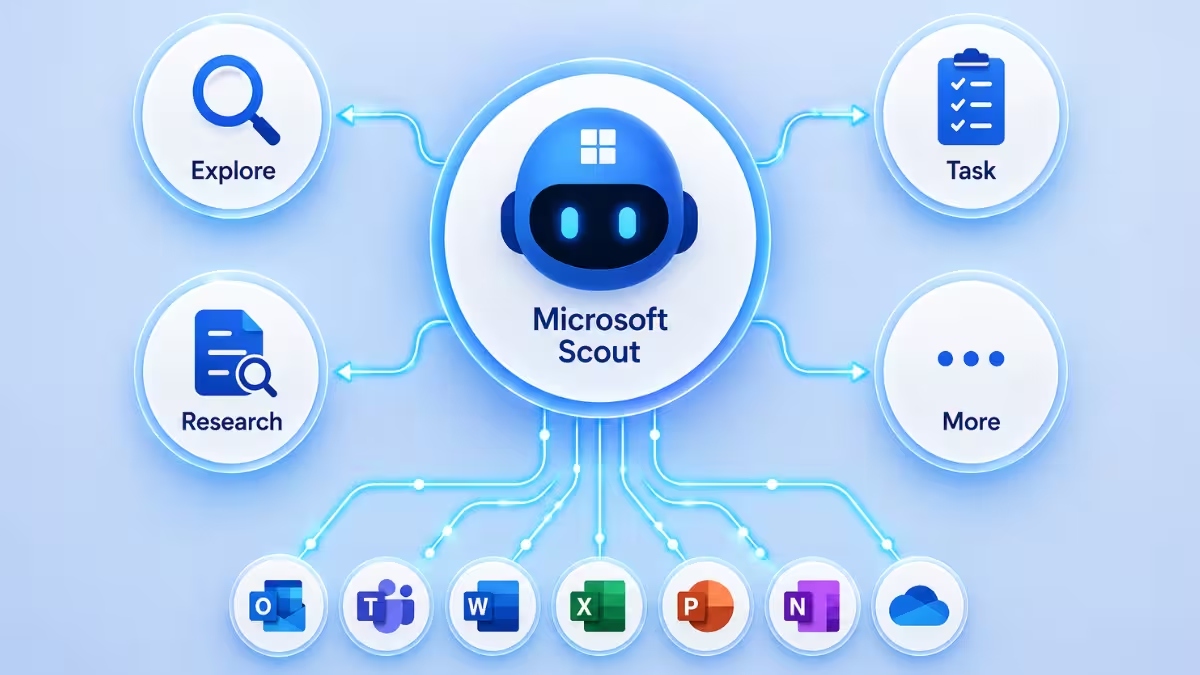
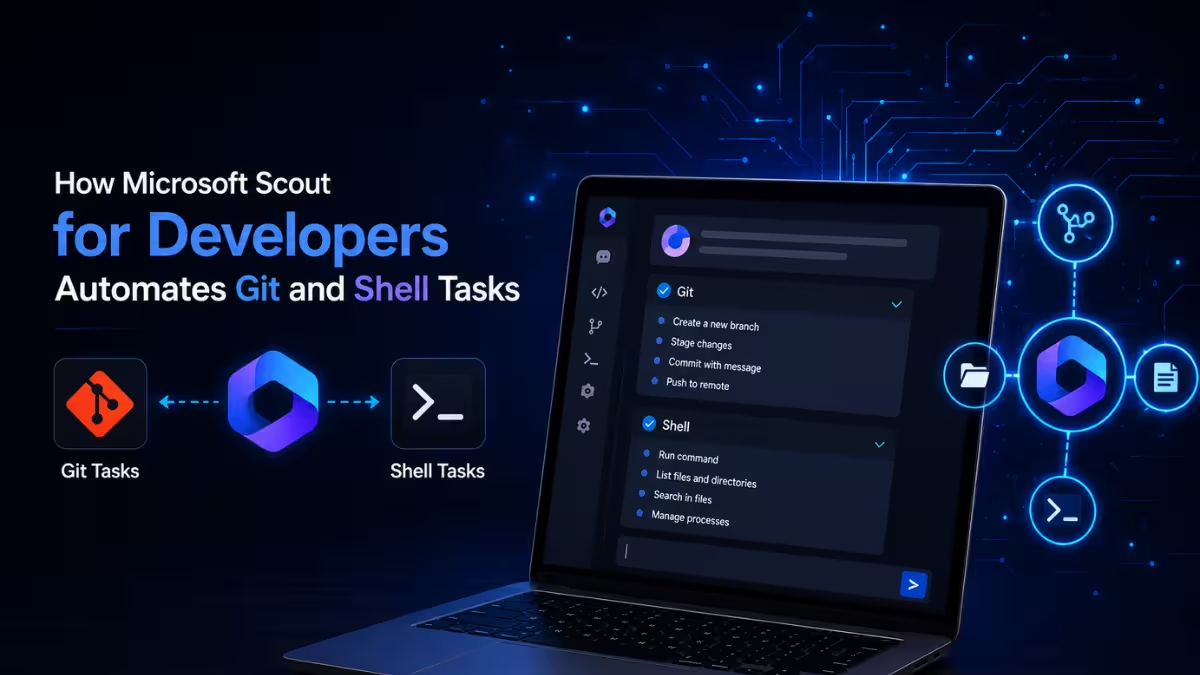
Scout is an enterprise agent built for developers who want to skip repetitive terminal work. It reads your prompt, builds a plan, and generates the correct CLI syntax for the task.
Instead of typing out multi step Git operations or PowerShell scripts by hand, you describe what you want in a sentence. Scout can run builds, execute test suites, use git, gh, and curl, install dependencies, and check system status from a single prompt.
The Automated Test and Fix Loop
The part of Scout that saves the most time is not just running commands, it is what happens when a command fails. Scout reads the terminal output after every action, and if something breaks, it does not just report the error back to you and stop.
The loop works in four steps.
- Scout runs the command you asked for, such as a linter or a build script.
- It scans the resulting terminal output and identifies the specific line or error causing the failure.
- It opens the relevant file inside your workspace and applies a fix to the code.
- It re-runs the original command to confirm the error is actually resolved before reporting back to you.
This closes the loop that a plain command runner cannot, since a normal script just fails and stops.
Automating Git Commits and Branching
Rather than running git status, git diff, git add, git commit, and git push one at a time, you can hand Scout a single instruction covering the whole sequence.
For example, a prompt like: "Check what's changed, write a proper commit message for it, and push everything to a new branch called fix/checkout-bug."
Scout responds by checking the current status and diff of your workspace, drafting a commit message based on what actually changed, creating the new branch, and pushing the commit. You still approve the generated commands before anything runs, depending on your permission settings.
Resolving Merge Conflicts with Scout
When a git pull leaves you with conflict markers in a file, you can point Scout directly at that file instead of resolving it line by line yourself. It reads the conflict markers, compares both versions of the code, and proposes a merged version of the file for your review.
System Prerequisites for Microsoft Scout
Scout is not available as a standalone personal download. It is gated behind three separate enterprise requirements, and missing any one of them will block sign in.
- Organization enrollment: Your company must be enrolled in the Frontier preview program through the Microsoft 365 admin center.
- Device policy: An IT administrator has to push a specific Intune policy to your machine before Scout is allowed to manage the local terminal.
- Licensing: You need an active Microsoft 365 Copilot license along with a GitHub Copilot Business or Enterprise license tied to your account.
How to Install and Set Up Microsoft Scout
Once your organization clears the prerequisites above, setup itself is a short process.
- Download the Scout installer from your company's internal software portal or the Microsoft Learn download page, since it is not distributed through public app stores.
- Run the installer on Windows 11 and step through the setup wizard.
- Launch Scout and sign in with your corporate Microsoft 365 credentials, then complete the follow up prompt to connect your GitHub Enterprise account for Git and
ghsupport. - Assign a local workspace path. Scout only reads and writes inside this folder, which keeps it away from system files and other projects on your machine.
How Scout Executes Commands Safely
Scout does not run commands blindly. By default, it operates in Semi-Autonomous Mode, meaning it drafts the required command and waits for a manual confirmation click before anything executes. You can grant full autonomy to specific trusted commands so Scout stops asking for approval on actions you already trust.
To keep local shell access safe, apply the following when configuring Scout.
- Scope it to project folders only. Never point Scout's workspace at your root directory or system folders; keep it limited to the specific project it needs to work in.
- Keep confirmations on for destructive commands. Anything like
rm -rforgit reset --hardshould always require a manual approval click, even if you have granted autonomy elsewhere. - Check the execution logs regularly. Scout keeps a record of every command it ran along with the console output, which is worth reviewing periodically to confirm nothing unexpected happened.
Frequently Asked Questions
Can I use Microsoft Scout with a personal Microsoft account?
No. Scout only works with a corporate Microsoft 365 account tied to an organization enrolled in the Frontier preview program. A personal Microsoft or Outlook account cannot sign in.
Does Scout run Git commands automatically without approval?
By default it runs in Semi-Autonomous Mode, so it generates the command and waits for your approval before executing it. You can grant full autonomy to specific trusted commands if you want to skip that step for them.
Can Scout fix errors on its own?
Yes, within its Test and Fix Loop. It reads the terminal output after a command fails, applies a fix to the relevant file, and re-runs the command to confirm the issue is resolved.
What tools can Scout use besides Git?
Scout can also run gh, curl, and PowerShell, along with general shell scripts, package installs, and test suites, all from within the workspace folder you assign it.
Is Microsoft Scout the same as GitHub Copilot?
No. Scout is a separate agent that requires a GitHub Copilot license as part of its setup but operates through MCP to execute local shell and Git commands directly, rather than only suggesting code completions inside an editor.
Related Tech How-To
- How to Automate Microsoft 365 Using WorkIQ With Microsoft Scout
- Microsoft Copilot Cowork Brings AI Task Automation to Microsoft 365
- How to Recover an Expired Azure or Microsoft 365 Tenant
Errors & Fixes