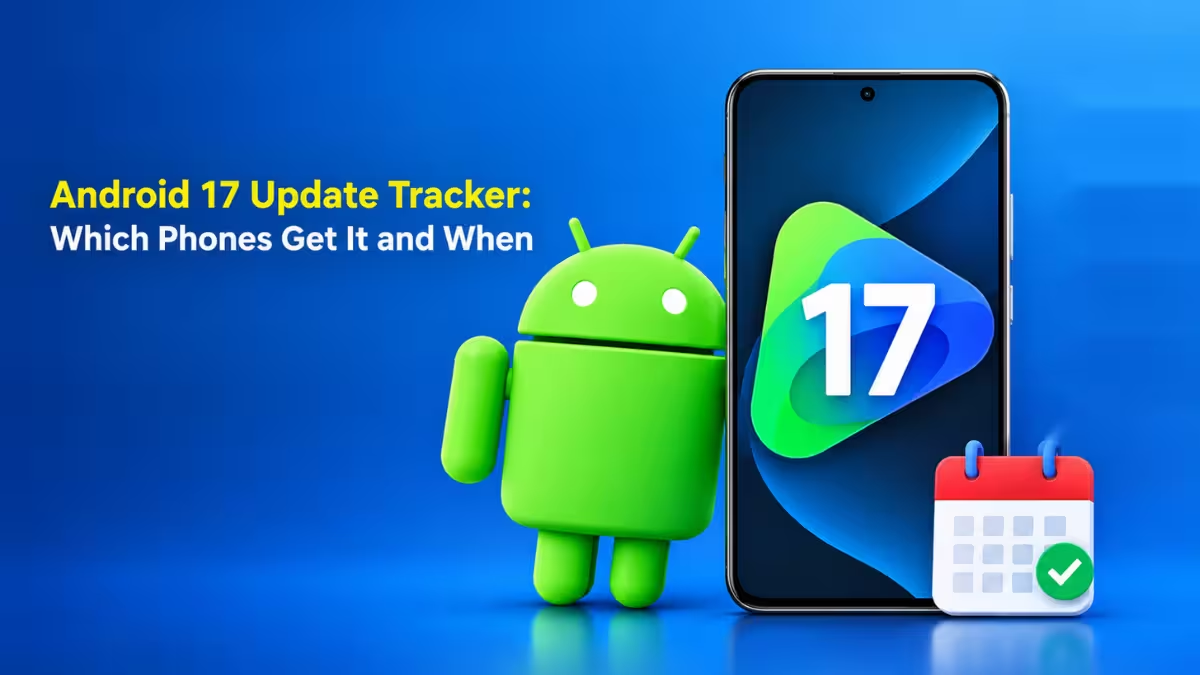
OnePlus has started pushing its stable Android 17 update, and it arrived nearly a week earlier than the company promised. The update ships as ColorOS 17, not OxygenOS, so OnePlus owners get a new version of Android and a new software identity at the same time. This tracker lists the devices that have the update now, the ones next in line, and how to check your own phone.
Android 17 Update Status: Which OnePlus Phones Have It Now
The first stable builds are live in India, with other regions expected to follow over the coming days.
OnePlus had set October 29 as the start date, but stable builds began reaching phones on October 23. The company is releasing the update in phases, so only a small share of eligible users see it on day one. People who joined the ColorOS 17 open beta are getting the stable build first.
| Device | Status | Expected Timing |
|---|---|---|
| OnePlus 15 | Rolling out | Started October 23 |
| OnePlus Pad 4 | Rolling out | Started October 23 |
| OnePlus 13 | Next wave | October 30 |
| OnePlus 15R | Next in line | After the first wave |
| OnePlus 13s | Next in line | After the first wave |
| Older flagships and select Nord models | Confirmed | Later phases |
OnePlus 15 Android 17 Update: Firmware Version and Release Date
The OnePlus 15 leads this rollout, and Indian units are receiving a specific build.
The update carries firmware version CPH2745_17.0.0.102(EX01) on the OnePlus 15 sold in India, where the model number is CPH2745. The phone launched with Android 16 and qualifies for four major Android upgrades, which means it should keep receiving new versions up to Android 20.
When Will OnePlus 13, 13s and 15R Get Android 17?
OnePlus has named three phones for the second round of updates.
The OnePlus 15R, OnePlus 13 and OnePlus 13s come next. The OnePlus 13 has a firm date of October 30. OnePlus has also confirmed that previous-generation flagships and a range of Nord phones will get Android 17, but it has not shared dates for those models yet. If OnePlus keeps beating its own schedule, these devices could see the update earlier than planned.
ColorOS 17 Features: What's New in the Android 17 Update
The update brings a refreshed design along with deeper AI features and better battery handling.
Here is what you get after installing it:
- New animations and visuals: The interface uses translucent layers, smoother transitions and more responsive touch effects.
- Reworked Quick Settings: The panels look different and give you more control over what appears where.
- More customization: You can personalize more of the system than before.
- Updated privacy controls: OnePlus refreshed the privacy settings that manage app access to your data.
- Better battery management: An upgraded Laminar Flow Engine handles background processes more efficiently, which helps app launches, multitasking and battery life.
- AI tools: ColorOS 17 adds system-level task automation, upgrades to AI Mind Pilot and AI Mind Space, and a new AI Mind Suggest feature that offers contextual suggestions through the day.
Why OnePlus Replaced OxygenOS With ColorOS 17
This update marks the end of OxygenOS on OnePlus devices.
OnePlus confirmed in July that ColorOS would replace OxygenOS, after it decided to pull out of North America and Europe. OxygenOS began as a near-stock Android skin and later turned into a global version of Oppo's ColorOS, so the two systems already shared most of their code. Still, the switch removes the name that built OnePlus its loyal fan base. The OnePlus 15 is the first phone to make the full move.
Can You Roll Back From ColorOS 17 to OxygenOS?
OnePlus lets eligible users decide whether to switch, and it allows a rollback.
If you install ColorOS 17 and dislike it, you can return to OxygenOS. However, OnePlus has not said which OxygenOS versions it will support for the rollback. If you rely on a specific build, wait until OnePlus publishes those details before you upgrade.
How to Check for the Android 17 Update on OnePlus
You can trigger a manual check instead of waiting for the notification.
- Open Settings on your OnePlus phone or tablet.
- Tap System & Updates.
- Select Software Update and let the device search for the new build.
You can also confirm your current version under Settings > About device > ColorOS. Back up your data and charge the battery above 50% before you install a major update like this one.
Should You Install Android 17 on Your OnePlus Right Away?
Early adopters get new features first, but they also find the bugs first.
Big Android version jumps often bring problems with battery drain, app compatibility or connectivity in the first few builds. If your phone is your main device for work, give it a week and watch user reports from the first wave. If the early feedback looks clean, install the update with more confidence.
Frequently Asked Questions
When does the OnePlus 15 get Android 17?
The stable Android 17 update started reaching the OnePlus 15 on October 23, 2026, ahead of the planned October 29 date. It arrives in phases, so your unit may take a few days to get it.
Is OnePlus 13 getting Android 17?
Yes. The OnePlus 13 belongs to the next wave, which starts on October 30, with the OnePlus 15R and OnePlus 13s following close behind.
Does Android 17 replace OxygenOS on OnePlus phones?
Yes. OnePlus delivers Android 17 as ColorOS 17, which replaces OxygenOS on its phones and tablets.
Can I roll back from ColorOS 17 to OxygenOS?
OnePlus says eligible users can roll back to OxygenOS, but it has not confirmed which OxygenOS versions support the downgrade.
Which OnePlus tablet gets Android 17 first?
The OnePlus Pad 4 is part of the first wave and started receiving ColorOS 17 alongside the OnePlus 15.