That cheap streaming box under your TV might be doing a second job you never agreed to. Google recently shut down a botnet called XCPE that ran on more than 1.3 million Android TV boxes, and its researchers blamed the device maker itself, Shenzhen-based Videostrong Technology, for planting the backdoor. Security researchers at TrendAI counted close to 1.5 million infected units across 206 models, and they consider that figure a floor, not a ceiling.
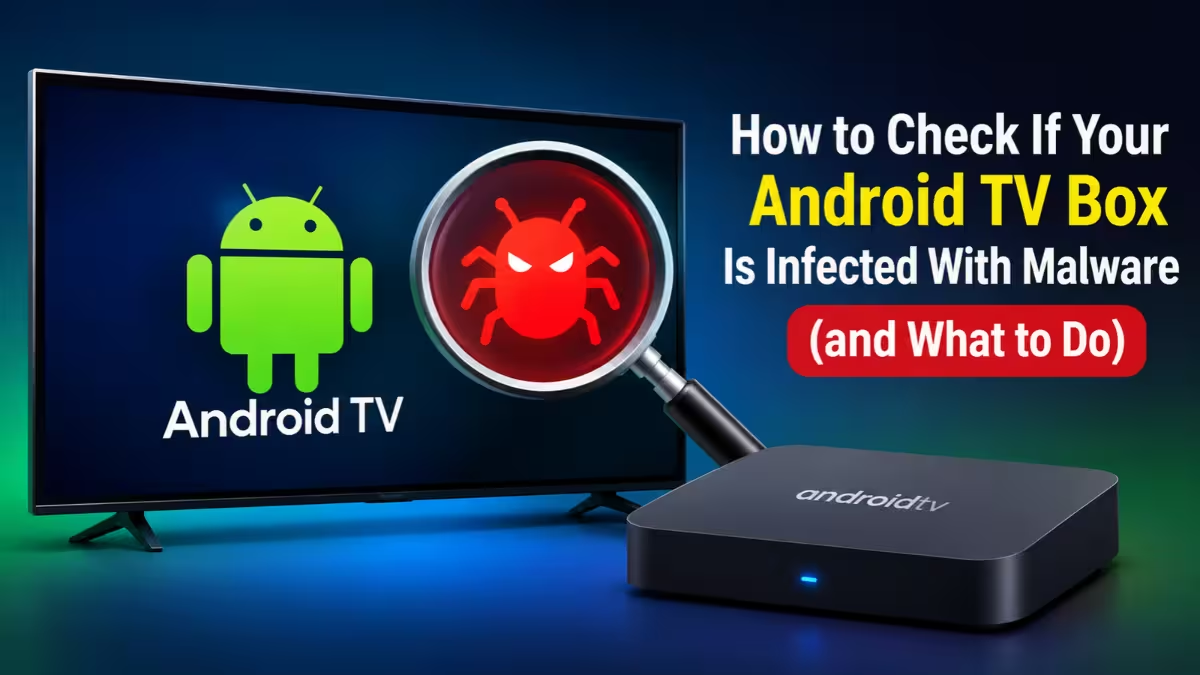
Unlike a typical phone virus, this malware does not arrive through a bad download. It ships inside the firmware before the box ever reaches your living room. This guide walks you through the checks you can run today and the steps to take if your box fails them.
What Is the XCPE Botnet and Why Are Android TV Boxes Infected?
Budget TV box makers save money wherever they can. Many skip security audits, stop pushing updates soon after launch, and build on the bare Android Open Source Project instead of Google's licensed Android TV platform. Somewhere along the supply chain, someone slips a backdoor into the firmware image.
Once the box connects to your Wi-Fi, its operators can rent out your home internet connection as a "residential proxy." Strangers then route their traffic, sometimes criminal traffic, through your IP address. The same boxes also click fake ads in the background and can pull down extra malware modules on command.
XCPE is only the latest example. BADBOX 2.0, which the FBI warned about, infected over 10 million devices. Kimwolf hijacked roughly 1.8 million Android gadgets for DDoS attacks, with India, Brazil and the US among the hardest hit. Most of these campaigns trace back to the Triada Trojan family, which has spent a decade evolving into a firmware-level backdoor.
Can a Play Protect Certified Android TV Box Still Have Malware?
For years, the standard advice said: buy a Play Protect certified box and you are safe. XCPE broke that rule. Videostrong held certified partner status, and its code stayed dormant during Google's testing, then switched on after the first boot.
Google says it has tightened its firmware checks since then. Certification still matters, because an uncertified box carries far more risk. Just treat the badge as one clue, not a clean bill of health.
Step 1: Check Your Android TV Box's Play Protect Certification
- Open the Google Play Store app on your TV box.
- Select your profile icon.
- Go to Settings, then About.
- Look for the Play Protect certification line.
If it reads "Device is not certified," move your box straight into the high-risk category. Google's own Play Protect certification help page warns that such devices may not be secure and that the Google apps on them may not be genuine. Menu names differ between boxes, so hunt for the same Play Store settings if your layout looks different.
Step 2: Check Your Box's Brand and Model Against Known Infected Devices
Flip the box over or open Settings > About to find the exact brand and model name. Then compare it against these known problem names:
- MECOOL, especially the KM9PRO Max, which researchers at Synthient found shipping with the XCPE backdoor preinstalled
- Generic or no-name brands such as SuperBox, vSeeBox, T95, X96, X96Q, MX10, TV98 and plain "TV BOX" labels
Synthient has also published a list of 182 model names linked to the campaign. A match does not prove infection, and a missing match does not prove safety, since Videostrong supplied firmware and management tools for other brands too. You can also check Google's list of certified Android TV partners to see whether your manufacturer appears at all.
Step 3: Look for Hidden Apps and Proxy Software on the Box
Open Settings > Apps and scroll through everything installed. Remove anything you did not install yourself, especially:
- Alternative app stores
- Wi-Fi "boosters" and "system cleaners"
- Any app that pays you to share "unused bandwidth" or your internet connection
Also look for a system component named x.cpe or com.oemservice. That is the core XCPE backdoor. Do not expect deleting it to work, though. It runs with system privileges and reinstalls itself from a protected partition every time the box reboots.
Keep in mind that most proxy malware never shows itself in the app list. A clean list lowers suspicion but proves little.
Step 4: Spot Warning Signs of an Infected Streaming Box
Infected boxes often give themselves away through small glitches. Pay attention if you notice:
- Ads popping up in places that never showed ads before
- Redirects to strange web pages
- Apps appearing that you never installed
- A prompt during setup asking you to disable Play Protect or allow apps from unknown sources
- Slow internet on other devices whenever the box sits powered on, even while idle
Any one of these signs alone means little. Two or three together deserve a closer look.
Step 5: Check Your Router for Suspicious TV Box Traffic
Your router sees everything the box does, even when the box hides it. Log in to your router's admin page (usually 192.168.0.1 or 192.168.1.1) and open the connected devices or traffic section. Many modern routers and mesh systems list which addresses each device contacts.
Red flags include:
- Constant traffic from the box while you are not watching anything
- Frequent connections to servers in China or to unfamiliar domains
- Large upload volumes, since proxy activity pushes data out, not just in
If your internet provider ever contacts you about malicious traffic coming from your connection, take it seriously and start with the TV box.
What to Do If Your Android TV Box Is Infected
Disconnect it first
Unplug the box and remove it from your Wi-Fi network. This cuts off the attackers' access to your connection and your other devices right away.
Don't count on a factory reset
A reset wipes apps you installed, but the backdoor lives in a protected firmware partition and returns after reboot. Some security firms still suggest a reset because it can clear extra modules the operators added later. Just don't treat it as a cure.
Look for official clean firmware
Check the manufacturer's support page for a verified firmware update that removes the backdoor. If the maker offers nothing, or if the maker was the source of the problem, assume the box stays compromised.
Replace the box
For most people, the simplest fix is to recycle the device and buy a streaming player from a major brand that still ships security updates, such as Google TV Streamer, Amazon Fire TV, Roku, Apple TV or Nvidia Shield. Some researchers go as far as telling owners to throw these boxes away entirely.
Change your passwords
If you signed in to streaming services, email or anything else on the box, change those passwords from a clean phone or computer. Turn on two-factor authentication wherever possible.
Report it
In the US, the FBI asks people who believe a device compromised their network to file a report at ic3.gov. Other countries run similar national cybercrime reporting portals.
How to Buy a Safe Android TV Box and Protect Your Home Network
- Skip "free everything" boxes. A device that promises lifetime access to paid channels for a one-time fee almost always relies on pirated apps and weak security.
- Never disable Play Protect or sideload APKs during setup just to make a box work.
- Put smart devices on a separate network. Use your router's guest network or IoT network for TV boxes, cameras and smart speakers, and keep phones, laptops and NAS drives on the main one. If a box goes rogue, it cannot easily reach your sensitive devices.
- Update your router firmware. The router guards every device behind it, so keep it current.
- Ignore influencer hype. Many of these boxes spread through aggressive social media ads, not trusted reviews.
Frequently Asked Questions
Can a factory reset remove XCPE or BADBOX malware?
No, not reliably. Both live in protected parts of the firmware and come back after a reboot. Only clean firmware from a trustworthy source or a replacement device solves the problem.
Is my box safe if it shows Play Protect certified?
Not guaranteed. Some XCPE-infected boxes carried certification because the malware activated only after initial testing. Certification lowers your risk but you should still run the other checks.
Does an antivirus app on the TV box help?
It can catch ordinary malicious apps, but firmware-level backdoors run with system privileges that most antivirus tools cannot remove. Treat a clean scan as reassurance, not proof.
Can an infected TV box steal data from my phone?
It can scan your home network and look for weak spots on other devices, and it can intercept unencrypted traffic. Keeping your TV box on a separate network blocks most of that risk.
Could I get in legal trouble because of an infected box?
Criminals can route illegal activity through your IP address, which may get your connection blacklisted or flagged. Disconnect any suspect box quickly and report it if you believe someone misused your network.
Related Guides
- Best Web Scraping and Proxy Tools for AI Agents (2026): What the Source Merger Means
- 7 Best Mobile Proxies in 2026: Top Providers, Pricing per GB and Features Compared
- BTMOB RAT: The Android Malware-as-a-Service Stealing Data via Fake Apps
- How to Spot Fake AI Apps and Avoid Malware Before You Install
- Error EA6 en Magis TV: ¿Qué es y cómo solucionarlo fácilmente?