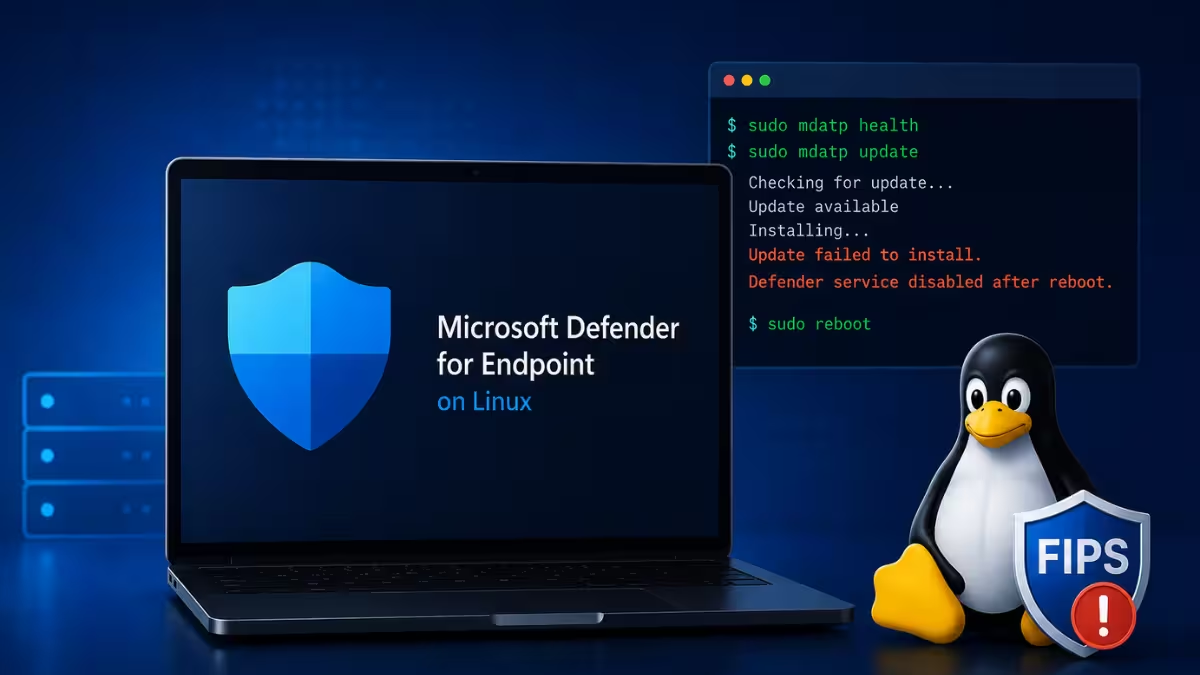
Microsoft Defender for Endpoint on Linux ran into two separate update problems in 2026. One left the security service disabled after a reboot, and the other blocked installation on FIPS-enabled RHEL systems. Both issues affect organizations that rely on automatic updates for Linux server protection, so admins need to check their build version before taking any action.
What Causes Defender for Endpoint to Fail on Linux
The problem traces back to specific platform builds pushed through automatic update channels.
- Versions 101.26042.0000 through 101.26042.0009 could disable the Defender service on some devices after an upgrade, reinstall, or reboot.
- Machines enrolled in Defender for Servers (Plan 1 or 2) with the MDE integration in Defender for Cloud receive automatic updates for the MDE.Linux extension by default, so affected builds could install without manual action.
- Build 101.26052.0009 could fail to install or upgrade on a subset of FIPS-enabled RHEL 8 and RHEL 9 devices, leaving them on the previous version.
- Microsoft has not disclosed the exact technical cause of the service disablement, only that it affects a subset of rebooted devices.
Fix 1: Defender for Endpoint Disabled After Reboot on Linux
Devices running the affected 101.26042.x range need a direct version update rather than a reinstall.
Microsoft's release notes direct users affected by the disabled-service bug to build 101.26042.0011. Admins should check the installed platform version on Linux servers and push this build through their existing update mechanism. After updating, confirm the Defender service is running and reboot the device again to verify it stays active. Organizations using Defender for Cloud's automatic update setting for the MDE.Linux extension should confirm the new build has synced before assuming the fleet is protected.
Fix 2: Defender for Endpoint Install Failure on FIPS-Enabled RHEL
For RHEL 8 and RHEL 9 systems running in FIPS mode, the install failure needs a verification and containment step rather than a forced upgrade.
Confirm FIPS mode is active on the device with fips-mode-setup --check, then check the currently installed Defender platform version to confirm it still matches the last working build rather than a partially applied 101.26052.0009. Since a failed install does not remove or damage the existing installation, the previous build keeps running and continues protecting the device, so there is no gap in coverage to fix urgently. Pause or exclude 101.26052.0009 in the update channel so the failed install does not retry repeatedly, since Microsoft has paused the rollout of this build until a revised version ships.
Once Microsoft releases version 101.26052.0011 or later, confirmed as the fix in the release notes, push that build through the same update mechanism and verify the platform version updates successfully on the FIPS-enabled device.
Frequently Asked Questions
Which Linux Defender build caused the service to disable after reboot?
Builds 101.26042.0000 through 101.26042.0009 were linked to the Defender service becoming disabled on some devices after an upgrade, reinstall, or reboot.
Does the FIPS installation issue affect all RHEL versions?
No. It affects a subset of FIPS-enabled RHEL 8 and RHEL 9 devices attempting to install or upgrade to build 101.26052.0009.
Do I need to take action if I already upgraded without problems?
No. Microsoft confirmed that customers who already upgraded and are not experiencing issues do not need to take immediate action.
Where can I check the official update details?
Microsoft posts build-specific fixes and rollout status in its [Defender for Endpoint on Linux release notes.