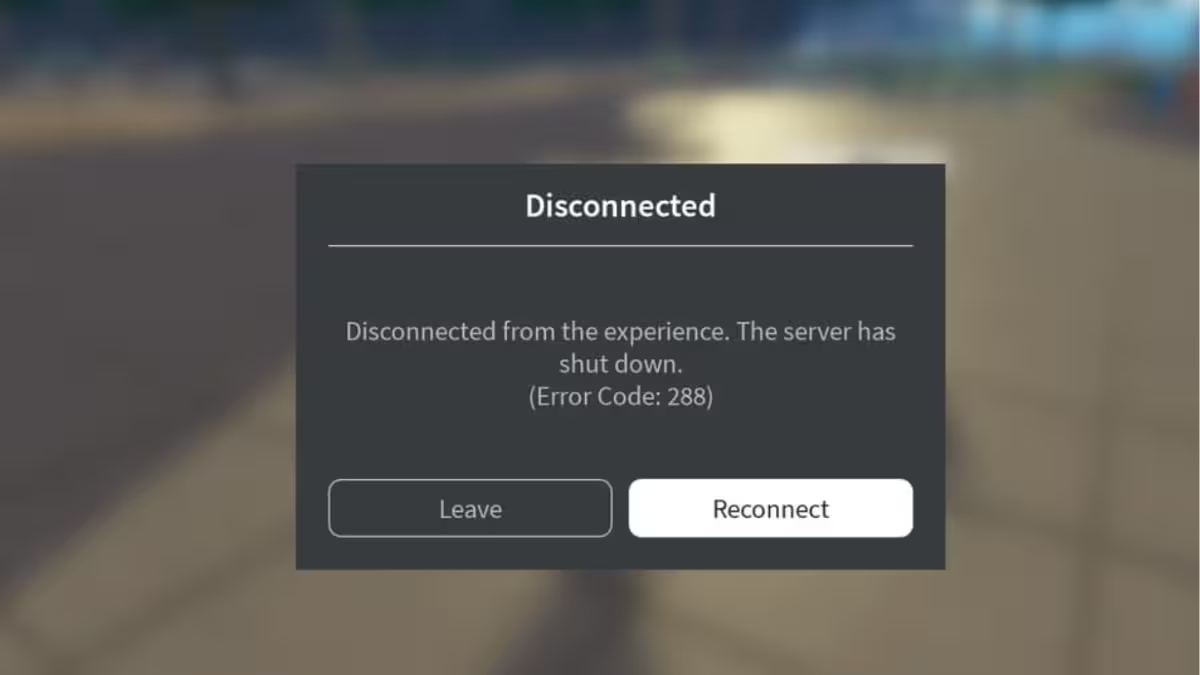
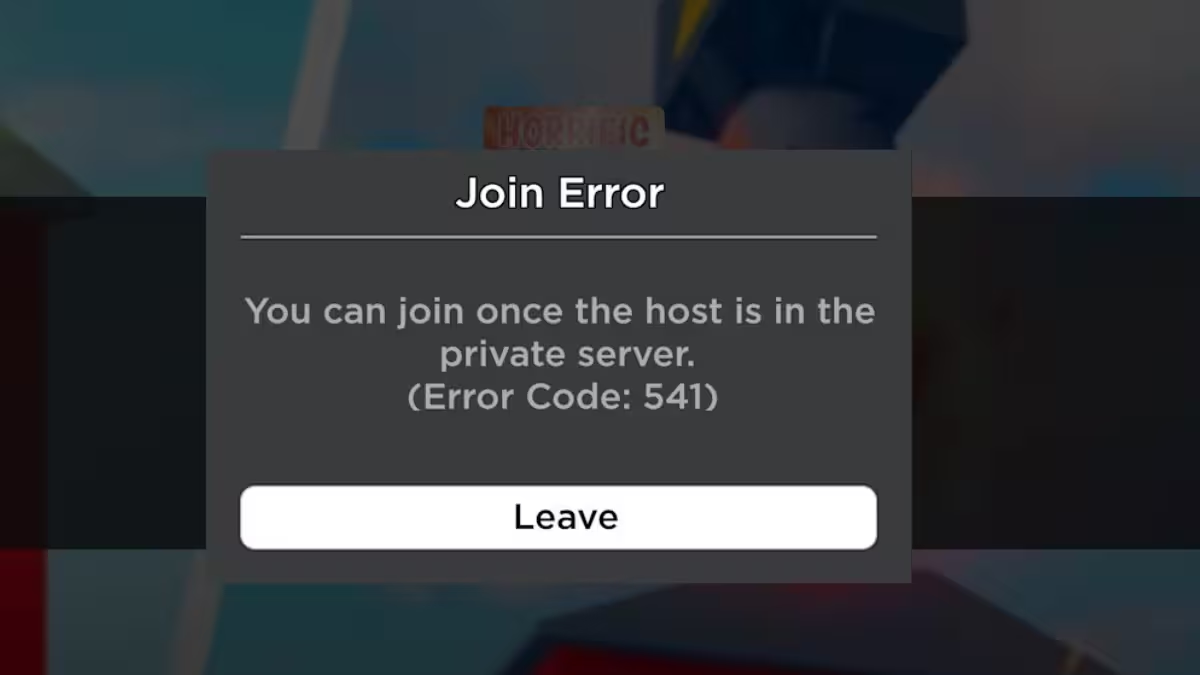
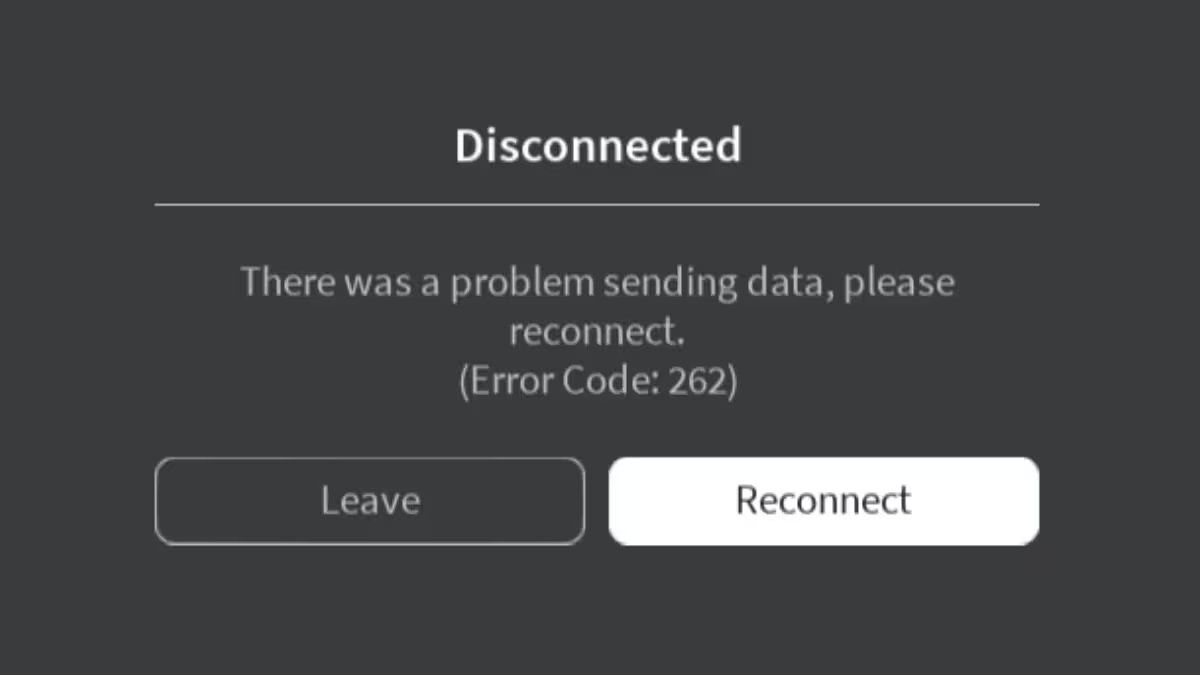
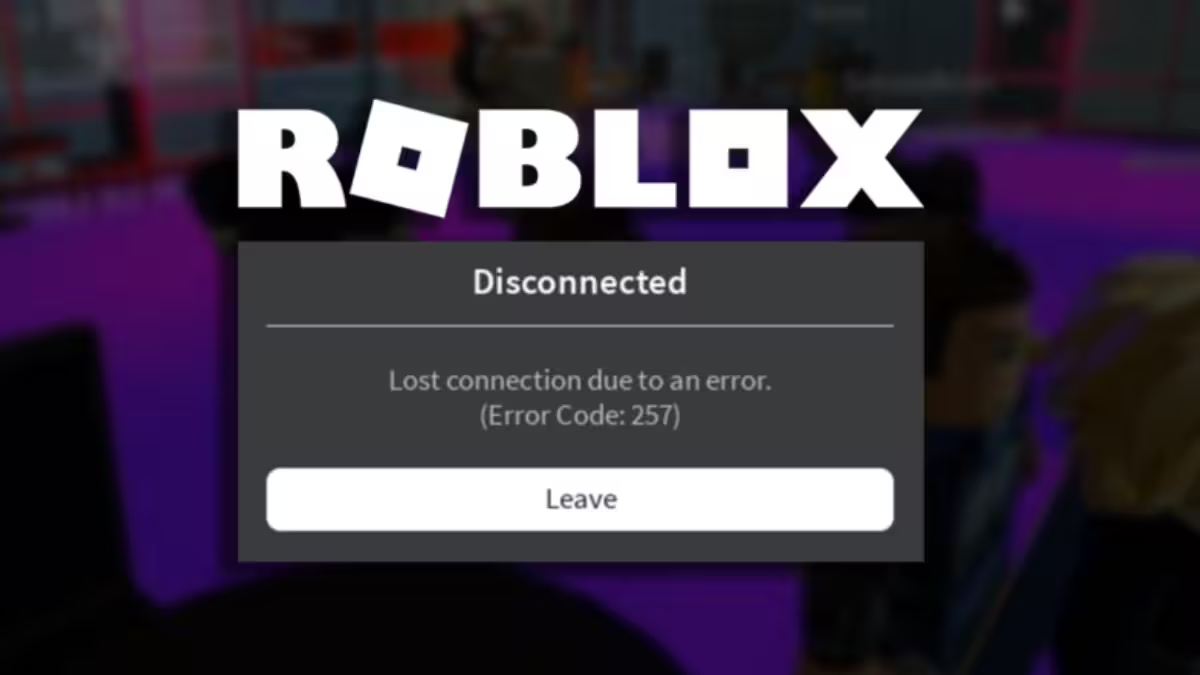
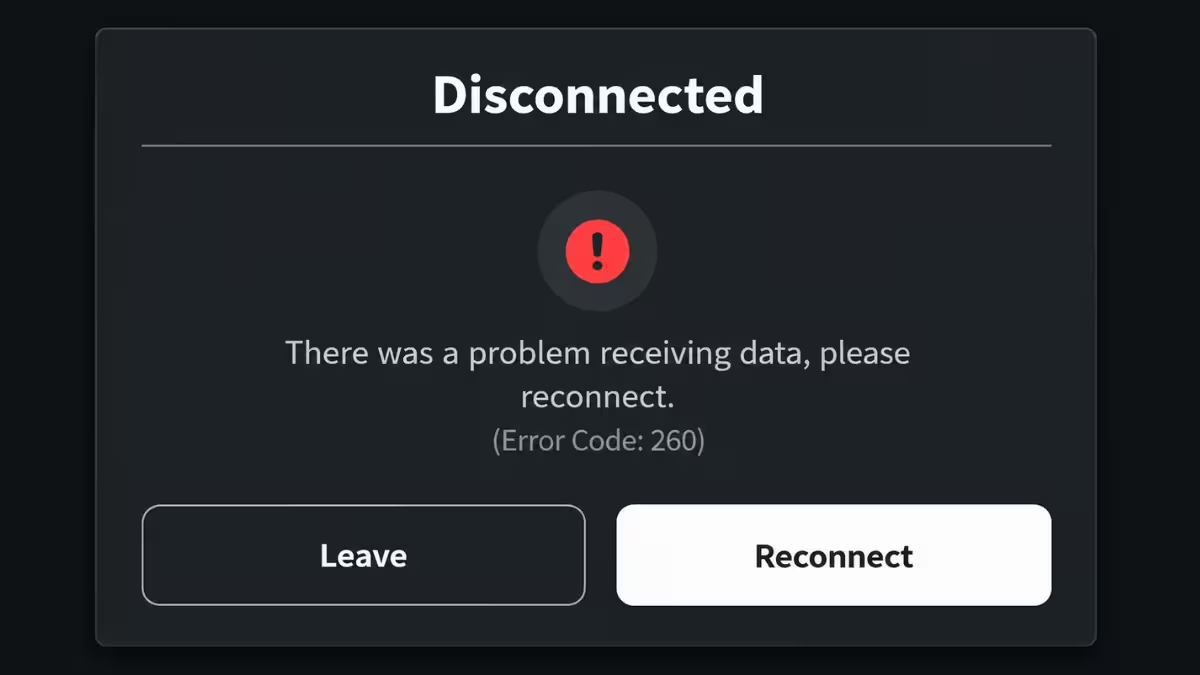
Roblox Error Code 285 drops you from a game session with a "client initiated disconnect" message. The error appears on PC, Mac, Android, and iOS and signals that your device lost its connection to the Roblox server.
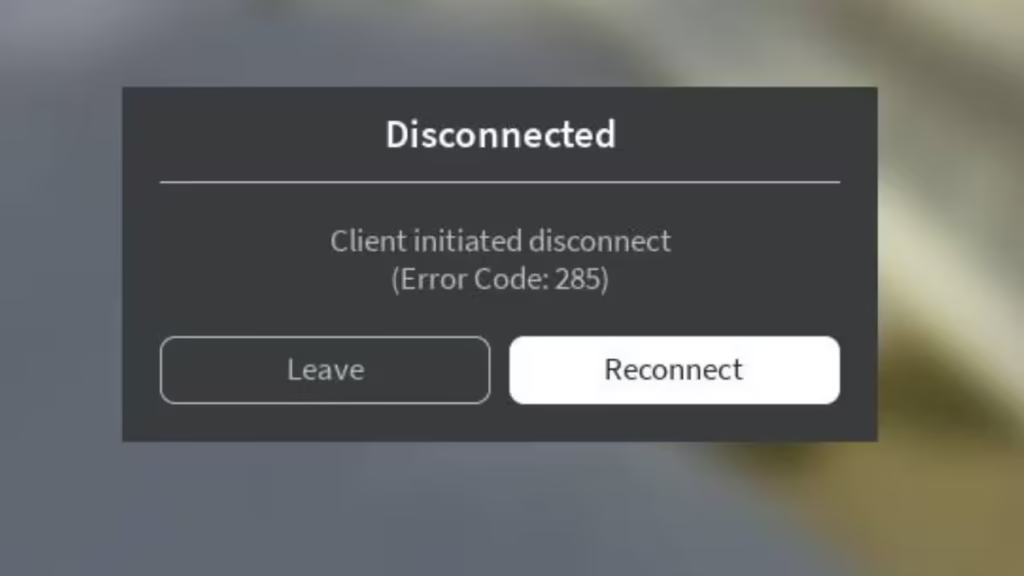
The disconnect happens because of server instability, network problems, or device-level issues. The fixes below target each cause directly.
What Is Roblox Error Code 285?
Error Code 285 appears when your device loses its connection to a Roblox game server mid-session. The label "client initiated disconnect" can be misleading because the disconnect often happens due to external factors rather than a deliberate action on your part.
The error commonly occurs when:
- You join a server that is shutting down or running low on memory
- Your internet connection drops or spikes in latency
- A firewall or security application blocks Roblox's network traffic
- A VPN routes your traffic through a distant server and inflates your ping
How to Fix Roblox Error Code 285
1. Check Roblox Server Status
Before adjusting any settings on your device, confirm that Roblox servers are running normally.
- Open the Roblox Status page in your browser.
- Look for any active incidents or maintenance notices.
- If servers are down, wait for Roblox to restore service before reconnecting.
Roblox also posts outage updates on their official Twitter/X account if the status page is slow to update.
2. Test and Stabilize Your Internet Connection
A slow or unstable connection is one of the most common triggers for Error Code 285.
- Run a speed test at Speedtest.net to measure your download and upload speeds.
- Roblox requires at least 1 Mbps download and 512 Kbps upload for stable gameplay.
- Switch from Wi-Fi to a wired Ethernet connection if your speeds are low or inconsistent.
- Close any background apps or downloads that consume bandwidth while you play.
3. Restart Your Router
A router restart clears temporary network glitches that cause repeated disconnections.
- Turn off your router by pressing the power button or unplugging the cable.
- Wait 30 seconds.
- Turn the router back on and wait for the connection to stabilize.
- Relaunch Roblox and try joining a game.
4. Change Your DNS Settings
Slow or misconfigured DNS servers can disrupt your connection to Roblox. Switching to a public DNS address often improves stability.
On Windows:
- Open Settings and go to Network and Internet.
- Select your active connection and click Edit under DNS settings.
- Switch to Manual and enter one of the following:
- Google DNS: Preferred 8.8.8.8, Alternate 8.8.4.4
- OpenDNS: Preferred 208.67.222.222, Alternate 208.67.220.220
- Save your changes and restart Roblox.
On Mac:
- Open System Settings and go to Network.
- Select your active connection and click Details.
- Open the DNS tab and add the Google or OpenDNS addresses listed above.
- Click OK and reconnect your network.
5. Switch to a Different Server
Empty servers and servers nearing shutdown are frequent causes of Error Code 285.
- Exit your current game session.
- On the game page, click Servers to view the full server list.
- Select a server with a higher active player count.
- Join and check whether the error stops.
Servers with more active players stay stable longer and are far less likely to crash mid-session.
6. Disable Your VPN or Proxy
A VPN reroutes your traffic through a different server, which increases ping and can break your connection to Roblox.
- Open your VPN application.
- Disconnect from the current server or turn the VPN off.
- Relaunch Roblox and join a game.
If the error disappears after disabling the VPN, try switching to a VPN server that is closer to your physical location.
7. Clear Roblox Cache
Corrupted cache files can interfere with the game client and trigger disconnection errors.
On Windows:
- Press Win + R, type
%localappdata%and press Enter. - Open the Roblox folder.
- Delete all files inside the folder.
- Restart Roblox.
On Mac:
- Open Finder and press Cmd + Shift + G.
- Type
~/Library/Caches/and press Enter. - Open the Roblox folder and delete its contents.
- Relaunch Roblox.
On Android:
- Open Settings and tap Apps.
- Find Roblox and tap Storage.
- Tap Clear Cache.
- Reopen Roblox.
On iOS:
iOS does not offer a built-in cache clearing option for individual apps. Delete the Roblox app and reinstall it from the App Store to remove cached data.
8. Check Firewall and Antivirus Settings
Security software can block Roblox from reaching its servers and produce errors like 285.
On Windows:
- Open Windows Security and go to Firewall and Network Protection.
- Click Allow an app through firewall.
- Find Roblox in the list and check both Private and Public boxes.
- If Roblox does not appear, click Allow another app and add the Roblox executable manually.
On Mac:
- Open System Settings and go to Network, then Firewall.
- Click Options and check if Roblox appears in the list.
- Set Roblox to Allow incoming connections.
9. Update Roblox
Running an outdated version of Roblox can cause compatibility issues that lead to disconnects.
- PC: Roblox updates automatically on launch. If the update does not trigger, uninstall Roblox and download a fresh installer from the Roblox website.
- Android: Open the Google Play Store, search for Roblox, and tap Update if one is available.
- iOS: Open the App Store, search for Roblox, and tap Update.
10. Reinstall Roblox
If no other fix resolves Error Code 285, a clean reinstall removes any corrupted files causing the problem.
On Windows:
- Open Settings and go to Apps.
- Find Roblox and click Uninstall.
- Download a fresh installer from the Roblox website and run it.
On Mac:
- Drag the Roblox app from Applications to the Trash.
- Empty the Trash.
- Download and install Roblox again from the official site.
Frequently Asked Questions
Why does Roblox keep disconnecting with Error Code 285?
Error Code 285 usually occurs because of an unstable internet connection, a Roblox server running out of memory, or a device-side issue such as a firewall block or outdated app. Start by checking the Roblox server status, then test your connection and clear the cache.
Does Error Code 285 mean my account got banned?
No. Error Code 285 is a connection disconnect error, not an account restriction. A banned account shows a different error message during the login process, not during a game session.
Does a VPN cause Roblox Error Code 285?
Yes. A VPN increases your latency and can destabilize your connection to Roblox servers. Disabling the VPN or switching to a geographically closer server usually resolves the issue.
Is Error Code 285 the same as Error Code 277?
Both errors indicate a client disconnect from a Roblox server, and the underlying causes overlap. Error Code 277 often points specifically to a lost connection during gameplay, while 285 can also occur when a server runs out of memory and shuts down. The same set of fixes applies to both.