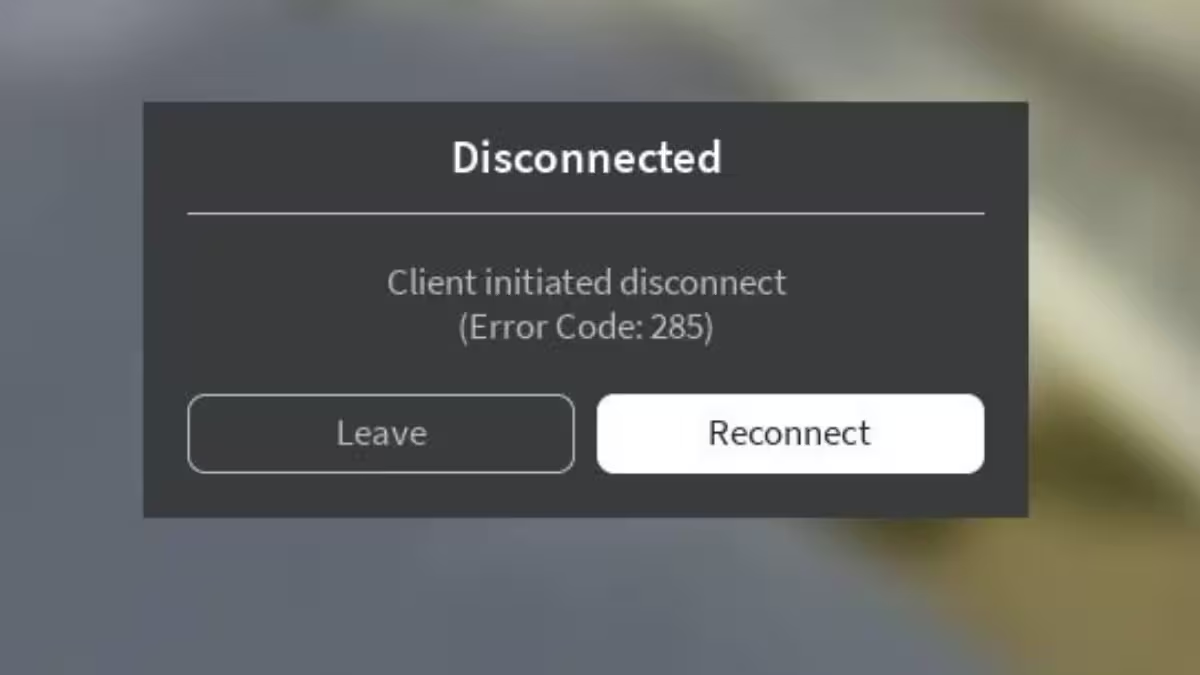
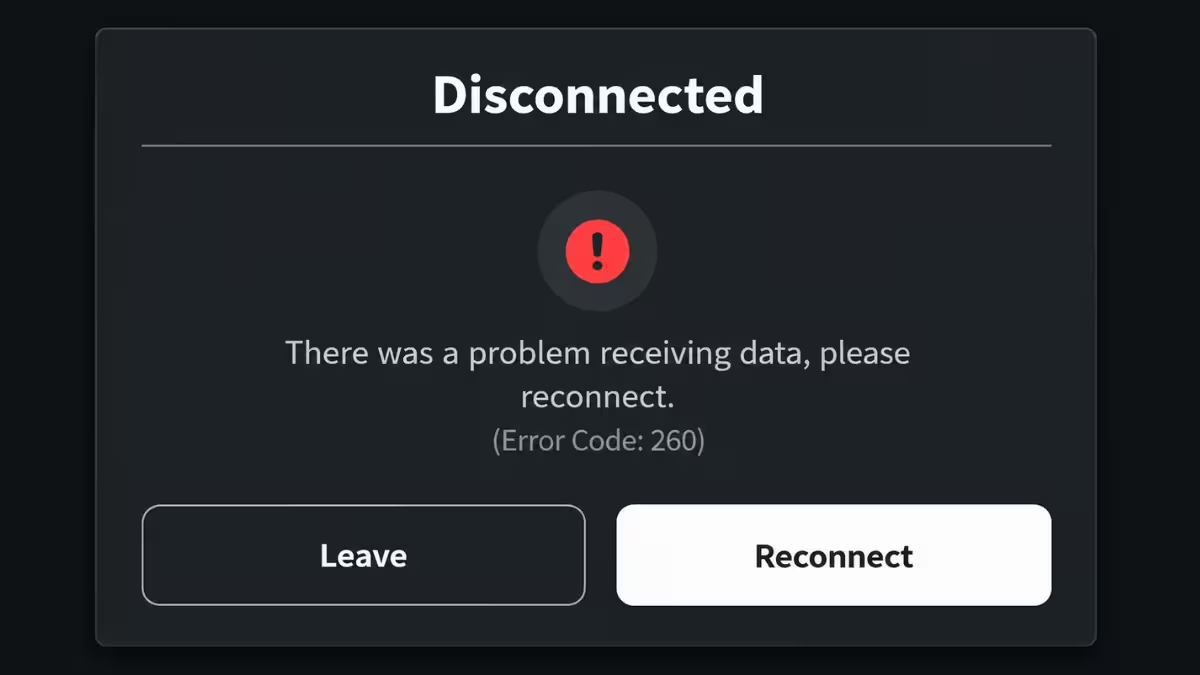
Roblox Error Code 288 kicks you out of a game with the message: "The server has shut down (Error Code: 288)." Every player on that server gets disconnected at once, often without any warning.
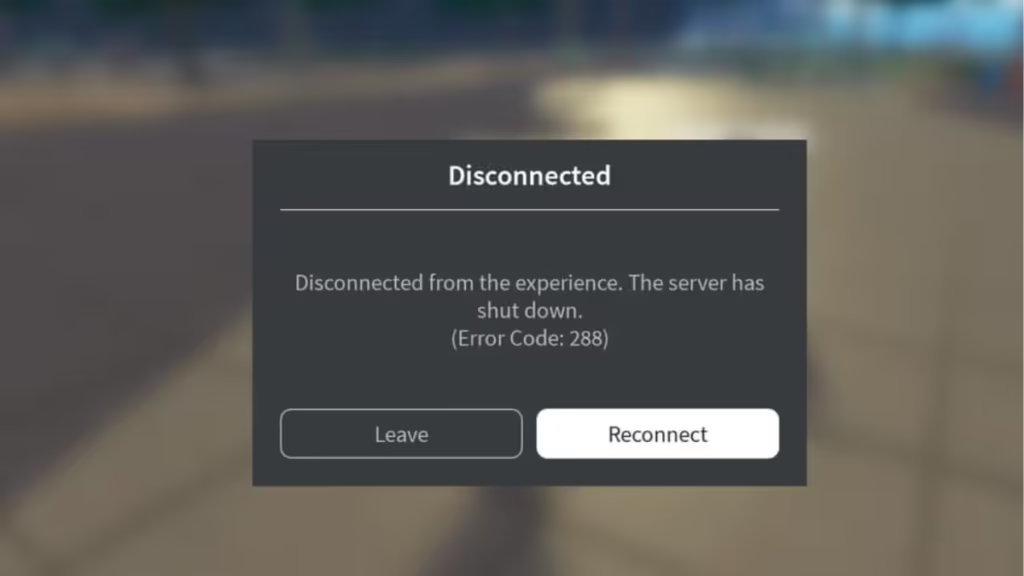
The key thing to understand is that this error comes from the server side, not your device or internet connection. That distinction matters because standard fixes like restarting your router or reinstalling Roblox will not help in most cases.
What Is Roblox Error Code 288
Error Code 288 means the game server instance you were connected to stopped running. Once the server shuts down, Roblox automatically disconnects all active players and displays this error.
This is different from connection-based errors. Your internet can be working perfectly and you will still see Error Code 288 if the server itself goes offline.
What Causes Roblox Error Code 288
Developer Restarted the Server
The most common cause is a server restart triggered by the game developer. Developers shut down active servers when they push updates, deploy bug fixes, or run maintenance tasks. If you are playing during that window, Roblox disconnects you and shows Error Code 288.
New server instances usually come back online within minutes after the update cycle finishes.
Roblox Automatic Shutdown
Roblox manages millions of server instances daily. The platform automatically closes older or low-activity instances as part of its infrastructure management. When your server gets closed this way, you receive Error Code 288 even though the developer did nothing.
Server Lost Connection to Roblox Backend
Game servers send regular heartbeat signals to Roblox's backend services. If a server misses those signals long enough, Roblox marks it as non-functional and forces a shutdown. All connected players then receive Error Code 288.
Experience Set to Private
Developers sometimes switch their game to private mode while testing or fixing a critical issue. If that happens while you are inside the game, the server shuts down and you get disconnected with this error.
Server-Side Bugs or Memory Issues
Server memory leaks, excessive memory usage, script errors, and unexpected crashes can all cause a server to collapse. When the server crashes internally, every connected player receives Error Code 288.
Recent bug reports from June 2026 confirm a spike in Error Code 288 incidents. Multiple developers reported hundreds of server shutdowns per hour, with some private servers going down within 15 to 30 minutes of creation. The problem appears to have started around April 2026 and seems tied to a platform-level issue rather than individual games.
Does Bad Internet Cause Error Code 288
In almost every case, no.
Error Code 288 is a server shutdown notification. Your internet connection can be fully healthy when this error appears. A speed test, router restart, or changing your DNS will not fix a problem that originates on the server side.
If you are seeing a connection-related error instead, that is a different issue entirely.
How to Fix Roblox Error Code 288
Rejoin the Game
The simplest fix is to leave the experience and join it again. Roblox assigns you to a different server instance that is still running. This works in most cases when only one server had the problem.
Switch to a Different Server
If the experience shows a public server list, open it and manually select a different server. Look for one with a different server age or player count to avoid the same affected instance.
Wait Five to Ten Minutes
When a developer is pushing an update or restarting servers across their experience, the disruption is temporary. Wait a few minutes before attempting to rejoin. New instances come online quickly once the restart cycle finishes.
Check Roblox Server Status
If Error Code 288 appears across multiple different games, the Roblox platform itself may be having issues. Visit the official Roblox Status page to check for active outages or scheduled maintenance.
Update Roblox
Keeping your Roblox client up to date eliminates compatibility issues and ensures you are running the latest fixes. Open your app store or the Roblox website and install any available updates. This step rarely resolves Error Code 288 on its own, but it rules out client-side version mismatches.
Restart Your Device
Restarting your PC, Mac, phone, or console clears temporary system processes that can sometimes interfere with Roblox. It will not fix a server shutdown, but it can clear minor local issues that appear alongside this error.
Reinstall Roblox
If Error Code 288 keeps appearing across multiple experiences, a clean reinstall may help. Uninstall Roblox completely, download a fresh copy from the official source, and log back in. This repairs any corrupted local files that could be contributing to the problem.
How Developers Can Fix Repeated Server Shutdowns
If players report repeated Error Code 288 incidents in your experience, investigate server health before assuming it is a Roblox platform problem.
Check server memory usage, script performance logs, crash frequency, and backend connectivity. Review your Creator Dashboard analytics for abnormal shutdown patterns. In many confirmed cases, a memory leak or script error inside the experience itself is the root cause, not an external platform issue.
Frequently Asked Questions
What does Roblox Error Code 288 mean?
It means the game server you were connected to shut down. Roblox disconnects all players on that server and displays this error message.
Can I fix Roblox Error Code 288 myself?
Sometimes. Rejoining the game, switching to a different server, or waiting for the developer to finish maintenance are the most reliable options. If the problem is on Roblox's end, you can only wait for the platform to restore service.
Is Error Code 288 caused by bad internet?
In most cases, no. The error reflects a server shutdown rather than a problem with your connection.
Does Error Code 288 mean I was banned from Roblox?
No. This error has no connection to bans or account suspensions.
Why does Error Code 288 keep happening in the same game?
Repeated incidents usually point to server-side bugs inside the experience, ongoing Roblox platform issues, or the developer actively cycling servers for updates or maintenance.