Helldivers 2 was running fine on Linux until Patch 6.0.1 dropped and broke it for a chunk of Ubuntu and Fedora players. The game either refuses to launch entirely or loads for a few seconds and then closes itself. No error message, no warning, just a crash.
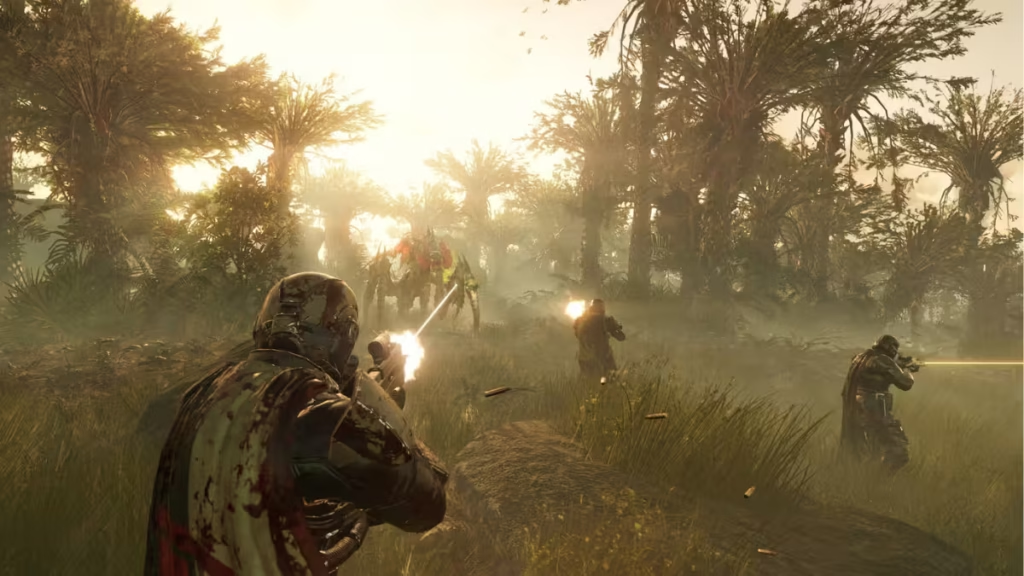
This is a known issue tied to how Patch 6.0.1 handles startup timing, and the fix is straightforward once you understand what is actually happening.
Why Helldivers 2 Crashes on Linux After Patch 6.0.1
Patch 6.0.1 introduced a 20-second hang detection timer. If the game does not finish loading within that window, it kills itself.
On its own, that timer is not a problem. The issue is Steam installed via Snap. Snap runs applications inside a sandbox, and that sandbox adds overhead to how fast Helldivers 2 can load. On older hardware or slower drives, that extra delay pushes startup past the 20-second cutoff, triggering the crash.
Installing Steam through Snap on a second machine reproduced the crash identically, which rules out hardware or file system problems. The Snap sandbox is the bottleneck.
How to Fix Helldivers 2 Crashing on Linux
Step 1: Uninstall Steam from Snap
Standard Snap removal may stall because Snap tries to back up Steam before removing it. Use the --purge flag to skip the backup:
sudo snap remove --purge steamStep 2: Download the Steam .deb Package
Download the official Steam .deb installer directly from Valve:
https://repo.steampowered.com/steam/archive/stable/Download steam_latest.deb from that page.
Step 3: Fix the AppArmor Profile (If Required)
After installing the .deb, Steam may throw this error:
Steam now requires user namespaces to be enabled.
If that happens, edit the AppArmor profile for Steam:
sudo nano /etc/apparmor.d/steamReplace the contents with:
abi <abi/4.0>,
include <tunables/global>

profile steam /usr/{lib/steam/bin_steam.sh,games/steam} flags=(unconfined) {
  userns,

  include if exists <local/steam>
}
Then reload AppArmor:
sudo systemctl reload apparmorNote: Not every system needs this step. If Steam installs and opens without the user namespace error, skip it.
Step 4: Install and Launch Helldivers 2
Install Helldivers 2 through Steam as normal and launch it. The game should load without crashing.
Fedora Users
Fedora uses Flatpak instead of Snap. The same sandboxing issue applies. Install Steam using an .rpm file instead of through the Flatpak store. The Fedora software store sometimes shows both options on the Steam page. Select the .rpm version.
Additional Tips
- If you play on a hard drive, consider installing Helldivers 2 to an SSD. A separate Arrowhead patch increased loading times for HDD installs, which makes the 20-second timer even tighter.
- Delete the crash data folder if the game still struggles after reinstalling Steam. It lives at:
SteamLibrary/steamapps/compatdata/553850/pfx/drive_c/users/steamuser/AppData/Roaming/Arrowhead/Helldivers2/
If this fix worked for you, drop a comment below. If you are still running into issues after following these steps, mention your distro and Steam version and we will help you sort it out.

