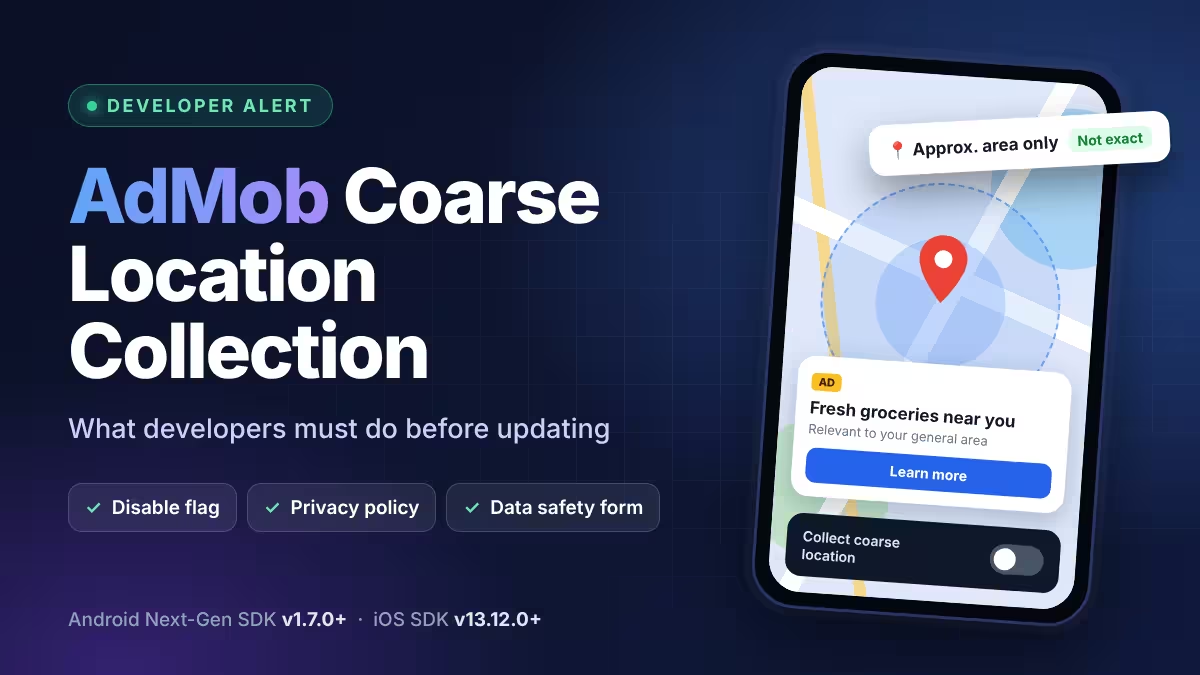
Google has emailed AdMob publishers about a change in the latest Google Mobile Ads (GMA) SDK. Once you adopt the new SDK, it can collect coarse (approximate) location from users who already granted your app location permission. Google says it will use this data to show ads with better geographic relevance.
This guide explains what the change means, who it affects, and the exact steps you should take before you update.
AdMob Coarse Location Collection: What Changed in the Google Mobile Ads SDK
The new behavior arrives with these SDK versions:
- Android Next-Gen GMA SDK: v1.7.0 and later
- iOS GMA SDK: v13.12.0 and later
Collection starts only when you update to one of these versions. Your current live builds keep working as they do today.
Coarse Location vs Precise Location: What the AdMob SDK Can Access
Android and iOS let users decide how much location detail each app receives. On Android, users pick between precise and approximate location, and they also choose when an app can use it: all the time, only while the app is in use, ask every time, or never.
- Precise location comes from GPS and device sensors and can place a user on a specific street.
- Coarse (approximate) location gives only a general area, such as a neighborhood or city.
The new AdMob SDK works with the coarse level. Advertisers on Google can only target general areas like countries, cities, or regions around their business, so the ad system never needs a user's exact position.
Ads also rely on location without device permission. Every device needs an IP address to connect to the internet, and IP addresses roughly map to geography. Google already uses this IP-based area, along with signals like language and time zone, to estimate a user's country or region for ads.
Which Apps Are Affected by AdMob Location Collection
The SDK does not ask users for location permission on its own. It only reads coarse location when your app already requests and receives that permission from the device.
| Your app | Impact after SDK update |
|---|---|
| Does not request location permission | No location collected |
| Requests location, user denies it | No location collected |
| Requests location, user allows it | SDK collects coarse location for ads |
If your app is a simple tool, game, or calculator that never asks for location, this change will not touch your users' data.
How to Disable AdMob Coarse Location Collection (and Your Other Options)
1. Stay on Your Current SDK Version
You can skip the update for now. Nothing changes until you move to the new SDK. Keep in mind that Google eventually retires older SDK versions, so plan the update rather than avoiding it forever.
2. Update and Allow Location Collection
If your app uses location and you want better ad targeting, leave collection on. Before you release the update:
- Add coarse location for advertising to your privacy policy.
- Update the Data safety form in Google Play Console to declare approximate location shared for advertising.
- On iOS, review your App Privacy details in App Store Connect.
- Check that your consent flow (such as Google's User Messaging Platform for GDPR regions) still covers ad personalization.
3. Update and Disable Location Collection
If you prefer not to share location with the ad SDK, turn it off with the configuration flag Google provides. Follow the official guides:
Set the flag when you integrate the new SDK version, before you publish the build. This keeps your privacy policy and store disclosures as they are, as long as nothing else in the SDK changed.
AdMob SDK Update Checklist: Privacy Policy and Data Safety Form
- Confirm whether your app requests location permission at all.
- Decide whether to allow or disable coarse location collection.
- Apply the configuration flag if you chose to disable it.
- Update your privacy policy if you allow collection.
- Update the Play Console Data safety form and App Store privacy details. If your app has no login, also check your account deletion URL setup.
- Test ads in a debug build with test ad units, then switch to live ad units.
- Release the update and watch your AdMob reports for changes in fill rate and eCPM.
Does Disabling Location Collection Reduce AdMob Earnings
Possibly by a small margin. Device location helps advertisers reach regional campaigns more accurately, so apps with location permission may see slightly better relevance in some markets. Your ads still keep a rough regional signal from the IP address, so disabling the flag does not turn off geographic targeting completely. For apps that never request location, the setting makes no difference.
What to Add to Your Privacy Policy and Tell Your Users
If you leave collection on, give users a clear way to manage it in your privacy policy:
- They can switch your app to approximate location or deny location access in their device settings.
- They can reset their advertising ID on Android or limit ad tracking on iOS.
- They can turn off ads personalization in their Google account ad settings.
Frequently Asked Questions
Does the AdMob SDK now ask users for location permission?
No. The SDK only uses location your app already has permission to access. It does not show its own permission prompt.
Do I need to update my privacy policy?
Only if your app has location permission and you leave collection enabled. If you disable it or your app never requests location, your existing policy can stay as it is for this change.
Is precise location collected?
No. Google describes the data as coarse location, which means an approximate area.
Will ads still be location-based if I disable collection?
Yes, at a broad level. Google can still estimate a general area from the user's IP address and other network signals. Disabling the flag only stops the SDK from reading device location.
Can users block this even if I leave it on?
Yes. Users can deny location permission, switch your app to approximate location, reset their advertising ID, or turn off ads personalization.
When does collection begin?
Collection begins as soon as you release a build with Android Next-Gen GMA SDK v1.7.0 or iOS GMA SDK v13.12.0 or later, unless you disable it.
Does this affect apps using the older Android GMA SDK?
Google's notice names the Android Next-Gen SDK. Check the release notes for the SDK you use before updating.
Related Guides
- Google Play Trader Status: How to Declare It, Who Must Do It and What Goes Public
- Google Play Device and Network Abuse Suspension: Causes, Fixes and How to Appeal
- Google Play Impersonation Policy: Why Apps Get Suspended, How to Fix Your Listing and Appeal
- Google Play DMCA Suspension: Why Apps Get Removed, How to File a Counter-Notice and Get Reinstated