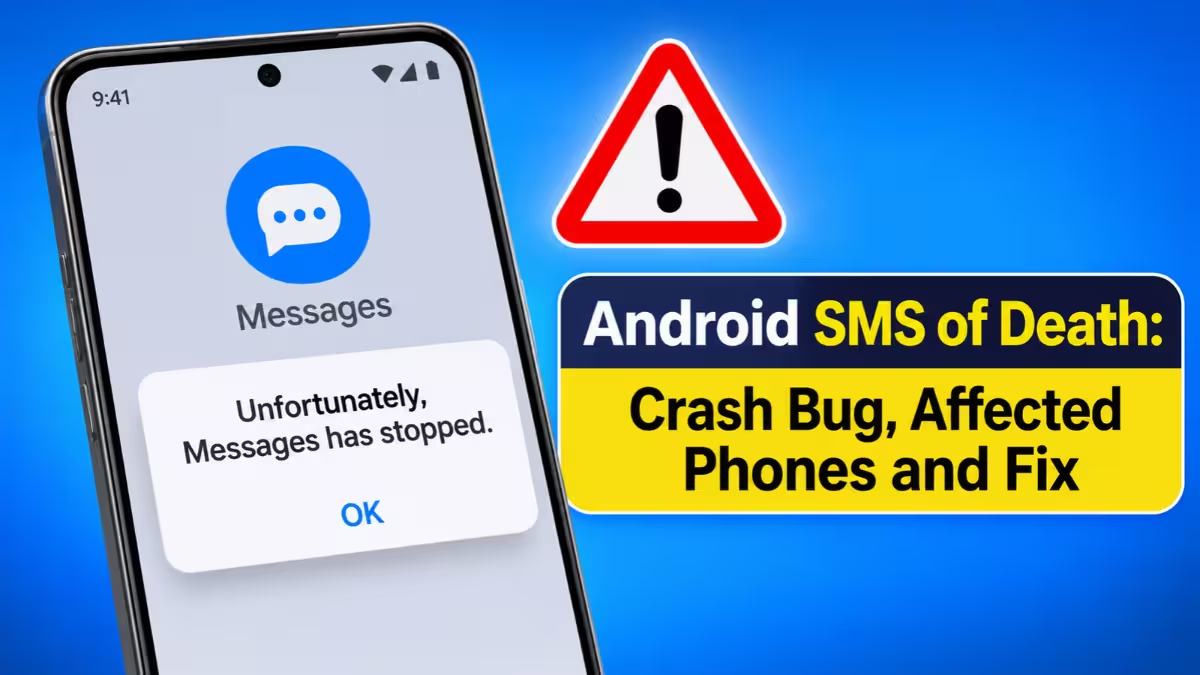
A single invisible text message can now knock an Android phone off its cellular network, cut an active call and, in bad cases, push the device into an endless reboot loop. Security researcher Mark Blaszczyk named the bug "SMS of Death," and it carries the identifier CVE-2026-58882. The victim never taps anything, never sees the message, and gets no warning before the phone crashes.
Google has built a fix for Android 14 through 17. Phones still on Android 12 and 13 sit outside Google's support window, so they will likely never get one. Below, we explain how the attack works, who faces the most risk, and what you can do today.
What Is the Android SMS of Death Vulnerability (CVE-2026-58882)?
It is a zero-click remote denial-of-service flaw in the part of Android that handles carrier messages.
The bug lives in a telephony function called WapPushOverSms.decodeWapPdu. This code reads WAP Push messages, an old carrier system that quietly sends phones instructions such as MMS download prompts or network settings. Android processes these messages in the background, so they never land in your SMS inbox.
An attacker sends a tiny, malformed WAP Push message with a corrupted length value in its header. The flaw carries a CVSS score of 7.5 and sits in the same category as other destructive remote DoS bugs that Google's reward program recognizes.
How Does the Android SMS of Death Exploit Crash a Phone?
One bad length value turns into a negative memory size, and the phone process dies.
Android converts the header value into a signed number without checking its range, and the result turns negative. When the phone tries to set aside memory of a negative size, Java throws a NegativeArraySizeException. Nothing catches that error, so the com.android.phone process crashes. That process runs your calls, mobile data and SMS, so your phone drops off the network instantly.
The damage does not stop after one crash, and the user has no way to block it.
- No interaction needed: The phone handles the message on its own. You do not open, read or tap anything.
- No trace in the inbox: The malicious text stays hidden, so most people have no idea why their phone failed.
- Emergency calls drop too: The crash ends any active call, including a call to emergency services.
- Repeat crashes: Android tries to process the stored message again after every restart, and carriers resend messages the phone never confirmed. Blaszczyk saw one message cause trouble for up to a week.
- Reboot loops: In his tests, about 20 malicious messages left phones stuck rebooting. One Android 12 device restarted into recovery mode roughly every 90 seconds.
Blaszczyk reproduced the attack every single time on a Pixel 9 and on several Samsung Galaxy models. The bug depends on the Android version and patch level, not on the phone brand.
Which Android Versions and Phones Are Affected by SMS of Death?
Every phone from Android 12 to Android 17 carries the bug until it receives a fix.
| Android version | Fix status |
|---|---|
| Android 17 | Fixed in the October security update |
| Android 16 | Fixed in the October security update |
| Android 15 | Fixed in the October security update |
| Android 14 | Fixed in the October security update |
| Android 13 | No fix planned by Google |
| Android 12 | No fix planned by Google |
Estimates put Android 12 and 13 at roughly 18% of active Android phones, which works out to hundreds of millions of devices worldwide. Even on Android 14 and newer, your phone stays vulnerable until your manufacturer or carrier actually ships the October patch to it.
Has Google Patched SMS of Death? Android 12 and 13 Status
Google fixed Android 14 through 17 in October, but it ended support for Android 12 and 13 and has announced no patch for them.
The fix took months to reach the public, and the disclosure path was messy. Blaszczyk reported the issue to Google on May 5. Google first closed the report as "Will Not Fix," a decision GrapheneOS later called a likely internal mix-up, possibly a duplicate that someone marked wrongly. Google wrote a fix in June and shared it with partners through security previews in July. GrapheneOS shipped the fix to its users that same month.
The patch, titled "Fix remote DoS in decodeWapPdu," landed in the public AOSP telephony repository in October. It catches the exception so the phone process keeps running, and it deletes the poisoned message from the SMS database so it cannot trigger fresh crashes. Google rolled the fix into October updates for Android 14 to 17 but left it out of the October Android Security Bulletin. Reports expect it to appear in the November bulletin with a critical rating.
Blaszczyk went public on October 29 with a full write-up on smsofdeath.com and a working proof-of-concept that sends the attack from another Android phone. With that code now public, low-skill attackers can try it, which raises the risk for anyone on an unpatched phone.
How to Check If Your Android Phone Has the SMS of Death Patch
Your security patch level tells you whether your phone has the fix.
- Open Settings on your phone.
- Go to About phone (on some phones, Security & privacy or Software information).
- Look for Android security update or Security patch level.
- If the date reads October of this year or later on Android 14 or newer, your phone has the fix.
- If it shows an older date, go to Settings > System > Software update (or Software update on Samsung) and install anything waiting.
- Restart the phone so the update finishes installing.
Menu names differ by brand, so search Settings for "security update" if you cannot find it.
How to Fix an Android Phone Stuck in a Reboot Loop After SMS of Death
Do not wipe the phone right away, because a factory reset erases everything.
When the attack hits an unpatched phone, it may restart over and over and land in recovery mode with an option to Wipe data/factory reset. Skip that option if you want to keep your files.
A GitHub contributor named Sakis found a way to clear the malicious messages with Android Debug Bridge (ADB). This method needs a computer, a USB cable, and USB debugging already turned on, so it suits technically confident users. If you cannot use ADB, your remaining options are a factory reset, a new phone number, or a newer phone. A reset only cleans the current attack; an unpatched phone can be hit again.
How to Protect an Android 12 or 13 Phone From SMS of Death
No setting fully blocks this bug on an unpatched phone, but you can limit the damage.
- Back up your data now: Turn on Google One backup or copy photos and files to a PC, so a forced reset does not cost you everything.
- Check for a vendor patch: Some manufacturers still push their own security fixes to older models. Install any update your phone offers.
- Consider an upgrade: If your phone has stopped getting updates entirely, a supported device is the only lasting fix.
- Keep a backup way to call: If you rely on your phone for safety or work, keep a second patched phone or another calling option handy.
- Audit company fleets: IT teams should list every Android 12 and 13 device on the network, especially BYOD phones and field staff devices, and plan replacements.
Can SMS of Death Steal Data or Hack Your Phone?
No, this bug knocks your phone offline but does not read or steal anything.
SMS of Death is purely a denial-of-service flaw. It does not run attacker code, grant access to your accounts or leak passwords. The real harm comes from losing your connection at the wrong moment, such as during an emergency call, and from losing data if you reset the phone without a backup. So far, nobody has reported widespread attacks in the wild.
Frequently Asked Questions
What is CVE-2026-58882?
CVE-2026-58882 is the official ID for the Android SMS of Death bug. It lets a remote attacker crash the phone's telephony process with a malformed WAP Push message.
Can SMS of Death affect my phone if I never open the message?
Yes. Android processes WAP Push messages automatically in the background, and the message never shows up in your inbox, so you have nothing to open or ignore.
Is my Samsung phone affected?
Samsung Galaxy phones on Android 12 to 17 carry the bug until they receive the fix. Galaxy models on Android 14 or newer are safe once they install a security update dated October or later.
Will Google patch Android 12 and 13?
Google no longer supports these versions and has not announced a fix for them. Only a phone maker that releases its own patch can protect these devices.
Does turning off SMS or mobile data stop the attack?
Airplane mode stops the phone from receiving any messages, so it blocks the attack while it stays on. It also blocks your calls and texts, which makes it a stopgap rather than a fix.
How do I recover a phone stuck in a reboot loop without losing data?
Avoid the wipe option in recovery mode. A technical user can connect the phone to a computer and remove the malicious messages with ADB, but this requires USB debugging to be enabled beforehand.
Related Guides
- Signal CVE-2026-113380: Bug Could Keep Your Call Audio Live After You Hang Up
- How to Set Up a Passkey for Your Microsoft Account and Remove SMS Authentication
- Google Patches Chrome Zero-Day Vulnerability CVE-2026-2441 Exploited in Active Attacks
- Microsoft Issues Emergency Patch for Actively Exploited Office Zero-Day (CVE-2026-21509)
- CVE-2026-46333: How to Fix the Linux Kernel Privilege Escalation Vulnerability