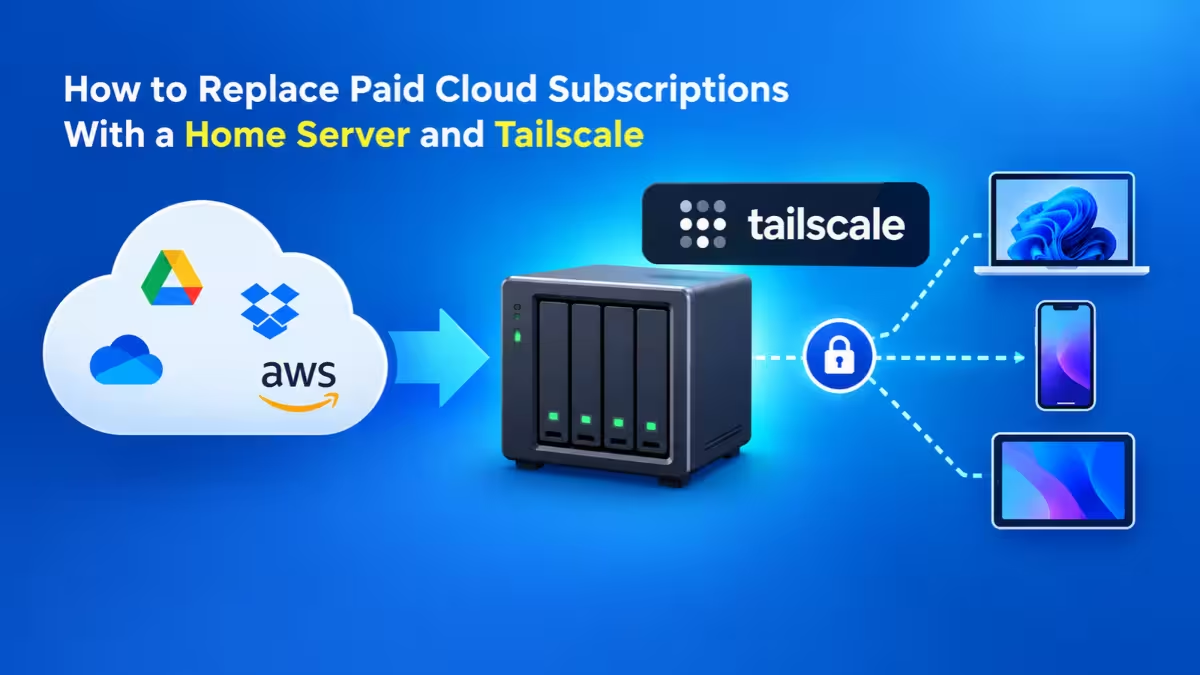
Monthly app bills rarely look scary on their own. A few dollars for photo storage, a few more for a password manager, another charge for automation, and suddenly you pay a small rent every month for software you never own. Self-hosted apps flip that model. You run the software on your own hardware or a cheap cloud server, you keep the data, and the recurring software fee disappears.
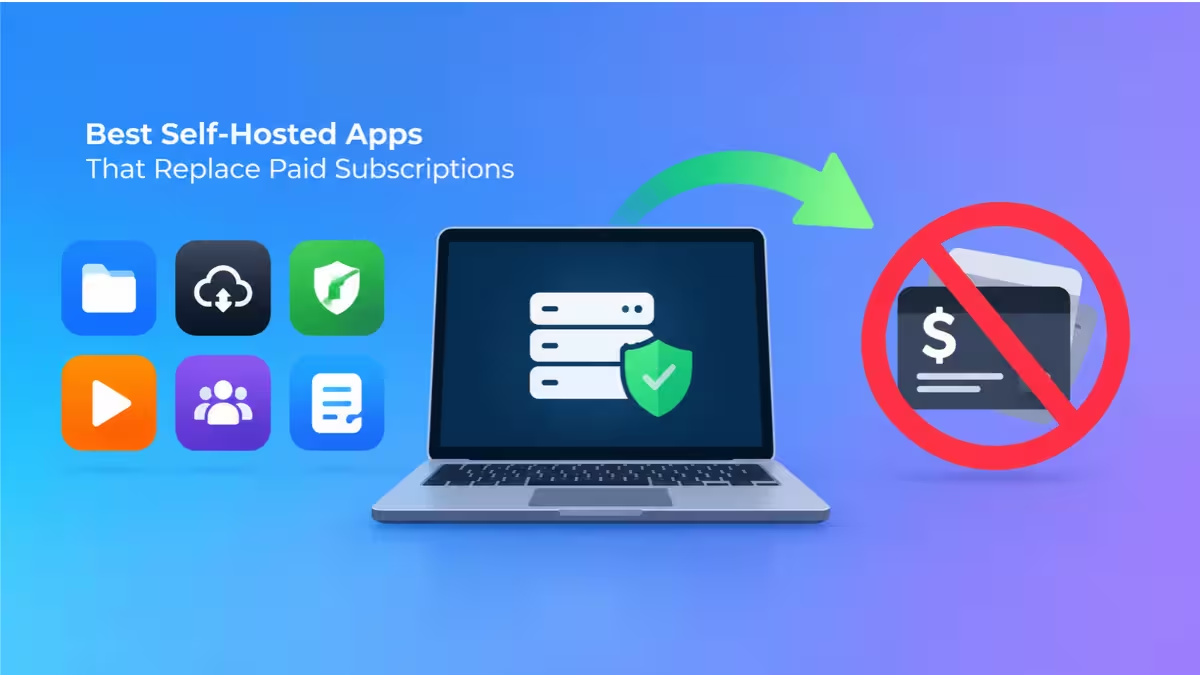
The five apps below cover the subscriptions most people pay for: photo backup, passwords, file storage, media streaming and workflow automation. Each one runs in Docker, gets regular updates from an active community, and works well enough to replace its paid rival in daily use.
What Hardware Do You Need to Self-Host Apps?
A single small machine can run every app on this list.
You have two practical choices. A low-cost VPS with 2 to 4 GB of RAM works well for apps you want to reach from anywhere, such as a password manager or automation server. A home mini PC or NAS suits storage-heavy apps like photo backup and media streaming, because large drives cost far less at home than in the cloud.
You also need Docker and Docker Compose installed, a domain or a private VPN such as Tailscale for remote access, and a backup plan. Treat backups as part of the install, not an optional extra, since no vendor will restore your data if a disk fails.
1. n8n: Free Alternative to Zapier and Make
n8n gives you a visual workflow builder that connects apps, APIs, databases and webhooks without per-task billing.
Cloud automation services usually charge by the number of tasks or operations you run, so busy workflows push you into higher plans fast. n8n removes that meter when you host it yourself. You drag nodes onto a canvas, link them together, and build flows such as copying new form entries into a spreadsheet, posting alerts to Discord, or syncing subscribers between two email tools.
It ships with hundreds of ready integrations, and an HTTP Request node covers any service that exposes an API. For complex logic, you can drop JavaScript straight into a Code node.
Pros
- No execution limits on your own server
- Hundreds of built-in integrations plus a generic API node
- Visual editor with optional code for advanced steps
Cons
- Debugging failed runs needs some JSON and API knowledge
- Uses a fair-code license, so commercial resale has limits
2. Immich: Free Google Photos Alternative
Immich backs up photos and videos from your phone automatically and organizes them with on-device machine learning.
The interface will feel familiar to anyone who has used Google Photos. The mobile app uploads new shots in the background, and the server groups them by date, location and faces. Its smart search lets you type phrases like "beach sunset" or "red car" and finds matching images without manual tags.
Shared albums, partner sharing, a map view and support for RAW and Live Photos round out the feature set. Since storage grows only with the drives you add, a multi-terabyte library costs you hardware once instead of a monthly cloud storage tier.
Pros
- Reliable automatic backup from Android and iOS
- Face recognition and natural language search run locally
- No storage cap beyond your own disks
Cons
- Machine learning features need more RAM than a basic server
- You must keep a second backup copy, because deleting from the server deletes for good
3. Vaultwarden: Self-Hosted Alternative to 1Password and LastPass
Vaultwarden is a lightweight server written in Rust that speaks the same protocol as Bitwarden.
That compatibility matters most. You keep using the official Bitwarden apps on your phone, desktop and browser, and simply point them at your own server URL during login. Premium features such as TOTP code storage, file attachments, organizations for family sharing and emergency access all work without a paid plan.
The container uses very little memory, so even the cheapest VPS handles it comfortably. That makes Vaultwarden the easiest first project for anyone new to self-hosting.
Pros
- Works with every official Bitwarden client and extension
- Unlocks premium features at no cost
- Tiny resource footprint
Cons
- Must sit behind HTTPS, since the clients refuse plain HTTP
- A server failure without backups means losing every stored password
4. Nextcloud: Private Alternative to Dropbox and Google Drive
Nextcloud turns your server into a full personal cloud with file sync, calendar, contacts and office documents.
Desktop and mobile clients keep folders in sync across devices just like Dropbox. Install Nextcloud Office or OnlyOffice from its app store, and you can create and edit documents, spreadsheets and presentations in the browser with other people at the same time. Extra apps add notes, tasks, forms, video calls and more.
The all-in-one Docker image handles most of the setup for you, including the database and SSL. Pair it with a NAS or large drives, and your only storage limit becomes your disk size.
Pros
- Replaces several tools at once: files, calendar, contacts and office
- Large app store for extra features
- Polished sync clients on every platform
Cons
- Heavier than single-purpose apps and slower without tuning
- Larger installs need Redis caching and a proper database to stay fast
5. Jellyfin: Free Alternative to Plex Pass
Jellyfin streams your own movies, shows and music to almost any screen without accounts or paywalls.
Point Jellyfin at your media folders, and it fetches posters, descriptions and episode details on its own. Client apps exist for Android TV, Fire TV, Roku, iOS, Android and web browsers. Unlike Plex, Jellyfin keeps hardware transcoding, offline downloads and live TV free, and it never asks you to sign in to an outside service.
For a music-only library, a lighter server like Navidrome pairs well with it, but Jellyfin handles music fine for most households.
Pros
- Fully free and open source with no premium tier
- No cloud account or tracking required
- Wide range of client apps for TVs and phones
Cons
- Transcoding 4K video demands a capable CPU or GPU
- Some TV apps feel less refined than Plex
How Much Money Does Self-Hosting Save?
The savings depend on which subscriptions you cancel, but the gap grows quickly.
A typical personal stack of cloud storage, photo backup, a password manager and an automation plan easily crosses $40 a month. A small VPS costs a fraction of that, and a home mini PC pays for itself within a year for most users. Teams save even more, because self-hosted apps do not charge per seat.
The real cost moves from money to time. Plan for a few hours a month to apply updates, check backups and read release notes before upgrading.
Who Should Self-Host and Who Should Skip It
Self-hosting rewards people who like control and accept the upkeep.
It fits developers, technical founders, privacy-focused users, and anyone paying for several overlapping subscriptions. You gain the biggest savings and full ownership of your data.
It suits you less if you dislike command lines, forget backups, or need guaranteed uptime around the clock. A cloud vendor runs a support team for you. At home, a power cut or a failed disk becomes your problem, so weigh that trade before you cancel anything.
How to Start Self-Hosting Without Losing Data
A few habits keep your server stable and secure.
- Start with one app. Vaultwarden or n8n make easy first projects. Run it alongside the paid service for a few weeks before you cancel anything.
- Automate backups from day one. Copy data to a second disk or a remote location on a schedule, and test a restore at least once.
- Avoid opening router ports. Use a VPN like Tailscale or a reverse proxy with automatic SSL for anything exposed to the internet.
- Turn on two-factor authentication in every app that supports it.
- Pin image versions in Docker Compose and update on purpose, not blindly.
Frequently Asked Questions
Are self-hosted apps completely free?
The software on this list costs nothing, but you still pay for the hardware or VPS, electricity, and optionally a domain name. For most people those costs stay well below the subscriptions they replace.
Do I need programming skills to self-host?
No. If you can follow a guide and paste commands into a terminal, Docker handles most of the installation. Basic Linux comfort helps when something breaks.
Can one server run all five apps?
Yes. A machine with 8 GB of RAM runs all five comfortably. Immich's machine learning and Jellyfin's transcoding use the most resources, so give those extra headroom if you store large libraries.
Is self-hosting less secure than cloud services?
Not by default, but security becomes your job. Keep apps updated, use HTTPS, enable two-factor authentication, and prefer a VPN over public ports.
Which self-hosted app should beginners try first?
Vaultwarden. It installs as one small container, works with apps you may already use, and shows you the full self-hosting routine of install, secure, back up and update.