A sleek, WinUI 3 version of Registry Editor went viral this week, and many Windows 11 users assumed Microsoft was finally replacing regedit.exe. Microsoft now says that reading is wrong. The app is a developer sample built to show off an experimental framework, and the Windows team has no plans to ship it.
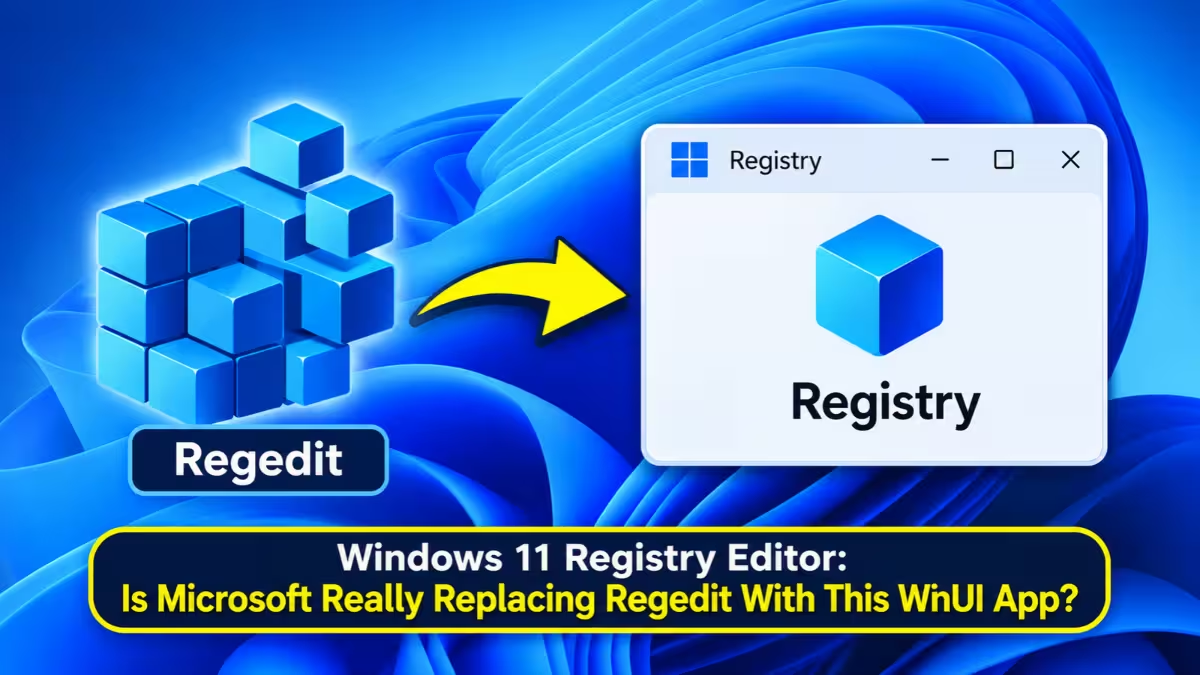
Here is what the app actually is, why people got confused, and where a real Registry Editor makeover stands.
Is Microsoft Replacing Registry Editor in Windows 11?
No. Microsoft confirmed the WinUI app is a developer sample, and nothing in it signals a replacement for regedit.exe.
- The modern Registry Editor lives in Microsoft's open-source Microsoft.UI.Reactor repository as a sample app.
- Microsoft VP Scott Hanselman and Windows Insider lead Marcus Ash both called it "a sample" on X.
- The app reads and edits the real Windows Registry, but several features remain unfinished.
- A proper regedit redesign may still arrive later as part of the Windows K2 effort, with no timeline yet.
Why the WinUI Registry Editor Went Viral
Windows Latest dug the app out of the Reactor repository, compiled it, and ran it on a Windows 11 PC. Its hands-on report described the tool as Microsoft's new WinUI 3 Registry Editor and stressed that it was not a mock-up. The About dialog even reads "Registry Editor Reactor WinUI 3 Edition."
The report did mention that the app was a sample, but many reposts and headlines dropped that detail. Users then judged the app as a finished product and slammed its large fonts, heavy padding, and sparse menus.
Microsoft Confirms It Is Only a Developer Sample
Scott Hanselman replied directly to the original post on X, pointing out that the post called it the new editor and only admitted it was a sample at the very end. Marcus Ash followed up and put it plainly: the app is a sample, not a developer preview of a new regedit.
Ash also said the sample has nothing to do with the Windows team's ongoing modernization work. In short, the team that maintains the real Registry Editor did not build this app.
What Is Microsoft.UI.Reactor and Why Does This App Exist?
Reactor is an experimental C# framework that brings the Model-View-Update (MVU) pattern to WinUI desktop apps. Microsoft engineers want to test how far MVU can go on WinUI, and they use sample apps like this editor to prove the idea.
Key points developers should know:
- Native controls only. Every menu, tree, and dialog uses a real WinUI control. No Electron, HTML, or WebView2 sits underneath.
- No XAML required. Developers write the interface in C# without XAML pages, code-behind, or ViewModels.
- React-style hooks. Components use hooks such as UseState and UseEffect, though the code stays C#.
- Targeted updates. When state changes, Reactor refreshes only the controls that changed.
Microsoft treats WinUI as the foundation and says good ideas from Reactor could later flow back into WinUI itself.
WinUI Registry Editor Features: What Works and What Is Missing
The app keeps the classic two-pane layout, with keys on the left and values on the right. It swaps the old yellow folders for a cleaner tree, adds a WinUI address box, a status bar, and the Windows 11 Mica backdrop.
A dedicated service class handles reads and writes through .NET's Microsoft.Win32 APIs and catches permission errors, so protected keys do not crash the app.
| Feature | Works in the sample? |
|---|---|
| Create, rename, delete keys | Yes |
| String, Binary, DWORD, QWORD, Multi-String, Expandable String values | Yes |
| Find (Ctrl+F) | Yes |
| Favorites | Lost after closing the app |
| Import and export | Clipboard only, no .reg files |
| Export All | Covers HKEY_LOCAL_MACHINE only |
| Permissions | Menu item does nothing |
| Load and Unload Hive | Placeholders |
| Network Registry and Print | Empty |
Because the sample edits the live Registry, anyone who wants to test it should use a virtual machine. One bad change can break Windows.
Will Windows 11 Get a Modern Registry Editor Later?
Possibly, but not soon. Reports from people familiar with Microsoft's plans say Registry Editor sits on the list for a refresh under the Windows K2 effort. Other priorities come first, and Microsoft has not announced any project or date.
Marcus Ash also said earlier on a podcast that the Windows team had started looking at tools like regedit. Any official version will likely look quite different from the Reactor sample.
Other Windows Tools Getting a WinUI 3 Makeover
Registry Editor would join other legacy tools that already got or are getting WinUI makeovers:
- The File Explorer Properties dialog, with dark mode support
- Print Management, which replaces the old MMC console
- A faster, modern Run dialog
- AutoPlay and the defrag tool, both on Microsoft's to-do list
Microsoft is also trimming WinUI's memory use so new apps do not end up heavier than the ones they replace.
What Windows 11 Users Should Do Now
Nothing changes on your PC today. Windows 11 still ships the classic Registry Editor, and Microsoft has announced no replacement. Power users who want extra features such as regex search or session undo can keep using third-party tools like Registry Workshop in the meantime.
Frequently Asked Questions
Is Microsoft replacing Registry Editor in Windows 11?
Not right now. Microsoft confirmed the WinUI app is a developer sample and not a preview of a new regedit.
Where does the modern Registry Editor come from?
It comes from Microsoft's open-source Microsoft.UI.Reactor repository, where it demonstrates the Reactor framework.
Does the sample edit the real Registry?
Yes. It reads and writes actual Registry data, so test it only inside a virtual machine.
What is Windows K2?
Windows K2 is Microsoft's internal effort to improve Windows 11, and a Registry Editor refresh reportedly sits on its list.
Will the final Registry Editor look like this sample?
Probably not. Microsoft has not shown an official design, and the sample only exists to showcase Reactor.
Related Guides
- WinUI Performance Update: Microsoft Tackles High RAM Usage in Native Apps
- Windows 11 Build 28120.3393 and 28020.3382
- How to Enable Classic Context Menu in Windows 11 (Registry Fix)
- Essential Windows 11 Settings and Tools Every User Should Know
- Windows 11 Settings That Slow Down Your PC (and How to Fix Them)