Many US indie developers run their apps as a sole proprietorship with a registered DBA and want their store listing to show a business instead of their personal name. Google Play lets you switch a personal developer account to an organization account, but the process is one-way, and Google's help pages leave a few sole-proprietor questions open.
This guide explains what Google actually requires, where a DBA and a DUNS number fit in, what shows publicly on your store listing, and how to make the switch without risking your live apps.
Can a US Sole Proprietor Get a Google Play Organization Account?
Google does not rule it out, and nothing in its help pages requires an LLC or corporation.
Google tells developers to pick an organization account when the account belongs to an organization or business, including anyone engaged in commercial or professional activity. A sole proprietor selling apps under a registered DBA fits that description on paper. The real test comes at verification: Google checks your DUNS number, your organization payments profile and your documents, and all three must describe the same business.
Google does not publish a statement that says "sole proprietors qualify" or "sole proprietors do not qualify." Treat approval as likely when your records match, but not guaranteed until Google's review passes.
What Google Play Requires for an Organization Developer Account
An organization account asks for more verified details than a personal one.
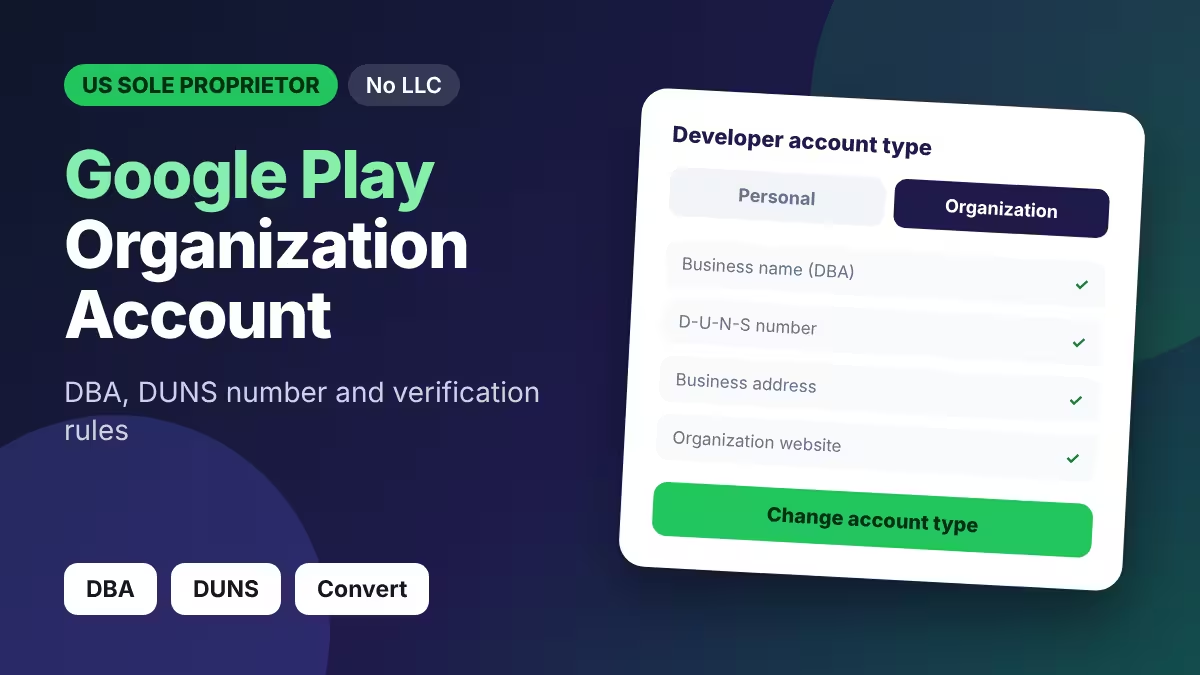
You need all of the following before Google approves the account:
- A D-U-N-S number linked to your organization payments profile
- Organization name and address, both pulled from that payments profile
- An official organization website that Google verifies
- Organization type, size and phone number
- A contact email and phone for Google, each confirmed with a one-time password
- A developer email and phone that appear on your store listing, also confirmed by one-time password
- An official government ID and an official organization document if Google asks for identity verification
Google states that a personal payments profile cannot serve an organization account. You must create a new organization payments profile or pick an existing one.
How a Sole Proprietor With a DBA Gets a DUNS Number
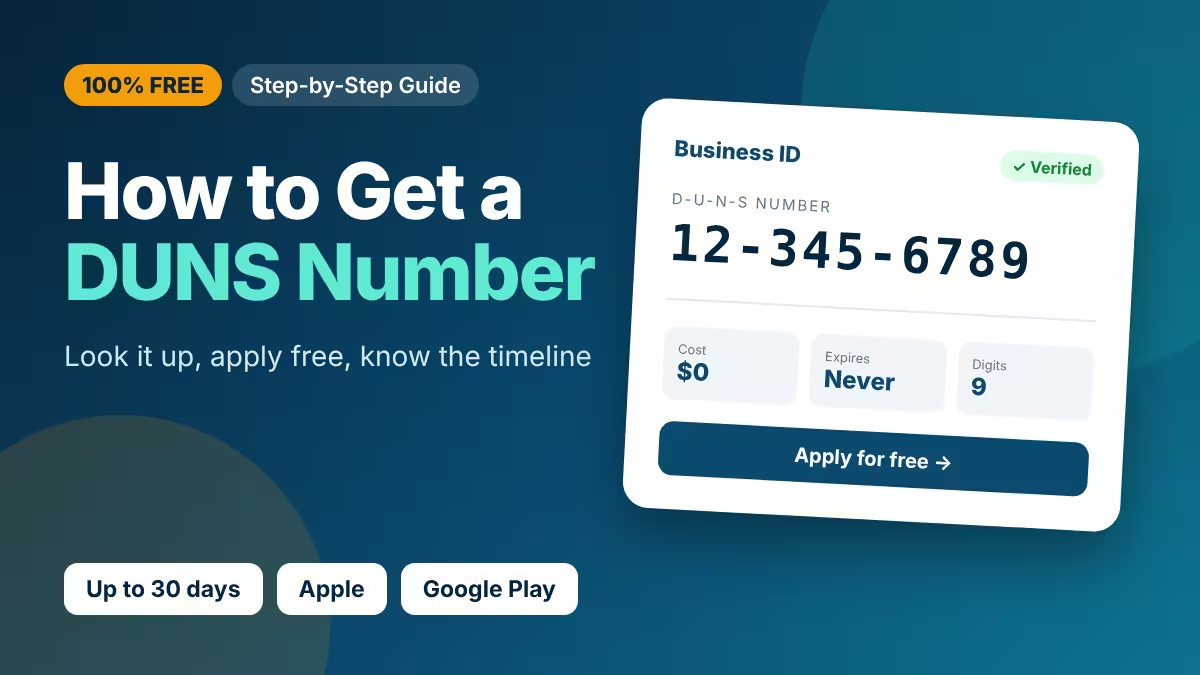
D&B issues DUNS numbers to sole proprietors who operate under a business name, so you do not need an LLC to get one.
- Search the D&B DUNS lookup with your DBA name and business address first. D&B may already hold a record for you.
- If nothing matches, open D&B's free request form and choose the Google developer path.
- Enter your DBA as the business name and select sole proprietorship as the legal structure.
- Use the exact address and phone number you plan to enter in your Google payments profile.
- Wait up to 30 business days for the number, or pay for D&B's expedited service if you face a deadline.
Your D&B record becomes the source Google checks. Google states that you update your organization name or address through D&B first, not inside Play Console, so get the D&B record right from the start.
Which Documents Work for Google Play Organization Verification? (DBA, EIN, IRS Letter)
Google asks for an "official organization document" but does not list which US documents it accepts.
Documents US sole proprietors commonly hold include:
- A DBA or assumed name certificate from your county or state
- An IRS EIN confirmation letter (CP 575) or the IRS 147C letter
- A state or local business license
- A bank statement for a business account in the DBA name
Google has not confirmed in its public help pages whether any single one of these passes on its own. The safest approach is to submit a document that shows the same business name and address as your DUNS record and payments profile. If Google rejects it, the review email usually tells you what it needs instead.
How to Convert a Google Play Personal Account to an Organization Account
Google builds the switch into Play Console, and your apps stay in the same account.
Before you start, clear any pending verification warnings on the Play Console Home page. Google requires a fully verified personal account first.
- Sign in to Play Console.
- Go to Manage account and open Account details, then About you.
- Enter your organization website, save it, send the verification request and wait for approval.
- Click Change account type.
- Pick an existing organization payments profile or create a new one with your DUNS number.
- Enter your organization type, size and phone number.
- Add your contact details and developer contact details, then confirm each one-time password.
- Complete identity verification if Google asks, and wait for the result by email.
- Click Link your payments profile to your developer account.
- Click Confirm, then Save.
Google advises waiting at least 72 hours after the switch before you submit new apps.
Does Google Play Accept a Virtual Office Address for Organization Accounts?
Google's help pages do not say whether a virtual office address passes organization verification.
What Google does say is that your organization name and address come from your linked payments profile, and that the payments profile must match your D&B record. That creates a chain: virtual office address on D&B, the same address on the payments profile, and a document showing that same address.
Two practical risks come with a virtual office:
- D&B may struggle to verify an address that has no real business activity, which can stall your DUNS request
- Your business document (DBA certificate, IRS letter or license) may list your home address instead, which breaks the match
If you want a virtual office address, register it on your DBA and IRS records first, then request the DUNS number with it.
Does Your Business Address Replace Your Home Address on Google Play?
For an organization account, Google shows the legal name and address from your organization payments profile.
Google's verification rules differ by account type:
- Personal accounts show your legal name and the country from your legal address on Google Play
- Organization accounts show the verified legal name and legal address of the organization
So after a successful switch, the organization address in your payments profile becomes the address Google uses. If that profile carries your verified business or virtual office address, that address is the one tied to your listing, not your home address. Your developer email and developer phone also appear on your store listing, so use business contact details there too.
If your personal listing currently shows your full home address, it may come from a regional requirement or your trader status declaration. Check your Developer profile page in Play Console to see everything that appears publicly.
Convert or Open a New Google Play Developer Account and Transfer Apps?
You can convert in place or open a fresh organization account and move your apps into it.
| Option | Pros | Cons |
|---|---|---|
| Convert in place | Keeps your apps, reviews and history in one account | One-way; you cannot switch back to personal |
| New organization account plus app transfer | Leaves your personal account untouched until the new one verifies | Extra registration fee, app transfer request and new API or billing credentials |
Google does not allow an organization account to return to personal. If you feel unsure about your verification documents, the new-account route lets you test approval first and only transfer apps once the organization account passes.
Google Play Organization Verification Failed? Common Causes and Fixes
Most sole-proprietor rejections trace back to records that do not match.
DUNS name does not match the payments profile. Update your D&B record so it shows your DBA exactly as written on your payments profile, then wait a few business days before you retry.
Website verification stays pending. Google needs your organization website verified before the Change account type option appears. Use a site that names your DBA and shows contact details for the business.
Document rejected. Resubmit a document that lists the same business name and address as your DUNS record. A DBA certificate paired with an IRS EIN letter usually covers both.
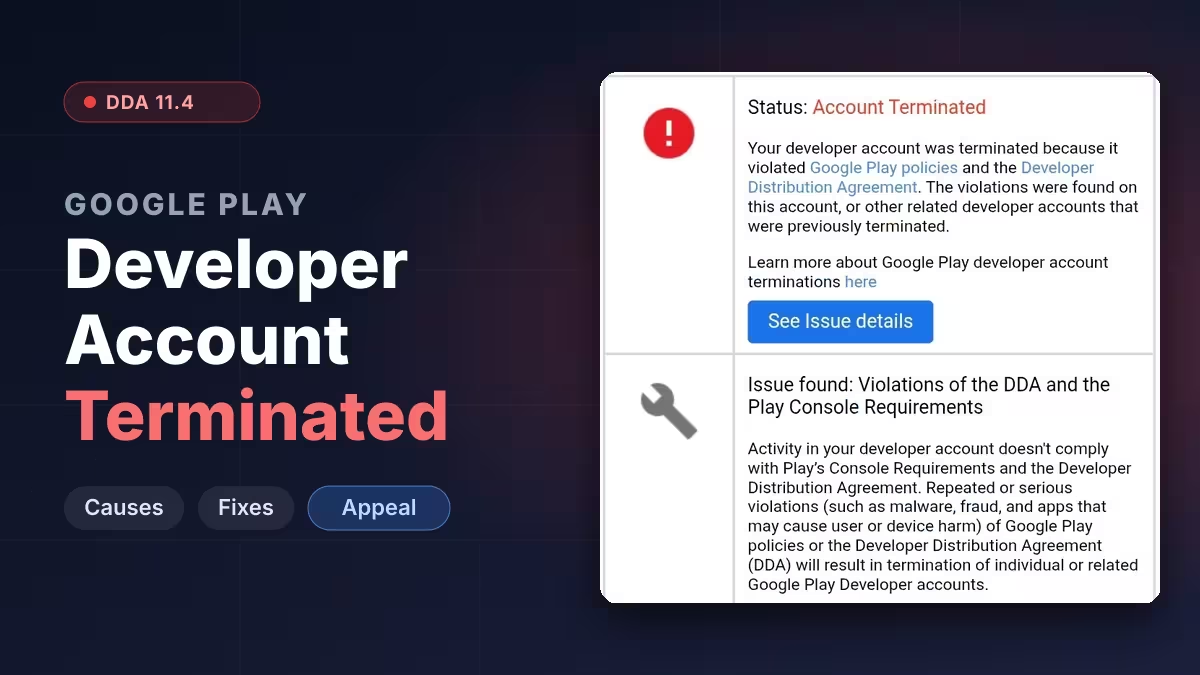
Account flagged after the switch. Keep your store listing and developer details consistent with the new organization. Mismatched details can lead to further reviews or problems like a developer account termination.
Frequently Asked Questions
Do I need an LLC for a Google Play organization account?
Google's help pages do not require an LLC. You need a DUNS number, an organization payments profile and documents that verify your business.
Can I use my EIN instead of a DUNS number?
No. Google requires a DUNS number for an organization account, except for some government organizations. An EIN can still help as a supporting document.
Will my apps get removed when I convert?
No. The conversion happens inside your existing account, so your apps stay put. Google suggests waiting 72 hours before submitting new apps.
Can I switch back to a personal account later?
No. Google does not support converting an organization account back to personal. You would need a new personal account and an app transfer.
Does Google show my home address on an organization account?
Google shows the organization's legal address from your payments profile. If that profile uses your business address, your home address does not appear there.
Can a sole proprietor without a DBA get an organization account?
It is harder. Without a registered business name, your DUNS record and documents show your personal name, which looks like a personal account to Google.
Related Guides
- How to Get a DUNS Number for Free: Steps, Timeline, Apple and Google Play Requirements
- Google Play Trader Status: How to Declare It, Who Must Do It and What Goes Public
- Google Play Developer Account Terminated (DDA 11.4): Causes, Fixes, and How to Appeal
- Google Play Impersonation Policy: Why Apps Get Suspended, How to Fix Your Listing and Appeal
- Google Play Account Deletion URL: What to Add If Your App Has No Login