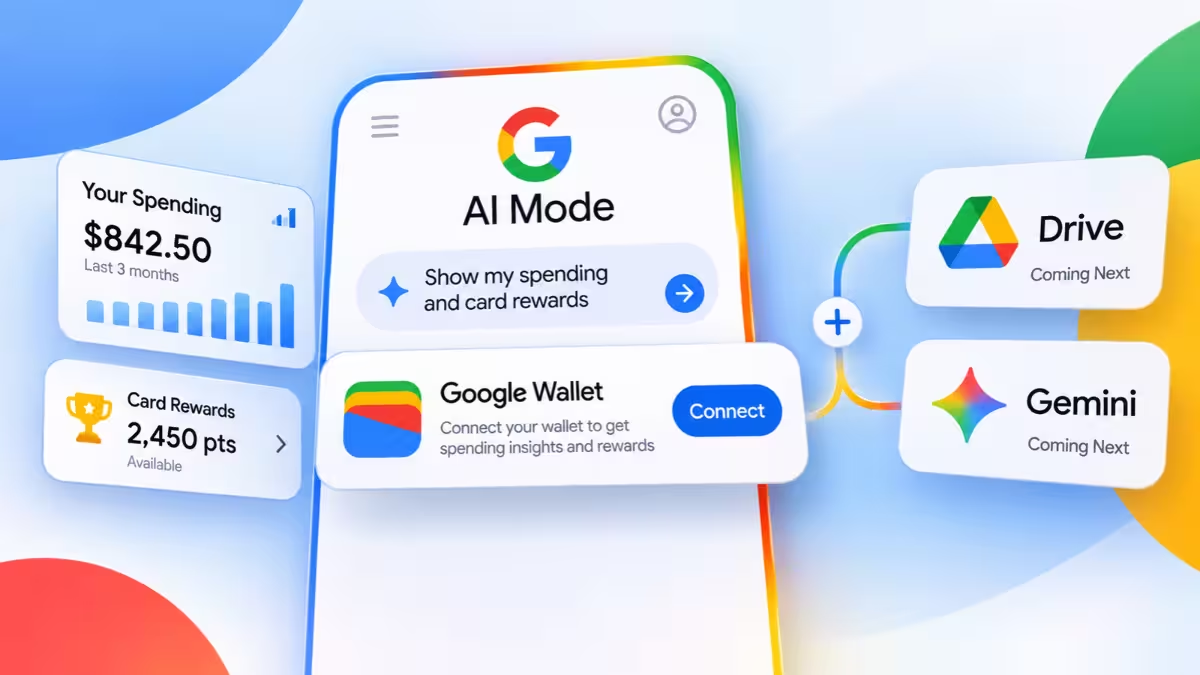
Google wants Search to know more about you. The company has started letting users link Google Wallet to Personal Intelligence in AI Mode, and it plans to add Google Drive and the Gemini app over the next few weeks. Once you connect them, AI Mode can shape its answers around your card spending, your stored files, and the ideas you discussed with Gemini.
Personal Intelligence already worked with Gmail, Google Calendar, and Google Photos. These three new sources push it much deeper into your finances and documents. Below, we break down what each one does, how you switch it on, and the trade-offs you should weigh first.
What Is Personal Intelligence in Google AI Mode?
AI Mode is the chat-style search experience inside Google Search. Personal Intelligence is the layer that lets it pull context from your own Google apps instead of answering every query from public web data alone.
Ask about a trip, and AI Mode can check your booking emails and calendar. Ask for outfit ideas, and it can look at your photos. With the new connections, it can now also look at what you spend and what you keep in your files.
Google switched on Personal Intelligence in AI Mode for paying AI Pro and AI Ultra subscribers in the US early this year, then opened it to every US user with a personal Google account in March.
Google Wallet in AI Mode: Track Spending and Maximize Card Rewards
Wallet is the first new connection, and Google is rolling it out now. After you link it, AI Mode reads the cards and accounts tied to your Wallet and uses that data to:
- Plan money goals: Lay out milestones such as saving for a big purchase.
- Cut daily costs: Spot spending patterns and suggest places to trim.
- Get more from your cards: Tell you which card earns the best cash back, travel perks, or reward points for a specific purchase.
That last point makes a real difference. A generic "best credit card for flights" query gives you a ranking of cards you may not own. With Wallet connected, AI Mode answers based on the cards you actually carry.
Google limits this connection to read-only access. AI Mode can look at your account information, but it cannot transfer funds, manage your accounts, or make investments for you.
The same Wallet feature arrived in the Gemini app about ten days before the Search announcement, for all US users. US users can link bank and credit card accounts to Wallet through Plaid, so the spending data available to AI Mode depends on what you have added there.
Google Drive in AI Mode: Get Answers From Your Docs, Sheets and PDFs
With Drive connected, AI Mode can read your Docs, Sheets, and PDFs and combine what it finds into one useful answer.
Google's own example is tax preparation. Most people scatter receipts, income statements, and notes across many files. Instead of hunting through folders, you could ask AI Mode to build a prep plan, and it would pull the relevant details from your Drive.
The same approach works for any project where key details live in several documents, such as a home renovation budget, a job search, or a planned event.
Gemini App and AI Mode: How Shared Context Works
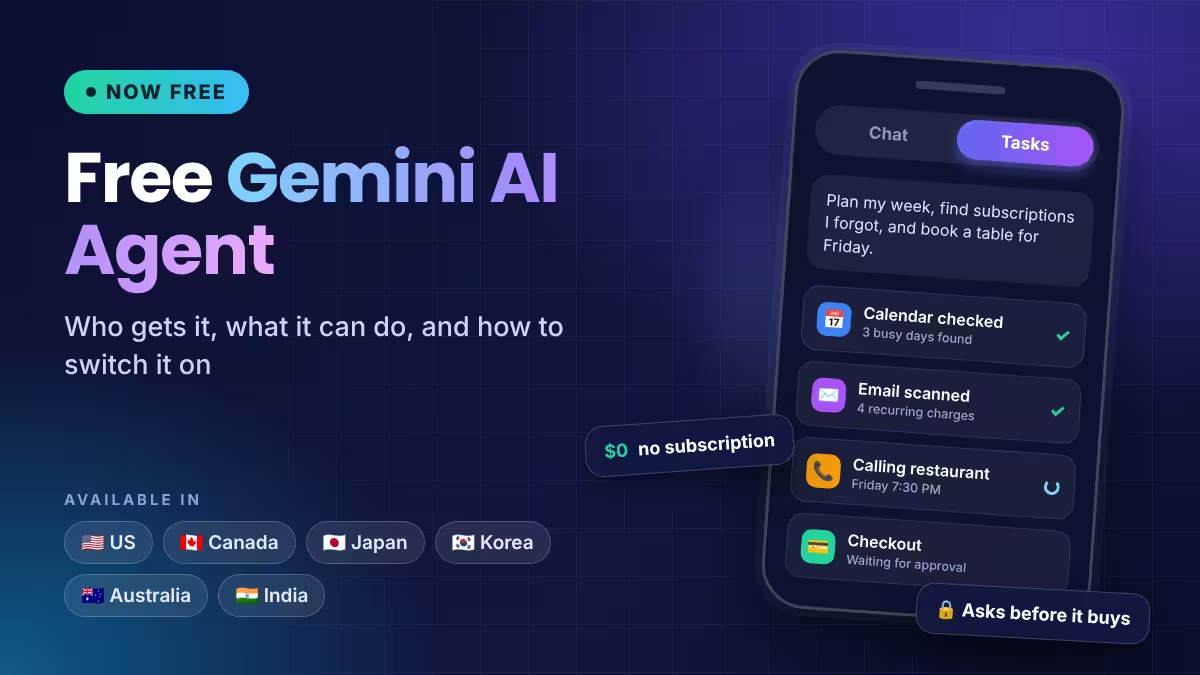
The Gemini link works in both directions. If you brainstorm an idea in the Gemini app or use the free Gemini AI agent, AI Mode can build on that conversation when you search later. A thread you start in AI Mode can likewise feed back into Gemini, much like how you can already share Gemini chats via Google Drive.
Part of this bridge already exists. Gemini users could already link their Search history to Personal Intelligence in the Gemini app. The new option closes the loop by bringing Gemini chats into Search.
AI Overviews and AI Mode Now Personalize Answers Using Recent Searches
This change needs no app connection at all. AI Overviews and AI Mode will start tailoring answers to your recent search activity.
Suppose you spent yesterday researching a weekend trip. Today you open a fresh search thread, and AI Mode already knows what you were planning, so you skip the backstory. You can adjust or switch off this behavior in your Search settings.
When Will Drive and Gemini Support Roll Out?
Google started rolling out the Wallet connection on the day of the announcement, so many US users can link it now. Drive and the Gemini app come next, with Google promising both in the coming weeks but naming no exact date. The Personalization icon that shows which data shaped an answer is also on the way, though Google only says it is coming soon.
If you do not see a new option yet, check Connected Apps again over the next few weeks, since Google usually releases these features gradually.
Which Google Apps Can Connect to AI Mode?
| App | Status | What AI Mode Uses It For |
|---|---|---|
| Gmail | Available | Bookings, orders, travel details |
| Google Calendar | Available (US, English only) | Schedules and appointments |
| Google Photos | Available | Preferences, style, past trips |
| Google Wallet | Rolling out now | Spending, card rewards, savings goals |
| Google Drive | Coming in the next few weeks | Docs, Sheets, and PDFs for planning |
| Gemini app | Coming in the next few weeks | Shared context from Gemini chats |
How to Connect Google Wallet, Drive and Gemini to AI Mode
Google keeps every connection off by default. To turn one on:
- Open Google Search while signed in to your personal Google account.
- Go to Search Personalization.
- Select Connected Apps.
- Pick the apps you want AI Mode to use, such as Wallet.
You can disconnect any app from the same screen whenever you like. To disable personalization entirely, use your Search settings or visit google.com/search-personalization.
Google also plans to add a Personalization icon under tailored answers. Tap it, and you will see which app and which piece of personal data shaped the reply. If AI Mode gets something wrong, you can correct it right in the chat, for example by typing "I'm no longer a vegetarian."
AI Mode Personal Intelligence Availability: Countries and Eligibility
Not everyone gets access. You need:
- A personal Google account (Workspace business, enterprise, and education accounts cannot use it)
- An age of 18 or older
- Search history and personalized recommendations turned on
- An account in a supported country
Google supports many countries, including the US, Canada, India, Japan, Brazil, and Mexico. However, Personal Intelligence does not work in the European Union, the wider European Economic Area, the UK, Switzerland, or Norway. Some features carry tighter limits: Calendar only works in the US in English, and Wallet in the Gemini app is still US-only.
Does Google Train AI on Your Wallet and Drive Data?
The opt-in design and read-only Wallet access help, but they do not cover every concern. Keep these points in mind.
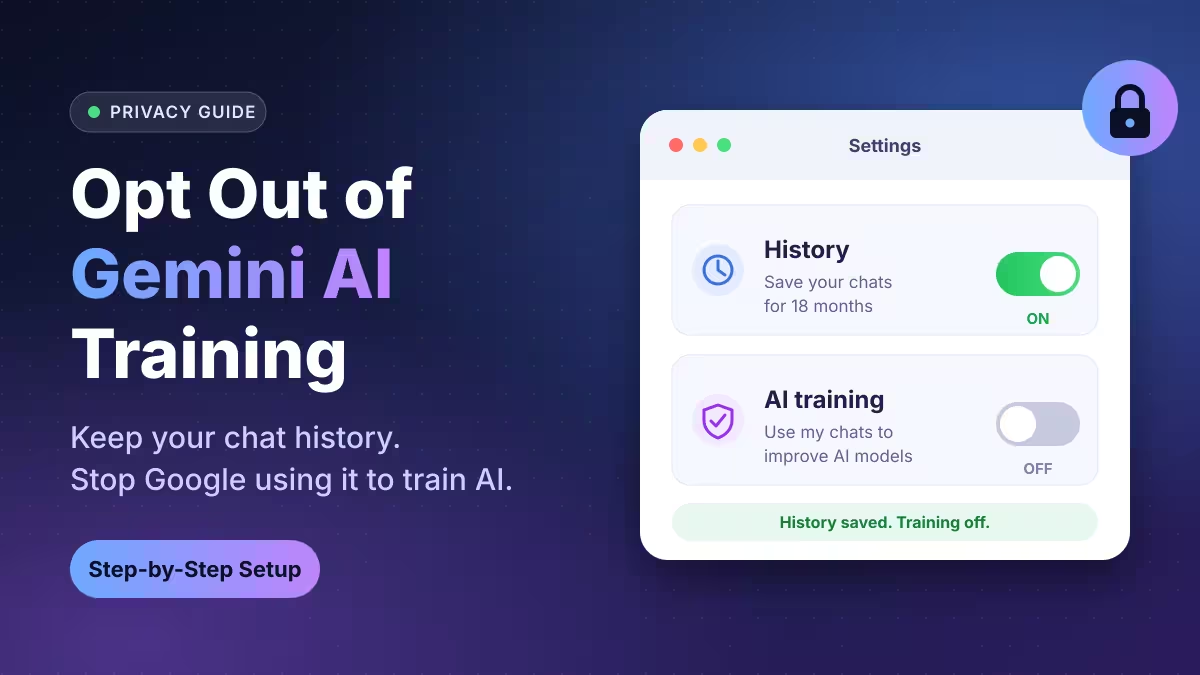
Training on your data. Google says it does not train its AI models directly on your inbox, Drive, Calendar, or Photos library. It does train on summaries, excerpts, and inferences drawn from them, and for a short email or file, that summary can amount to the whole thing. Google's own help page advises users not to connect apps holding personal or confidential content they would not want used for AI training. Google has not yet issued a separate statement about Wallet data. On the Gemini side, you can opt out of Gemini AI training from your settings.
Reach beyond AI Mode. A connected app gives access to Google's wider set of Search services, including Maps, Shopping, Flights, Hotels, Translate, and News.
Ads. Google updated its privacy policy in October so that content from apps linked to Personal Intelligence can influence the ads you see. Google is also testing ads in AI Mode in the US that may factor in insights from Gmail, Calendar, and Photos. Google has not said whether Wallet or Drive data will join that mix.
Accuracy. Google admitted during the early beta that Personal Intelligence can over-personalize, link unrelated topics, or misread changes in your life. Feeding it financial records and tax files raises the stakes of such errors, so the upcoming Personalization icon and in-chat corrections matter a lot. Connected data can also leak in unexpected ways, as the Gemini calendar data leak showed.
Should You Connect Wallet and Drive to Google AI Mode?
It depends on what you want from Search. If you juggle several credit cards or keep tax paperwork spread across Drive, these connections can save real time. If you already worry about how much Google knows, adding your spending and private documents makes that picture far more detailed.
A sensible middle path: connect one app at a time, start with the one that solves a real problem for you, and check the Personalization icon once it arrives to see exactly what AI Mode pulls in. Leave any app holding sensitive work or legal documents disconnected, and review your Gmail security settings before linking your inbox.
Frequently Asked Questions
What is Google AI Mode Personal Intelligence?
It is a feature that lets AI Mode in Google Search use data from your connected Google apps, such as Gmail, Calendar, Photos, and now Wallet, to give answers tailored to you.
Can AI Mode spend or move my money through Google Wallet?
No. The Wallet connection is read-only. AI Mode can view your account and card information but cannot transfer, manage, or invest your money.
When will Google Drive and Gemini app support arrive?
Google says both will roll out in the coming weeks. It has not given an exact date.
Is the feature available in India?
Yes, India is on the list of supported countries for connecting apps to Search, but the Wallet integration in the Gemini app is currently US-only, so Wallet features may not work for you yet.
Is Personal Intelligence available in Europe or the UK?
No. Google does not offer Personal Intelligence in the EU, the European Economic Area, the UK, Switzerland, or Norway.
Does Google train its AI on my Drive files?
Google says it does not train directly on your Drive, but it does train on summaries, excerpts, and inferences drawn from connected apps. Avoid connecting apps that hold confidential material.
How do I disconnect an app from AI Mode?
Open Search Personalization, go to Connected Apps, and switch off the app you no longer want AI Mode to use.
Related Guides
- What Is Google AI Mode and How to Use It in Google Search
- Does Your Gmail Inbox Influence Google AI Mode Search Results?
- How to Opt Out of Gemini AI Training and Keep Your Chat History: New Settings Explained
- Is Someone Reading Your Gmail? Gmail Security Settings to Check and Fix Right Now
- How to Share Gemini Chats and Canvases via Google Drive