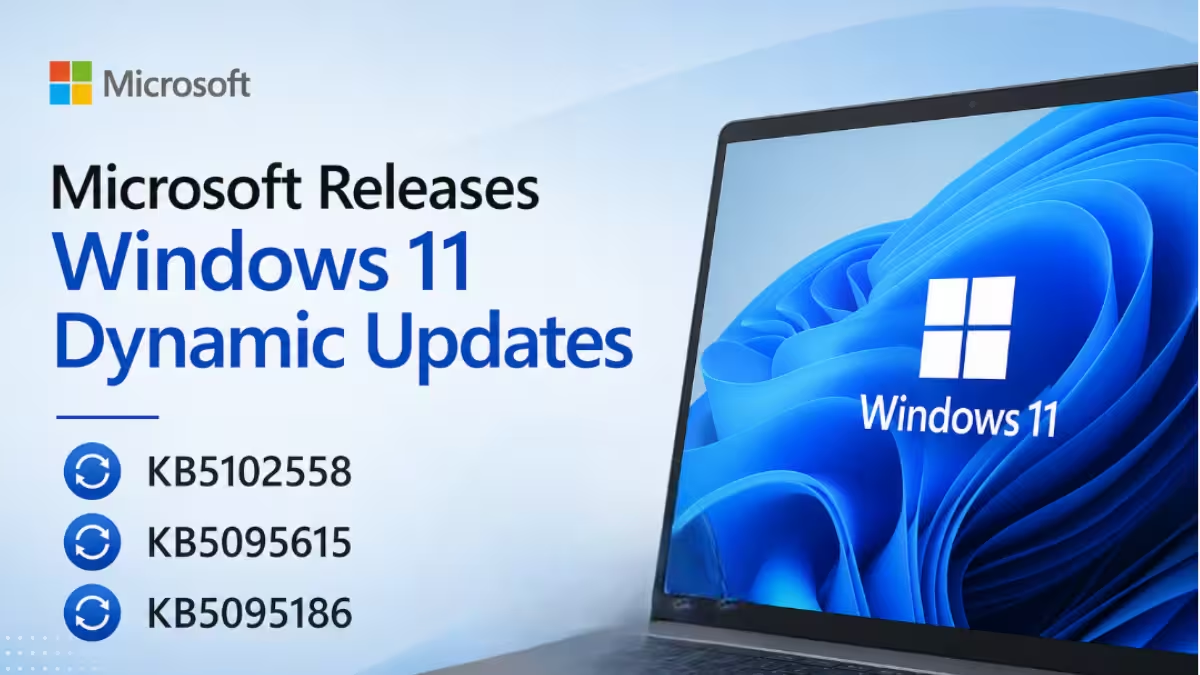
Microsoft released three new Dynamic Updates for Windows 11 on June 23, 2026, covering versions 24H2, 25H2, and the upcoming 26H1. These updates refresh Windows Setup binaries and improve the Windows Recovery Environment (WinRE) ahead of upcoming feature upgrades.
What Are Windows 11 Dynamic Updates?
Dynamic Updates are a special category of Windows updates that apply before feature upgrades begin. They update the Windows Recovery Environment, refresh Windows Setup binaries, and prepare the device for a smooth upgrade process.
Dynamic Updates also preserve Language Packs (LP) and Features on Demand (FODs) during the upgrade. VBScript, for example, currently ships as an FOD on Windows 11 24H2, so these updates help ensure it carries over correctly after an upgrade.
Microsoft delivers Dynamic Updates automatically through Windows Update. You do not need to manually download or install them.
KB5095186: Safe OS Dynamic Update for Windows 11 26H1
Microsoft released KB5095186 as a Safe OS Dynamic Update targeting Windows 11 version 26H1.
This update improves the Windows Recovery Environment used during troubleshooting and recovery scenarios. After installation, the WinRE version on the device updates to 10.0.28000.2335.
KB5102558: Setup Dynamic Update for Windows 11 24H2 and 25H2
Microsoft released KB5102558 as a Setup Dynamic Update for Windows 11 versions 24H2 and 25H2.
This update refreshes Windows Setup binaries and other files that Setup uses during feature updates. It replaces the previously released update KB5092765.
There are no prerequisites to apply this update. Your device may not require a restart after installation.
You can get this update through the following channels:
- Windows Update (automatic)
- Microsoft Update Catalog
- Windows Server Update Services (WSUS)
KB5095615: Safe OS Dynamic Update for Windows 11 24H2 and 25H2
Microsoft released KB5095615 as a Safe OS Dynamic Update for Windows 11 versions 24H2 and 25H2.
This update improves the Windows Recovery Environment on both versions. After installation, the WinRE version on the device updates to 10.0.26100.8737.
Like KB5102558, this update installs automatically through Windows Update when applicable.
How Dynamic Updates Install
Microsoft delivers both Recovery Dynamic Updates and Setup Dynamic Updates automatically through the Windows Update channel. These updates apply during the upgrade process rather than as standalone patches you install on an active system.
If your device is enrolled in the Windows Insider Program, you can also install the latest Insider builds, including the new Beta Channel release and the separate 26H1 Beta update, through Windows Update. Dynamic Updates continue to deliver automatically alongside those builds.
Note on Secure Boot Certificate Expiration
Microsoft has flagged an important issue separate from these Dynamic Updates. Secure Boot certificates used by most Windows devices started expiring in June 2026. Microsoft has been pushing updated certificates to consumer and non-managed business devices through Windows Update over the past several months.
Devices that have not yet received the newer certificates will continue to start and run normally, and standard Windows updates will continue to install. Microsoft says it will keep rolling out updated certificates through Windows Update in the coming months.
To check your device status, open the Windows Security app and review the Secure Boot section.

