Many indie developers start with one app in AdMob and then plan a second or third game. That raises a common worry: should each new app go into a fresh AdMob account, so one bad app cannot hurt the others?
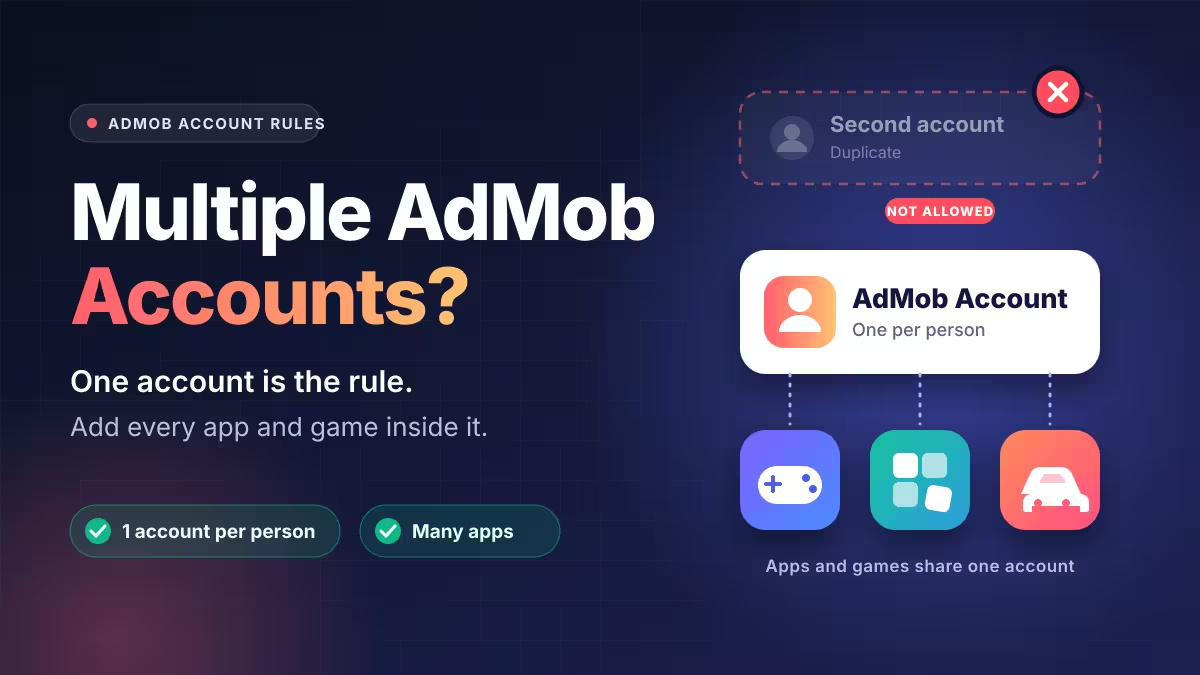
The short answer is no. Google lets each person hold only one AdMob account, and that single account can monetize as many apps and games as you publish. This guide explains the rule, how account risk really works, and the steps that keep your earnings safe when you launch something new.
Can You Have Multiple AdMob Accounts? Google's One-Account Rule
Under AdMob's account policy, one user can own one AdMob account at a time, and duplicate accounts are not permitted. If you already have two or more, Google expects you to pick one to keep and close the rest.
Creating extra accounts to spread risk usually backfires. Your payment profile, tax details, address verification PIN and bank account all tie back to you, so Google can connect the accounts with little effort. Duplicate accounts then become a policy problem on their own.
How to Add Multiple Apps and Games to One AdMob Account
One account does not limit you to one app. Inside AdMob, you add each Android or iOS title as a separate app, and each app gets its own App ID and ad units. Developers routinely manage dozens of apps this way.
Keep these habits in place as your app list grows:
- Create fresh ad units for every app instead of reusing units across titles.
- Add the Android and iOS versions of the same game as two separate apps.
- Name ad units clearly (for example, "PuzzleGame_Banner_Home") so reports stay readable.
- Link each app to its Play Store or App Store listing once it goes live.
Can One Flagged App Get Your Whole AdMob Account Suspended?
Google can act at two levels, and the difference matters.
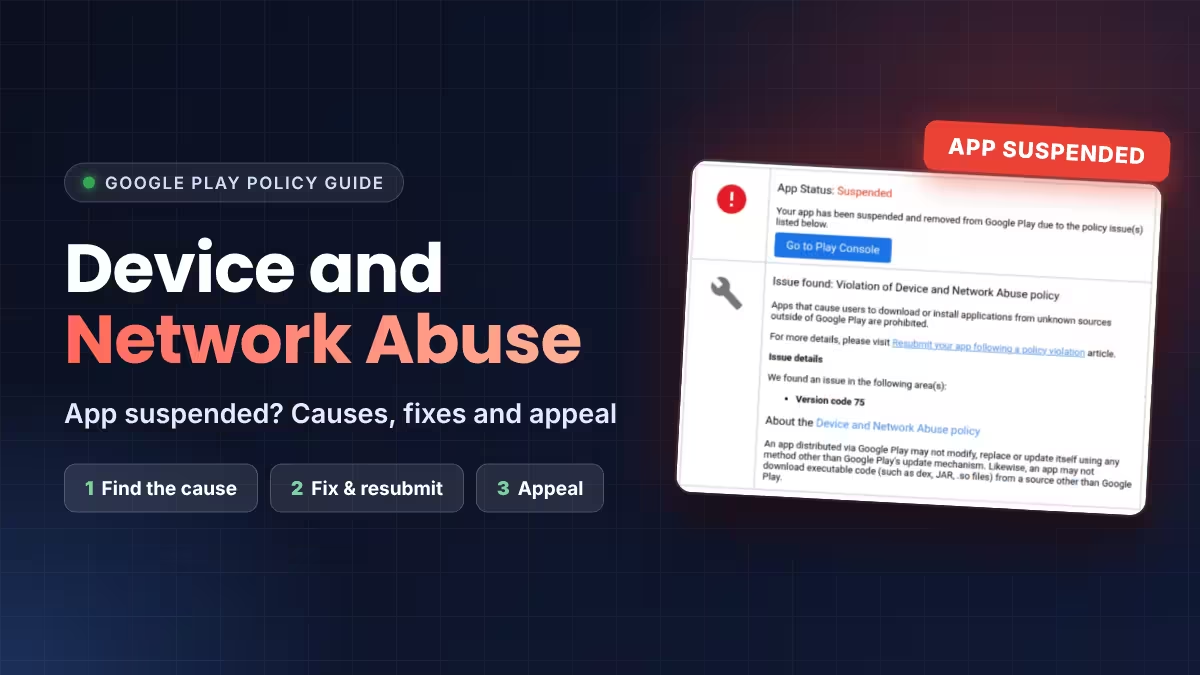
App-level action. If a single app breaks a policy, Google stops ad serving for that app only. You get an email and a note in the Policy center. After you fix the issue, you can request a review, and your other apps keep earning in the meantime. Google Play suspensions, such as device and network abuse, impersonation or DMCA removals, follow a separate process.
Account-level action. If Google decides your account poses a risk to advertisers, usually because of invalid clicks or impressions, it can disable the whole account. Every app inside it stops earning AdMob revenue. Google does not share which users, apps or traffic sources triggered the decision, since it protects its detection system.
This is why separate accounts do not give real protection. Google can also disable an account it finds related to another disabled account. Clean traffic is the only safeguard that works.
Does Traffic From Friends and Family Trigger AdMob Invalid Traffic?
Many new games get their first 100 to 200 installs from friends, family and people in the same city. Regional traffic like this does not break any rule by itself. Real people playing your game from one area look normal to Google.
Trouble starts when those early users interact with ads in unnatural ways. Watch out for:
- Friends clicking ads to "support" you.
- The same few phones generating repeated clicks.
- Testers on your home Wi-Fi tapping live ads.
- You opening your own app and clicking real ads.
A simple fix is to give close contacts an ad-free or test build, or ask them plainly not to tap ads.
How to Protect Your AdMob Account When Launching New Apps
Follow these steps before and after you publish a new title:
- Use test ads during development. Load Google's sample ad unit IDs or register your phones as test devices. Switch to live ad units only in the release build.
- Never click your own live ads. Even curiosity clicks count as invalid activity.
- Keep ads away from game controls. Banners next to jump or fire buttons cause accidental taps, which Google treats as invalid traffic.
- Do not reward or ask for ad clicks. Rewarded ads are fine because users watch them, but "tap the ad to get coins" is a violation.
- Set the right audience settings. If kids form part of your audience, mark the app as child-directed and follow the Families policy.
- Check AdMob weekly for the first month. Open the Policy center and watch for sudden spikes in clicks or click-through rate in your reports.
- Add an app-ads.txt file on your developer website so advertisers can verify your inventory.
AdMob Account Disabled? How to Appeal and Get Your Final Payment
If your account gets disabled, act calmly and follow the official route.
- Invalid traffic cases: File the invalid traffic appeal form if you can honestly say the activity did not come from you or anyone you are responsible for.
- Policy cases: Use the policy violation appeal form for disabled accounts.
- Expect one shot: Google may not consider further appeals after it reaches a decision, so write a clear, factual appeal the first time.
- Final payment: Google places a 30-day hold on the account, then may pay the portion of earnings it did not mark as invalid. Check your balance in AdMob after the hold ends.
Also note that if Google previously disabled your AdSense account for invalid clicks, you cannot join AdMob at all.
Frequently Asked Questions
Can I have two AdMob accounts with different Gmail IDs?
No. The rule applies per person, not per email address. Google links accounts through payment, tax and identity details.
How many apps can I add to one AdMob account?
AdMob sets no small fixed cap for normal publishers. You can add every app and game you own to the same account.
Will one flagged app get my whole account banned?
Usually Google limits ad serving on the problem app first. Serious invalid traffic, however, can lead to an account-wide disable.
Is it safe if my first users all come from my city?
Yes. Location alone does not trigger a ban. Problems come from unnatural clicks, not from where your players live.
Can I use the same ad unit in multiple apps?
You should not. Create separate ad units for each app so reporting stays accurate and issues stay isolated.
Can I appeal a disabled AdMob account?
Yes, through the official appeal forms. Google does not guarantee reinstatement and may not reply to repeat appeals.
Related Guides
- Google AdMob to Collect Coarse Location: What App Developers Should Do
- How to Fix the Google Play Payments Profile Issue: Tax Info, W-8BEN and 15% Treaty Rate for India Developers
- Google Play Account Deletion URL: What to Add If Your App Has No Login
- Google Play Trader Status: How to Declare It, Who Must Do It and What Goes Public
- Google Play Device and Network Abuse Suspension: Causes, Fixes and How to Appeal