Microsoft pushed Windows 11 Insider Preview build 29704.1000 to the Experimental (Future Platforms) channel on November 6, 2026. The headline change gives you separate camera, microphone, and location permissions for every traditional desktop app. The build also fixes a stubborn upgrade error and an audio bug on some AMD graphics cards.
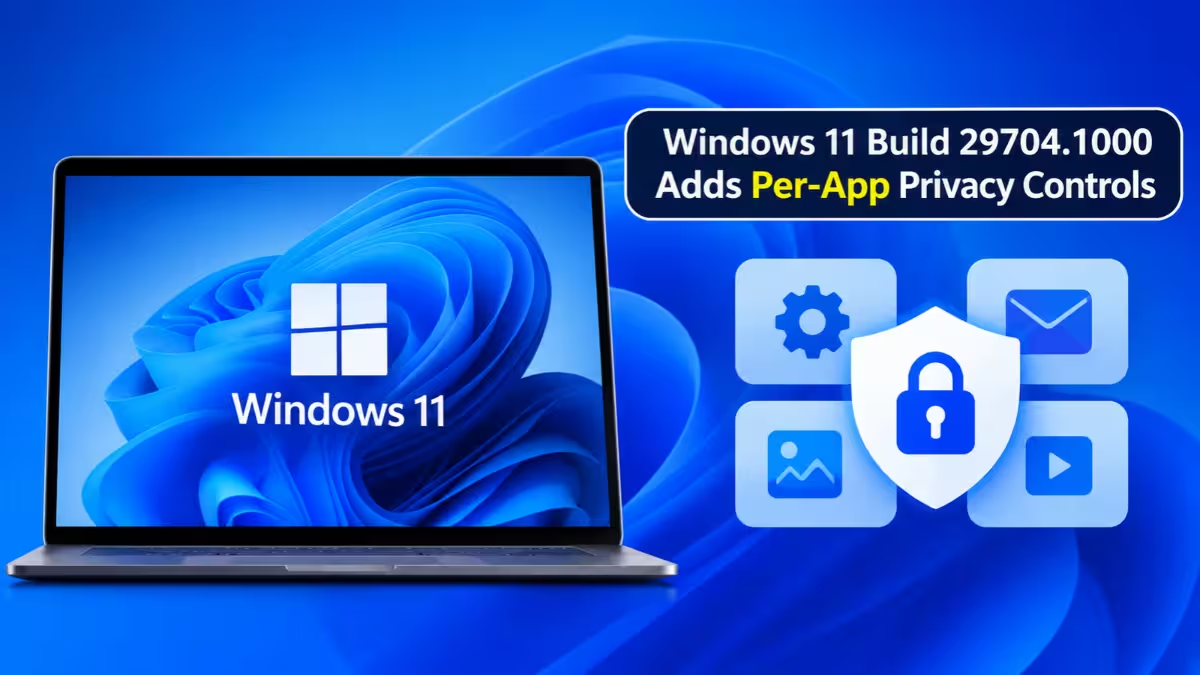
Windows 11 Build 29704.1000: New Features for Camera, Mic, and Location Privacy
Windows has long handled privacy for Store apps and desktop apps differently. Store apps got their own toggles. Classic desktop programs, such as Win32 apps, all fell under one device-wide switch. If you turned that switch on, every desktop program could request your camera or microphone.
This build ends that limitation. Each desktop app now has its own allow or deny setting for the camera, the microphone, and your location. You can finally see which program asked for what, and shut off the ones you do not trust.
How to Change Camera, Microphone, and Location Permissions for Each App
Open Settings and go to Privacy & security. Pick Camera, Microphone, or Location. Each page now lists your desktop apps next to the Store apps, and each entry has its own toggle.
New behavior also applies going forward. When a desktop app requests a resource it has never used before, Windows shows a prompt the first time. You decide right then whether to allow it.
Will Windows 11 Reset My Existing App Permissions?
Microsoft built the rollout so it does not disrupt your setup:
- Apps you already allowed keep their access.
- Apps you already blocked stay blocked.
- No setting resets, and you do not need to take any action.
- Existing enterprise policies keep working as they did before. Microsoft says it is still exploring extra management options for IT teams.
Why Some Windows 11 Apps Show as Unsigned or Under Odd Names
Most desktop apps show up with a clear name. Some do not. Programs that depend on shared system components, or experiences that run inside a browser, can appear under a different label than the one you know.
Windows may also tag certain apps as Unsigned. That label means the system could not verify the publisher. Microsoft advises granting access only to apps you recognize and trust, so treat an unsigned entry that asks for your camera or mic with extra caution.
Fixes: Error 0x80070057 - 0x20003 and AMD HDMI/DisplayPort Audio
Windows Update error: Some Insiders hit error 0x80070057 - 0x20003 when upgrading to the latest preview builds. The install failed in the SAFE_OS phase during the INSTALL_UPDATES operation. Microsoft fixed that problem in this release.
AMD audio: On certain AMD graphics cards, sound could stop working over HDMI or DisplayPort after recent preview updates. This build restores audio on those connections.
Is Per-App Privacy Control Really New in Windows 11?
Not entirely. Windows Insiders have seen similar privacy controls in earlier Future Platforms builds and in other Insider channels. Build 29704.1000 continues that work and puts it in front of more testers through a gradual rollout.
How to Download and Install Windows 11 Build 29704.1000 (ISO or Windows Update)
You need a PC enrolled in the Windows Insider Program on the Experimental channel with the Future Platforms version.
- Open Settings and go to Windows Update, then Windows Insider Program.
- Enroll your device in the Experimental (Future Platforms) channel.
- Return to Windows Update and turn on "Get the latest updates as soon as they're available."
- Click Check for updates and install the build.
You can also grab an ISO from the Windows Insider Preview Downloads page. Microsoft keeps specific preview ISOs available for a limited time only.
Is the Experimental (Future Platforms) Channel Safe to Install?
Experimental builds can run unstable, and Microsoft often ships them with thin documentation. They do not match any specific Windows release, and features here may change, move, or disappear before they reach everyone. Microsoft also uses controlled feature rollout, so you might not see the new privacy pages right after installing. The desktop watermark in the lower right corner is normal for Insider builds.
Send feedback through the Feedback Hub (Win + F) under Settings > Privacy Settings.
Frequently Asked Questions
What is Windows 11 build 29704.1000?
It is an Insider Preview build in the Experimental (Future Platforms) channel, released November 6, 2026. It adds per-app privacy controls for desktop apps and fixes an upgrade error and an AMD audio problem.
Which permissions can I control per app?
You can control camera, microphone, and location access for each desktop app separately.
Where do I find the new settings?
Go to Settings > Privacy & security, then open Camera, Microphone, or Location.
Will this reset my existing app permissions?
No. Apps you allowed stay allowed, and apps you blocked stay blocked.
Why does an app show up as Unsigned?
Windows could not verify the app's publisher. Only allow access for apps you know and trust.
Does the build fix the 0x80070057 - 0x20003 upgrade error?
Yes. Microsoft resolved that SAFE_OS phase failure in this release.
Is the build safe for my main PC?
Experimental builds can be unstable. Test it on a spare device or a virtual machine instead of your daily computer.
Related Guides
- Windows 11 Build 28120.3393 and 28020.3382 Bring Phone Link Search, Secure Cloud Rebuild and Dark Mode AutoPlay
- Best Way to Back Up Windows 11: 5 Methods to Back Up and Migrate Your PC
- Windows 11 Settings That Slow Down Your PC (and How to Fix Them)
- Windows 11 26H2 Is Out: How to Get the 2026 Update on 25H2 and 24H2
- How to Check Mark of the Web in Windows 11 and Find Where a File Was Downloaded From