Microsoft is changing how Windows 11 delivers updates. Instead of pushing driver, firmware, .NET, and monthly quality updates on separate schedules, Windows Update will group them all together and finish the installation with a single restart. The change is currently in testing through the Windows Insider Experimental channel as part of Microsoft's Windows K2 initiative.
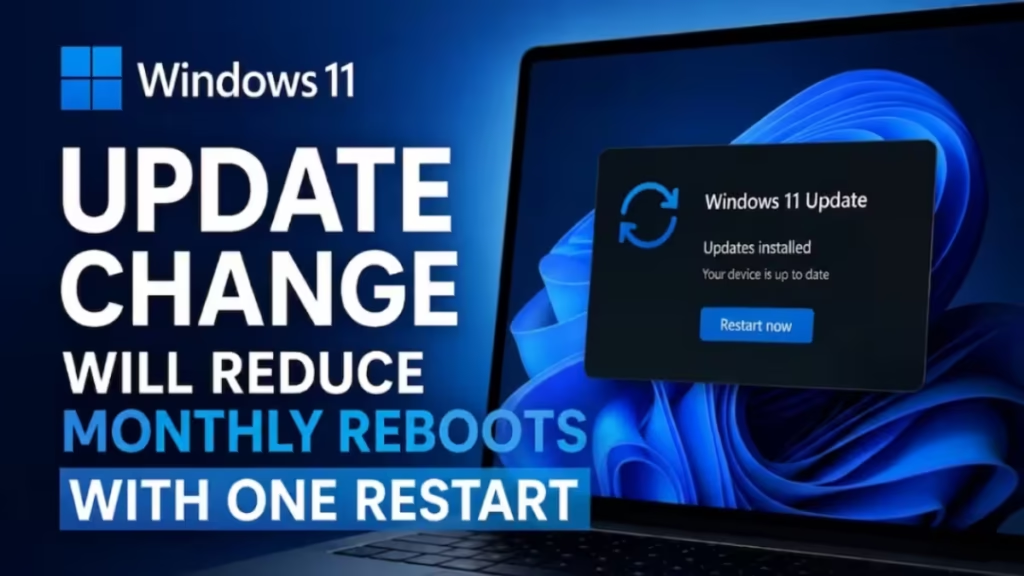
If you have dealt with multiple restart prompts in a single month, this update overhaul is aimed directly at that problem.
What Is the Windows 11 Unified Update System
The new unified update experience coordinates four types of updates that previously arrived on independent schedules:
- Driver updates
- .NET framework updates
- Firmware updates
- Monthly quality updates
Windows Update aligns all of these around the monthly quality update cycle. When multiple update types are ready at the same time, Windows installs them together and completes everything with one restart instead of several.
Microsoft first introduced this change in Windows 11 build 26300.8687, released to the Experimental channel.
Why Microsoft Is Changing How Updates Work
Windows Update has improved significantly over the years, but the delivery experience still feels fragmented. Driver updates, security patches, firmware releases, and .NET packages often arrive at different times throughout the month. That leads to multiple restart prompts, interrupted workflows, and wasted time waiting for the PC to come back up.
Microsoft's Windows K2 initiative targets this directly. The project focuses on improving reliability, performance, and day-to-day usability across Windows 11. The unified update system is one of the more visible improvements coming out of that effort.
Microsoft engineer Aria Hanson, who reviewed over 7,600 pieces of user feedback that shaped these changes, summed up the frustration plainly: few things are more annoying than sitting down to use your computer and finding it needs an update, especially when that happens more than once in a single month.
How the Single Restart Model Works
The change runs automatically in the background. You do not need to adjust any settings to benefit from it.
When Windows Update detects that multiple update types are ready, it groups them into one installation package and processes them during the standard monthly update window. The installation may take slightly longer than a typical monthly update since it handles more components at once. However, the total number of restarts you see each month should drop noticeably.
Microsoft has not announced a rollout date for stable Windows 11 builds. The feature is currently limited to the Experimental channel inside the Windows Insider Program.
Other Windows Update Changes Coming in 2026
Microsoft is shipping several additional improvements to Windows Update alongside the unified restart system.
Pause Updates Indefinitely
Microsoft is adding an option to pause automatic updates without a fixed expiration. You will be able to pick a specific calendar date for when the pause ends, or re-pause updates in 35-day intervals. This feature is expected to arrive with the July 2026 Security Update.
Skip Updates During PC Setup
When setting up a new Windows 11 PC, you will be able to skip the update phase during the out-of-box experience. This lets you reach the desktop faster without sitting through a lengthy update session before you have even used the machine.
Shutdown Without Forced Updates
Windows 11 will always show options to shut down or restart without installing a pending update. Currently, those options vanish when an update is waiting, which forces you to install before you can power down. That behavior will no longer occur.
Clearer Update Information
Windows Update will display more detail about what each update contains. This gives you enough context to decide when to apply updates rather than being surprised by what changed after a restart.
What Windows K2 Means for the Future of Windows 11
Windows K2 is Microsoft's internal initiative to make Windows 11 more stable and less disruptive to use. Beyond the update consolidation, the project also targets update installation failures, rollback reliability, and overall predictability of the maintenance pipeline.
These changes make Windows 11 a more controlled environment for both home users and businesses that need tighter scheduling around when system restarts happen.
When Will This Reach Stable Windows 11
As of June 2026, the unified update system is only available through the Windows Insider Experimental channel. Microsoft has not confirmed a timeline for the stable release. Based on the pace of Windows K2 improvements reaching production builds, the feature will likely land in general availability later in 2026.
When it does roll out, you will notice the change through Windows Update itself: instead of separate restart prompts appearing throughout the month, a single bundled notification will handle everything at once.
Related Guides
- How to Fix Windows Update Error 0x80010002 in Restricted Network Environments (Windows 11)
- Windows Update Install Remove Loop: How to Stop Reinstalling Updates and Fix It
- How to Disable Windows Update Permanently or Temporarily in Windows 10 and 11
- SSD Failure After Windows Update (KB5063878)? Here’s What You Need to Know
- How to Enable Point-in-time Restore on Windows 11