Your router loses its connection, and suddenly the hallway light ignores the motion sensor, the voice assistant says it can't help, and the smart plug on the coffee maker sits idle. Most people only discover how much their home depends on a distant server when that server becomes unreachable.
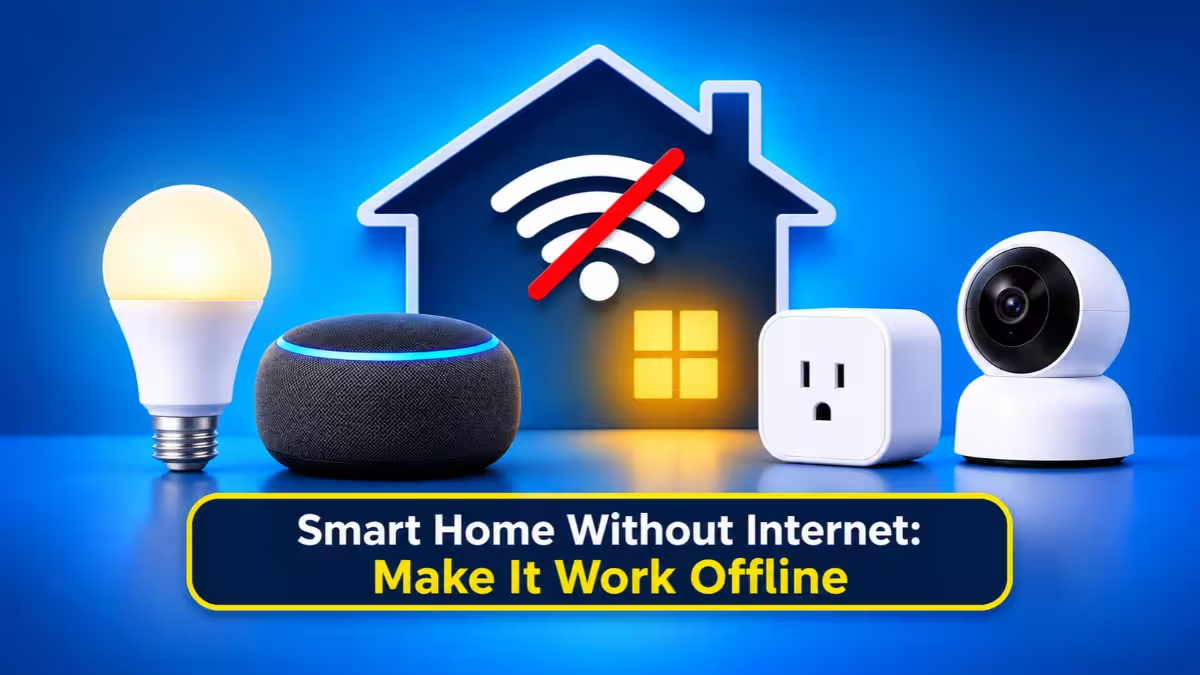
You can fix this. A smart home does not need the internet to switch lights, read sensors or run schedules. It needs a local brain, devices that talk to that brain directly, and a little planning. This guide shows you how to build that setup so your home keeps working the next time your ISP goes down or a manufacturer shuts off its cloud.
What Still Works When Your Internet Goes Down
Pull the modem plug and more keeps running than most people expect, as long as your devices talk to a local hub instead of a remote server. In a well-built setup, these all keep working:
- Lights and switches: Zigbee and Z-Wave devices respond through your hub, and every smart switch keeps its physical button.
- Sensors and automations: Motion, door and temperature sensors still trigger lights, alarms and climate rules stored on the hub.
- Schedules and scenes: Timed routines like morning wake-ups and evening lighting run from the hub's own clock.
- Cameras with local storage: Cameras that record to an SD card or a local recorder keep saving footage.
- Your dashboard and app on home Wi-Fi: You can still control everything from your phone while you stand inside the house.
- Physical controls: Wall switches, keypads, thermostat dials and remote buttons ignore the internet completely.
The difference comes down to the path a command takes. A local device sends its signal to a hub in your house. A cloud device sends it to a server in another city first. Cut the internet, and only the first path survives.
What Stops Working Without Internet (and the Local Fix)
Some features depend on outside servers no matter how well you build. Know them in advance so you can plan around each one.
| Feature | Works offline? | Local fix |
|---|---|---|
| Alexa, Google Assistant and most Siri requests | No | Run a local voice assistant on your hub |
| Remote access while you are away | No | Use a VPN like Tailscale or WireGuard once the line returns |
| Weather-based automations | No | Use sunrise and sunset triggers calculated on the hub |
| Phone push notifications | Mostly no | Use sirens, flashing lights or a wall tablet |
| Cloud-only Wi-Fi gadgets | Usually no | Replace them or flash local firmware |
| Firmware updates and initial pairing | No | Do them while the internet is up |
Expect to lose remote access during an outage. Everything inside your house can keep running.
Why Cloud-Based Smart Homes Break During Outages
Many popular smart devices send every command on a round trip. You tap a button in the app, the request travels to the manufacturer's server, and the server sends the instruction back to a bulb three meters away from you. When any link in that chain breaks, the device stops responding.
Three things usually break the chain:
- Internet outages: Storms, fiber cuts and ISP maintenance take your connection down for minutes or days.
- Cloud service outages: A large cloud provider failure can knock out voice assistants, cameras and robot vacuums across millions of homes at once.
- Company decisions: Brands shut down servers, drop support for older hubs, or break integrations with other platforms. Insteon users woke up to dead servers, and Philips ended support for its first-generation Hue Bridge years ago.
A local-first setup removes all three risks. Commands never leave your house, so your home keeps running whether the outside world cooperates or not.
Benefits of Local Control: Speed, Privacy and Longevity
Reliability is the headline benefit, but local control brings more with it.
- Speed: A motion sensor that talks straight to your hub turns on the light almost instantly. No server round trip means no lag.
- Privacy: Your routines, occupancy patterns and sensor readings stay on your own network instead of feeding a company's data store.
- Longevity: Your devices keep working as long as the hardware lasts, not as long as a vendor keeps its servers alive.
- Lower costs: You can add a cheap smart plug or IR blaster to an ordinary appliance instead of paying extra for a "smart" model with a cloud account attached.
Best Local Hubs for an Offline Smart Home
The hub acts as the brain of your offline smart home. It stores your automations, talks to every device and makes decisions without asking a server for permission. Choose one that processes everything on the box itself.
Home Assistant gives you the most control. This free, open-source platform runs on a Raspberry Pi, a small mini PC or the ready-made Home Assistant Green. It supports thousands of integrations, and its visual editor lets you build automations without writing code. Expect a learning curve, but the community and documentation help a lot.
Hubitat Elevation suits people who want local control without tinkering. It ships with Zigbee and Z-Wave radios built in and runs automations locally by default.
Homey Pro covers Wi-Fi, Bluetooth, Zigbee, Z-Wave, Thread and Matter in one device and runs its flows locally. It costs more but replaces several brand bridges.
Samsung SmartThings runs some automations locally through Edge drivers, but parts of the platform still lean on the cloud. Test carefully if you go this route.
You can also use a smart TV as a home automation hub for a basic setup, but confirm that it runs automations on the device before you rely on it.
Avoid hubs that process automation logic in the cloud. Budget bridges sometimes look local but pause every routine when the internet drops.
Hardware tips for a Home Assistant hub
- A Raspberry Pi 4 or 5 sips power, which matters because the hub runs around the clock.
- A mini PC gives you more headroom for cameras and voice processing, and it keeps time on its own clock battery.
- Use an SSD or a high-endurance microSD card to avoid storage failures.
- Plug in a Zigbee USB coordinator, and add a Z-Wave or Thread stick if you need those protocols.
- Once the hub runs, the same box can host other local services, from Raspberry Pi projects like Nextcloud and Jellyfin to an offline Wikipedia server.
Zigbee, Z-Wave, Thread or Wi-Fi: Which Works Offline?
The protocol decides whether a device can talk to your hub directly or must phone home first.
Zigbee forms a mesh where every mains-powered device repeats signals for its neighbors. You get a huge catalog of affordable bulbs, sensors, plugs and remotes from IKEA, Aqara, Philips Hue, Sonoff and many others. Zigbee shares the 2.4GHz band with Wi-Fi, so pick a channel that avoids your router.
Z-Wave runs on a lower frequency (868MHz in Europe, 908MHz in the US), so its signal passes through thick walls better. Devices cost more but go through stricter certification. Locks and in-wall switches often use Z-Wave.
Wi-Fi works offline only when the device offers a local API or LAN mode. Shelly devices, ESPHome builds and Tasmota-flashed plugs fit this bill. Many cheap Wi-Fi gadgets do not.
Bluetooth helps for short-range control of locks, buttons and small actuators, but its range limits it to single rooms.
For most homes, Zigbee as the backbone plus a few local Wi-Fi devices gives the best mix of price, choice and reliability.
Smart Devices That Work Offline by Category
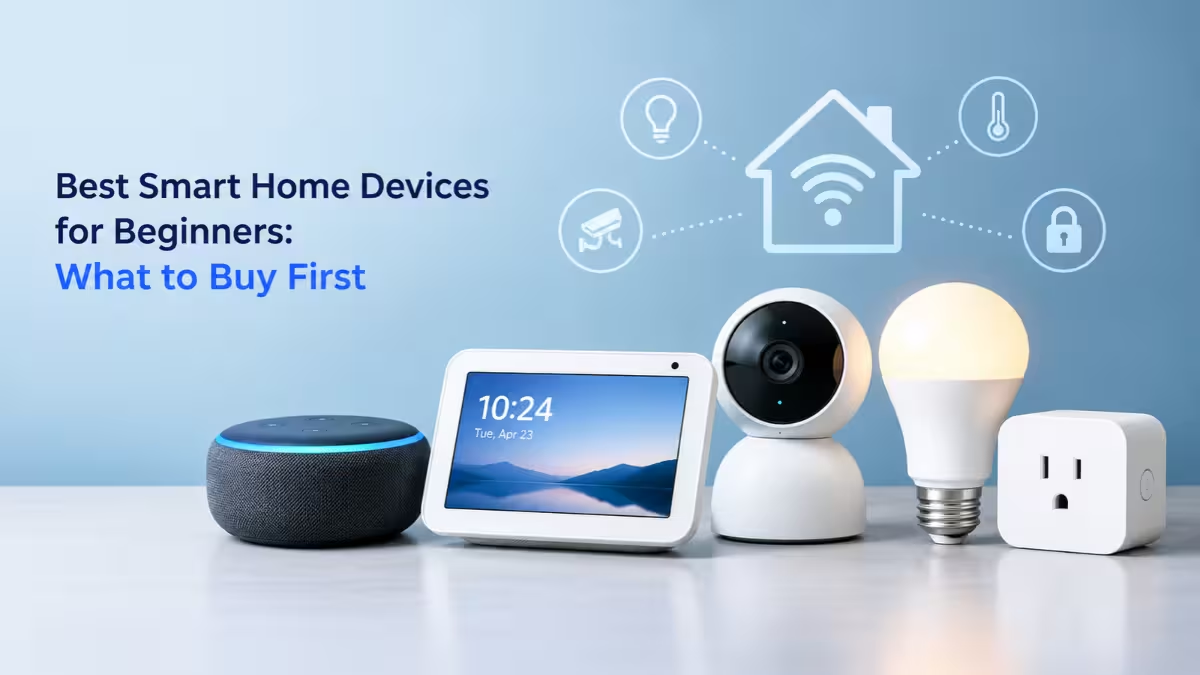
Here is what to look for in each category. If this is your first purchase, start with the smart home devices for beginners list and check each pick against local support.
Lighting
Put the smarts in the switch where you can. A Zigbee or Z-Wave smart switch from Inovelli, Zooz or Lutron keeps its physical button even if the hub fails. For bulbs, IKEA TRÅDFRI and Philips Hue run locally through a Zigbee coordinator. Skip Wi-Fi bulbs that demand a cloud account, because they fall back to plain on and off at the wall switch.
Plugs and switches
Shelly plugs and relays expose a local HTTP API and MQTT, and they include physical buttons. Sonoff devices become fully local once you flash Tasmota or ESPHome. IKEA and Sonoff Zigbee plugs pair straight to your coordinator.
Sensors
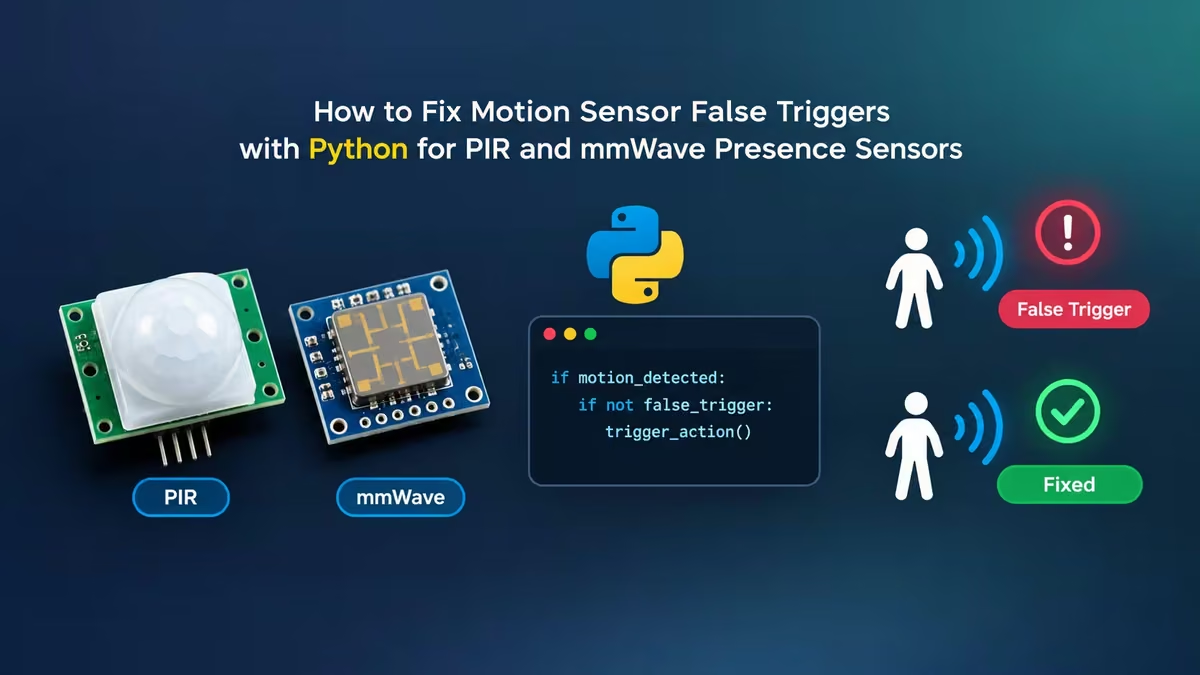
Aqara Zigbee sensors cover doors, windows, motion, temperature and leaks, with batteries that last a long time. IKEA motion sensors offer a cheap, dependable option. If a PIR sensor misfires, learn how to fix motion sensor false triggers. If you enjoy DIY, an ESP32 board running ESPHome makes a fully local sensor for a few dollars.
Locks
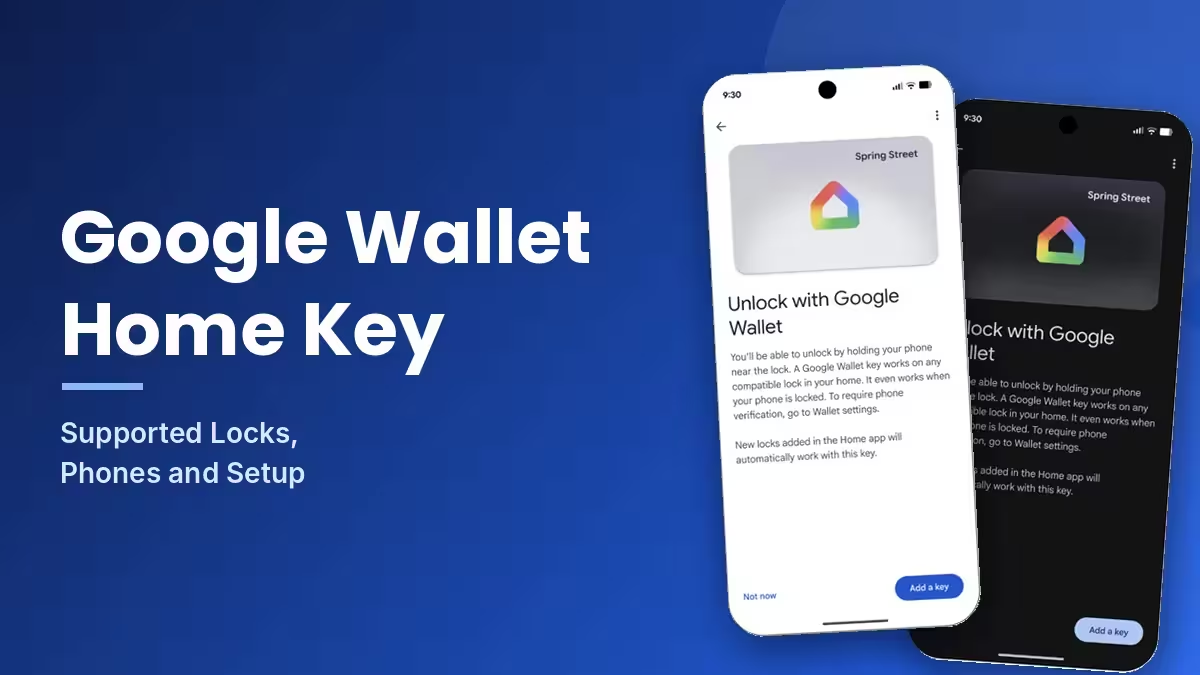
Choose locks with a keypad, a physical key, or a local radio such as Z-Wave, Zigbee or Thread. Yale and Schlage offer models that work through a local controller. Treat any Wi-Fi bridge as an optional extra. For tap-to-unlock from your phone, check the locks that support Google Wallet Home Key.
Climate
Most smart thermostats keep running stored schedules offline, and you can always adjust them at the wall. For full local automation, pick a Z-Wave or Zigbee thermostat or smart radiator valves. To control an old air conditioner or ceiling fan, grab a cheap IR or RF blaster such as a Broadlink unit and drive it from your hub.
Cameras
Pick cameras that stream over RTSP and record to an SD card or a local recorder. Pair them with Frigate on your hub for on-device person and object detection. If you want a doorbell too, read how to choose a video doorbell that fits a local setup.
Robot vacuums
Home Assistant supports many Dreame and Roborock models. If your vacuum appears on the Valetudo supported list and you feel comfortable with Linux, you can flash it to remove the cloud entirely. If you are still shopping, compare how to choose the best robot vacuum and confirm local support first.
Smart Devices to Avoid for Offline Use
Some popular products depend on their cloud for basic operation. Think twice before you build around them.
- Wyze cameras and sensors: Everything routes through Wyze servers, and no local API exists. The Wyze security breach shows the privacy side of that design.
- Newer TP-Link Kasa and Tapo models: TP-Link has moved toward cloud-required operation. Older models with a local API still work, but new purchases carry risk. If a TP-Link device fails in Home Assistant, see the fix for the TP-Link unsupported device error.
- Google Nest devices: The thermostat holds basic schedules offline, but automations and remote control need Google's cloud.
- Ring cameras and doorbells: Video processing happens in Amazon's cloud, so no internet means no camera.
- Unbranded Tuya Wi-Fi gadgets: These often call home constantly. If you already own some, the Tuya Local integration plus a router firewall rule that blocks their internet access can rescue them.
How to Set Up Local Automations That Run Without Internet
Store every important routine on the hub, never in a manufacturer app or a voice assistant routine. Good starter automations include:
- Motion in the hallway after dark turns on the lights at low brightness.
- The front door opens while the house is in away mode, so the hub triggers a siren and flashes the porch light.
- The thermostat drops a few degrees at bedtime on weekdays.
- Lights shift color temperature from sunrise to sunset using the hub's built-in sun calculation.
- A wireless Zigbee button by the bed switches off every light in the house.
Use sunrise and sunset triggers instead of online weather data, and use Wi-Fi presence detection (your phone joining the home network) instead of GPS tracking that needs mobile data.
Offline Voice Control Without Alexa or Google
Alexa and Google Assistant go silent without internet. Home Assistant's Assist feature fixes that. Install the Whisper add-on for speech-to-text and Piper for text-to-speech, then add a voice satellite such as the Home Assistant Voice Preview Edition or a DIY ESP32-S3 board. Your hub processes every command on your own hardware.
If you rarely use voice, place a few wireless Zigbee buttons around the house instead. They cost little and work every time.
Do Matter and Thread Work Offline?
Yes, in principle. Matter devices talk to each other directly, and Thread builds a local mesh that routes commands through border routers like a smart speaker, a hub or an Apple TV. Neither needs a cloud connection for basic control.
The practical picture looks messier today. Fewer Thread devices exist than Zigbee ones, and some Thread routers still refuse to share a network with other brands, which leaves you with separate networks that cannot trade devices. Home Assistant bridges that gap, and a Thread USB stick costs little. Treat Matter as a useful bonus on top of a Zigbee backbone, not as your only foundation.
Network Settings That Keep Your Smart Home Local
Your local network still carries every Wi-Fi command, so give it some attention.
- Assign static IPs: Give your hub, coordinator host, cameras and Wi-Fi devices fixed addresses so nothing depends on name lookups.
- Use your router's local DNS: Point devices at it instead of an outside server like 8.8.8.8.
- Isolate IoT devices: Put them on a separate SSID or VLAN, and block internet access for devices that have no reason to call home.
- Lock down the router: Change default logins and turn off risky features, as covered in how to secure your home router and the router security checklist.
- Pick a router with VLAN or guest-network support: See the best WiFi routers if yours lacks it.
- Prefer local integrations: Choose the local API option in Home Assistant over the cloud option whenever both exist.
Hidden Offline Failures: Time Drift, DNS and Expired Certificates
Some problems stay invisible until a long outage exposes them. Check these four before you call your setup offline-ready.
- Time drift: Your hub syncs its clock over the internet. During a long outage the clock can drift, and every timed automation drifts with it. Point the hub at your router's NTP server or add a real-time clock module to a Raspberry Pi. A mini PC keeps time on its own battery.
- Name lookups: If your devices find each other by hostname and your DNS server sits outside your home, lookups fail when the line drops. Local DNS or static IPs solve this.
- Expiring certificates: If you reach your hub over HTTPS with a certificate that renews online, a multi-week outage can let it lapse and lock you out. Keep a plain local address by IP as a fallback.
- Quiet cloud dependencies: Wi-Fi plugs tied to a vendor app and cloud thermostats often stop responding to local commands when they can't reach their server. Replace them over time.
Backup Power for Your Hub, Router and Coordinator
Storms often take out power and internet together. Put a small UPS behind your router, hub and Zigbee coordinator. That keeps the local brain alive through short cuts and gives battery-powered sensors something to talk to. Keep spare batteries for locks and sensors in a known drawer.
If outages hit your area often and you need remote access, consider a dual-WAN router with a cellular or satellite backup such as Starlink.
How to Test Your Smart Home With the Internet Unplugged
Don't trust a setup you haven't tested. Run this drill a couple of times a year:
- Unplug the WAN cable from your router or switch off the modem. Leave your router and Wi-Fi running so you test the internet loss, not a full network loss.
- Wait at least five minutes. Some devices keep cached connections and only fail once those time out.
- Walk the house. Trigger motion sensors, open doors, press switches, open the dashboard on your phone over home Wi-Fi and check camera recordings.
- Confirm a timed automation fires on schedule, and check that the hub's clock still shows the right time.
- Reconnect the internet and write down everything that failed. Those items form your to-fix list.
Replace or reconfigure the failures one at a time until the whole house passes.
Privacy Benefits of an Offline Smart Home
Local control keeps motion events, camera footage, voice commands and daily routines inside your walls. Manufacturers can't build behavior profiles from data they never receive, and a breach at a vendor's cloud can't expose recordings that never left your house. If privacy matters to you as much as reliability, this benefit alone justifies the switch. Pair it with solid home network security so no outside device can reach your hub.
Is an Offline Smart Home Worth the Effort?
For anyone who enjoys a weekend project, yes. A basic local setup takes a day or two of research and configuration, and it pays you back with faster responses, better privacy and hardware that never turns into a paperweight.
A hybrid approach works well for everyone else. Keep lights, locks, sensors and security on the local hub, and let non-critical extras like streaming speakers use the cloud. You keep the convenience while protecting the functions that matter most.
One caveat: a self-managed system needs occasional care. You will swap batteries, re-pair a stubborn device now and then, and install updates. If you are setting up a home for relatives who live far away, a simpler commercial system may serve them better.
Frequently Asked Questions
Can a smart home really work without internet?
Yes. When you use a local hub and devices that communicate over Zigbee, Z-Wave, Thread or local Wi-Fi, your lights, sensors and automations keep working during an outage. You only lose features that depend on outside servers, such as remote access and cloud voice assistants.
Do I need internet to set up Home Assistant?
You need it during installation to download the software and updates. After setup, Home Assistant runs your devices and automations entirely on your local network.
Will my smart lights work if the internet goes down?
Zigbee and Z-Wave lights keep working through your hub, including scenes and schedules. Cloud-only Wi-Fi bulbs lose their smart features, but they still turn on and off from the wall switch.
Can I use voice control without internet?
Yes, with a local voice assistant. Home Assistant's Assist, combined with Whisper and Piper and a voice satellite device, processes speech on your own hardware.
How do I control my smart home remotely without the cloud?
Install a VPN like Tailscale or WireGuard on your hub and phone. It connects you to your home network securely, though it still needs your home internet to be up. Avoid port forwarding, which exposes your hub to the open internet.
Which protocol is best for an offline smart home?
Zigbee offers the widest choice of affordable devices and works fully offline with a coordinator. Z-Wave suits homes with thick walls. Thread and Matter look promising but have a smaller device catalog today.
How do I check whether my setup truly runs offline?
Disconnect the router from the modem while keeping Wi-Fi on, wait a few minutes, then test every switch, sensor, automation and camera. Anything that fails still depends on the cloud.